
Last updated 08-09-2026
Category:
Reviews:
Join thousands of AI enthusiasts in the World of AI!
Stocktree Studio
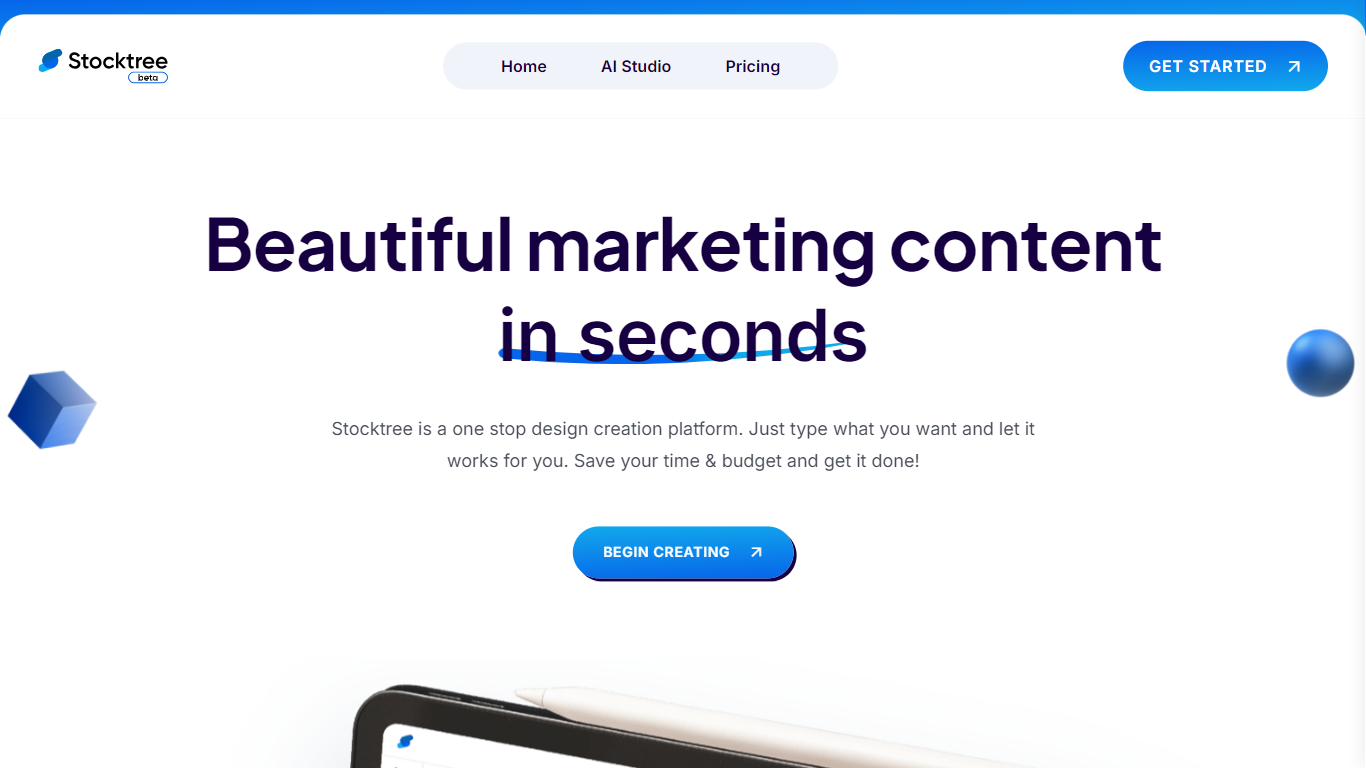
Stocktree Studio turns text prompts into marketing visuals like product photos, social posts, stories, and banners. You work in the browser at studio.stocktree.io, describe what you need, and the platform generates designs with AI while giving you stock assets and editing controls. It targets small businesses, designers, and agencies that need fast branded graphics without opening a full design suite.
Unlike general image generators that return a single picture, Stocktree is built around marketing deliverables with export presets for common aspect ratios, product photo enhancement, and avatar models. The free Basic plan caps you at 10 projects and 100 one-time credits, while paid tiers raise project limits and monthly credits for heavier production work.
Marketing teams, freelance designers, and founders use it when they need social content or polished product shots on a tight timeline. Testimonials on the site highlight the icon library and template workflow for web and UI projects.
Pro plan includes 1000 credits per month across 200 projects
Generate product photos, social posts, stories, and banners from text prompts
Free Basic tier includes 100 single-use credits on up to 10 projects
Export to popular aspect ratios for social and ad placements
Expert plan supports unlimited projects with 2500 monthly credits
Upload product images up to 64MP on paid plans (4MP on free)
Free tier with 100 credits lets you test real projects before paying.
Focused on marketing outputs like product shots and social formats, not just raw images.
Annual billing saves up to 14% on Pro and Expert plans.
Free plan credits are single-use, not monthly replenishment.
Low domain authority suggests a smaller user base than established design suites.
Expert custom AI parameters were listed as coming soon on the pricing page.
Is Stocktree Studio free?
Yes. Stocktree Studio offers a Basic plan at $0 forever with 10 projects and 100 single-use credits. Pro starts at $14 per month and Expert at $35 per month for higher limits.
What can Stocktree Studio create?
Stocktree Studio creates product photos, social media posts, stories, banners, and avatar models. You type a prompt in the AI Studio and export designs in common aspect ratios.
Where do you use Stocktree Studio?
You sign in and create projects at studio.stocktree.io. The marketing site at stocktree.io covers pricing and product information.
How many projects does Stocktree allow?
Stocktree Basic allows 10 projects, Pro allows 200 projects, and Expert allows unlimited projects according to the pricing table on stocktree.io.
Does Stocktree Studio support Google login?
Yes. The Stocktree Studio sign-in page offers email and password login plus a Continue with Google option at studio.stocktree.io.
What image upload limits does Stocktree have?
Stocktree Basic uploads product images up to 4MP. Pro and Expert plans raise the limit to 64MP for larger product and marketing assets.