
Last updated 07-16-2026
Category:
Reviews:
Join thousands of AI enthusiasts in the World of AI!
swapfaces
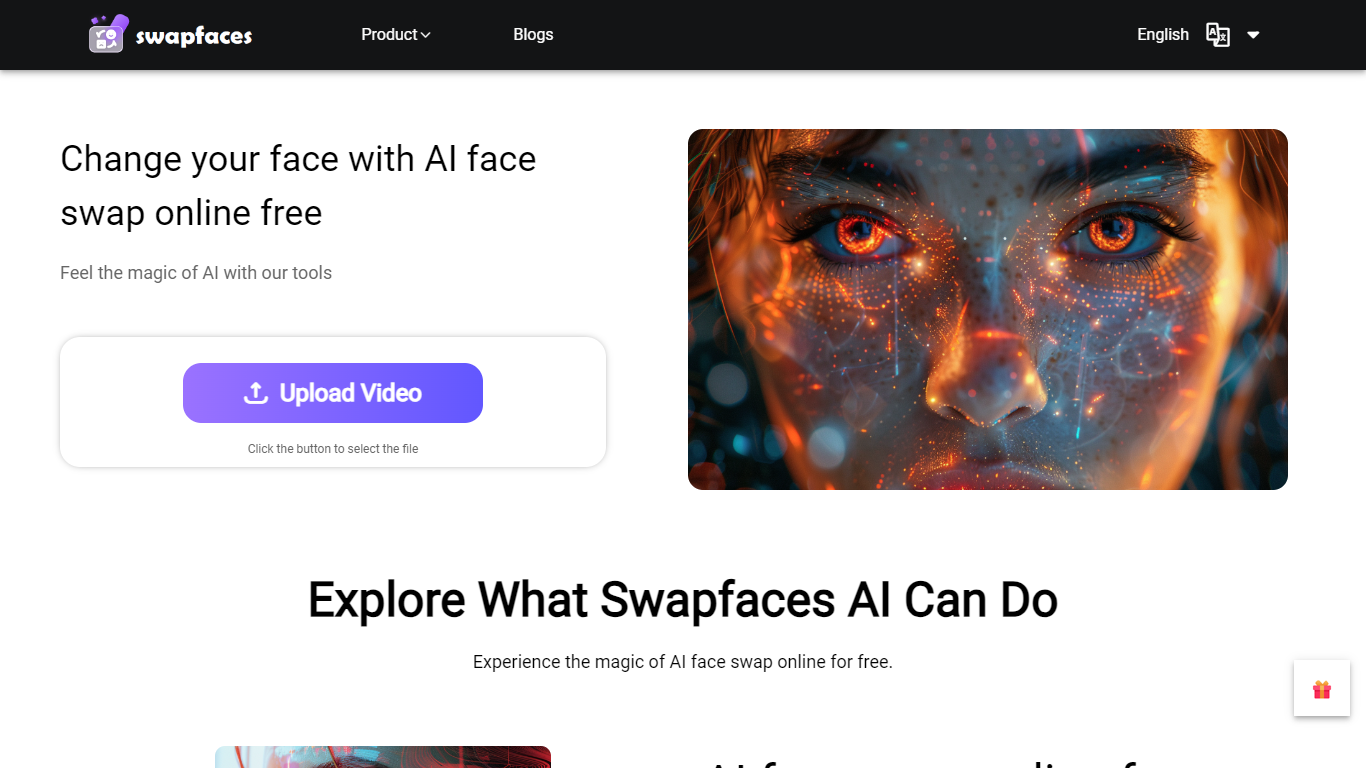
SwapFace is a browser-based face swap platform for photos, videos, and GIFs. Upload a source file, add a replacement face, and get a blended result without installing desktop software. The site also bundles related editing tools like clothes swap, hair swapper, image enhancement, and image-to-video generation.
Processing runs in three steps: upload, detect faces, and swap. The model tracks head movement in video frames and offers both Fast Swap and HD Swap output modes. Uploaded files are encrypted during processing and automatically deleted within 24 hours.
The platform targets content creators, marketers, and casual users who want quick face swaps for memes, social posts, movie scene edits, or e-commerce visuals. New users get free credits, with one-time credit packs available for longer videos, priority processing, and commercial usage on higher tiers.
Swap faces in photos, videos, and GIFs straight from the browser
Long video face swap handles clips up to 10 minutes
Multiple and batch face swap for group photos and bulk jobs
Fast Swap and HD Swap modes with free preview before download
Supports MP4, WEBM, AVI video and JPG, PNG, WebP images
Uploaded files auto-delete within 24 hours with AES-256 encryption
One-time credit packs with no subscription or recurring billing
Browser-based workflow with no desktop install required.
One-time credit packs avoid recurring subscription charges.
Supports photos, videos, GIFs, and multi-face swaps in one platform.
Files are encrypted during processing and deleted within 24 hours.
Higher tiers include commercial usage rights and priority processing.
No dedicated mobile app; everything runs in the browser.
Standard video face swap is limited to 2 minutes and 100MB per file.
Free users face slower queue times and basic output quality.
Site is restricted to users 18 and older with explicit consent requirements.
Is SwapFace free to use?
SwapFace gives new users free credits to try its tools without a subscription. Once credits run out, you can buy one-time credit packs from the pricing page. Daily sign-in also earns bonus credits after consecutive check-ins.
Does SwapFace require an account?
You can preview some face swap results without signing in. Creating an account via Google, Apple, or email unlocks free credits, saved task history, and credit purchase options on SwapFace.
What file formats does SwapFace support?
SwapFace accepts photos in JPEG, JPG, PNG, and WebP up to 10MB. For video face swap, it supports MP4, WEBM, and AVI files up to 100MB and 2 minutes on the standard video tool, with longer options on dedicated long-video pages.
Are uploaded files stored on SwapFace servers?
No. SwapFace deletes uploaded photos, videos, and generated results within 24 hours. The site states files are encrypted during processing and are not used to train its models.
What devices work with SwapFace?
SwapFace runs in web browsers on Windows, Mac, iOS, and Android. There is no dedicated mobile app; all features are accessed through the website.
Can SwapFace results be used commercially?
SwapFace allows commercial use of generated content when your source files do not infringe copyrights or privacy rights. Higher credit plans such as Unlimit include explicit commercial usage rights.
Does SwapFace offer refunds?
SwapFace offers a 30-day refund if you have used 20% or fewer of your purchased credits. First-time customers can also request a refund within 30 days if they have fewer than 10 total uses.