
Last updated 07-30-2026
Category:
Reviews:
Join thousands of AI enthusiasts in the World of AI!
Talk to Jo
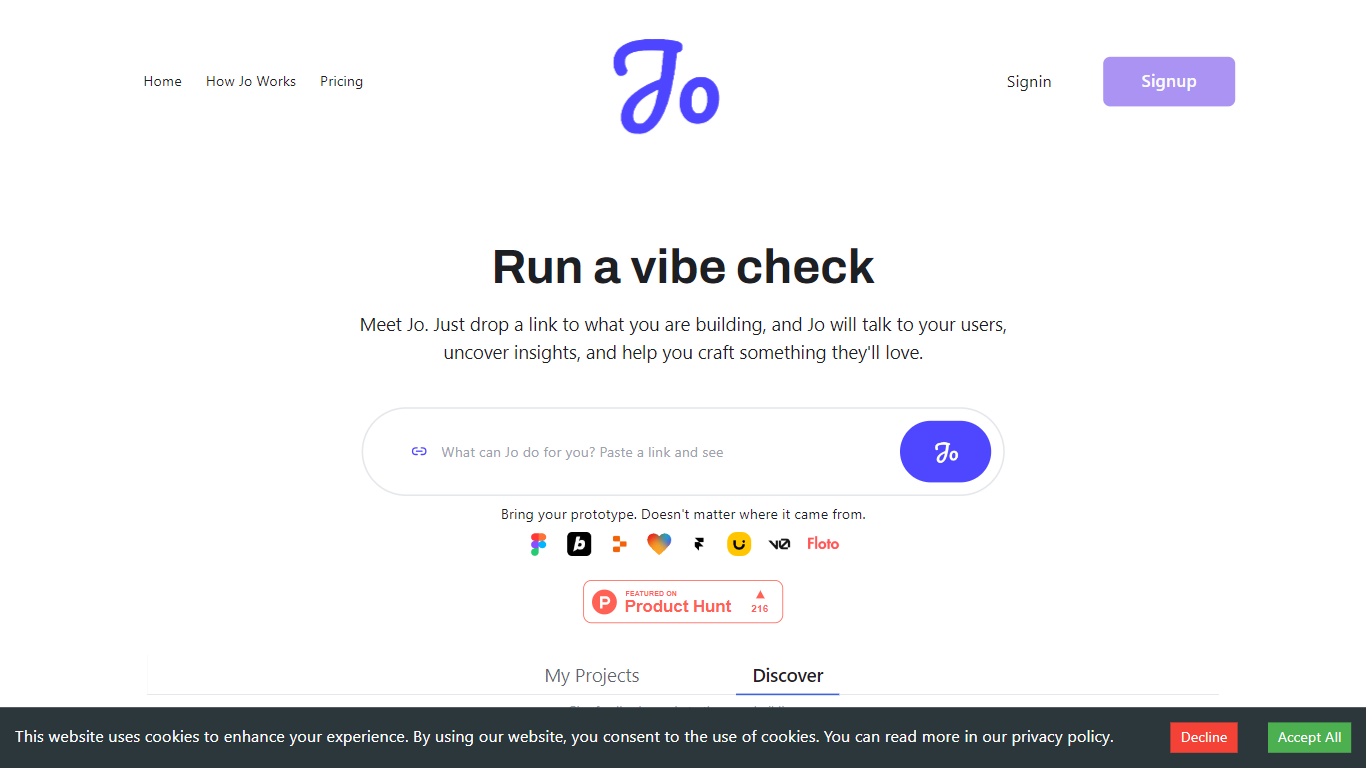
Talk to Jo runs design audits, persona simulations, flow checks, and user interview synthesis from inside Figma or through a shareable project link. Floto built it so product teams get structured feedback analytics without scheduling live research sessions for every iteration.
Most Figma feedback plugins stop at generic AI commentary. Jo layers credit-priced actions (audits at 20 credits, persona tests at 50, flow tests at 75) with a link-based user research mode where Jo interviews real people and synthesizes their answers. Product Hunt listings describe a Feedback Team of PM, design, and user-research agents that react instantly while live interviews run in the background.
Product teams and UX designers who ship in Figma are the core audience. The free tier grants 200 credits per week; Pro is $10 per month for 1,500 credits. Teams plans pool 2,500 credits per seat at $10 each with a three-seat minimum. Floto reports 8,000+ designers on the platform with installs via Figma Community and a Chrome extension.
Design Audit costs 20 credits per run and critiques UI with specific fix recommendations
Persona Testing costs 50 credits and simulates user reactions to your Figma frames
Flow and Prototype Testing costs 75 credits to trace how users move through a prototype
Free plan includes 200 credits per week covering audits, persona tests, flow analysis, and design diff
Pro plan is $10 per month with 1,500 credits and no rate limits
Teams plan pools 2,500 credits per seat at $10 per seat with a 3-seat minimum
Figma Community plugin and Chrome extension installs for in-canvas feedback
Credit-priced actions make it clear what each audit, persona test, or flow check costs before you run it.
Combines in-Figma AI critiques with shareable link-based user interviews in one workflow.
Free tier grants 200 weekly credits, enough to try every core feature before paying $10 per month.
Teams plan pools 2,500 credits per seat for shared personas and priority support.
Primary workflow depends on Figma; the product page warns the plugin is best installed on desktop.
Several jo.floto.ai sub-paths (/pricing, /product, /docs) return 404, so plan details live on floto.ai.
Enterprise and pilot pricing require a sales conversation with no public quote.
What is Talk to Jo?
Talk to Jo is Floto's AI feedback product for product teams and designers. It runs inside Figma and via shareable project links to deliver design audits, persona testing, flow analysis, and synthesized user interview insights.
How much does Talk to Jo cost?
Talk to Jo's free plan gives 200 credits per week at $0. The Pro plan is $10 per month for 1,500 credits. Teams costs $10 per seat per month with 2,500 credits per seat and a minimum of 3 seats. Enterprise pricing is custom.
How many credits does a Talk to Jo design audit use?
A Design Audit in Talk to Jo costs 20 credits per audit. Persona Testing uses 50 credits, Flow Testing uses 75 credits, and Design Diff uses 25 credits per comparison.
Does Talk to Jo work inside Figma?
Yes. Talk to Jo installs as a Figma Community plugin so you can run audits, persona tests, and flow checks directly on your canvas. Floto also lists a Chrome extension for additional access outside Figma.
Can Talk to Jo interview real users?
Yes. Talk to Jo lets you share a project link so Jo can chat with real users and turn responses into research insights. Floto also added PM and design AI agents that give instant feedback while user interviews run.
Is there a free plan for Talk to Jo?
Talk to Jo offers a free forever plan with 200 credits per week. That covers Design Audit, Persona Testing, Flow Analysis, and Design Diff before you need the $10 per month Pro upgrade.