Top 15 AI Christmas Photos Generator tools in 2026
🎅 Transform Your Holiday Memories with AI Christmas Photo Generators! 🎄
Looking for the perfect way to capture the magic of the holiday season without the stress of traditional photo shoots? AI Christmas photo generators are here to save the day! These tools make it easy to create stunning, festive portraits that showcase the joy of Christmas—all from the comfort of your home.
Whether you want to pose by a glowing Christmas tree, in a cozy winter cabin, or surrounded by a snowy wonderland, these tools offer endless possibilities for personalized holiday photos. Just upload your selfies, select a festive style, and let the AI work its magic!
Ready to explore the best options? Here’s a list of the top AI Christmas photo generators to make your holiday memories even more special. Let’s dive in! 🎁
Christmas Images Generator
Why choose Christmas Images Generator ?
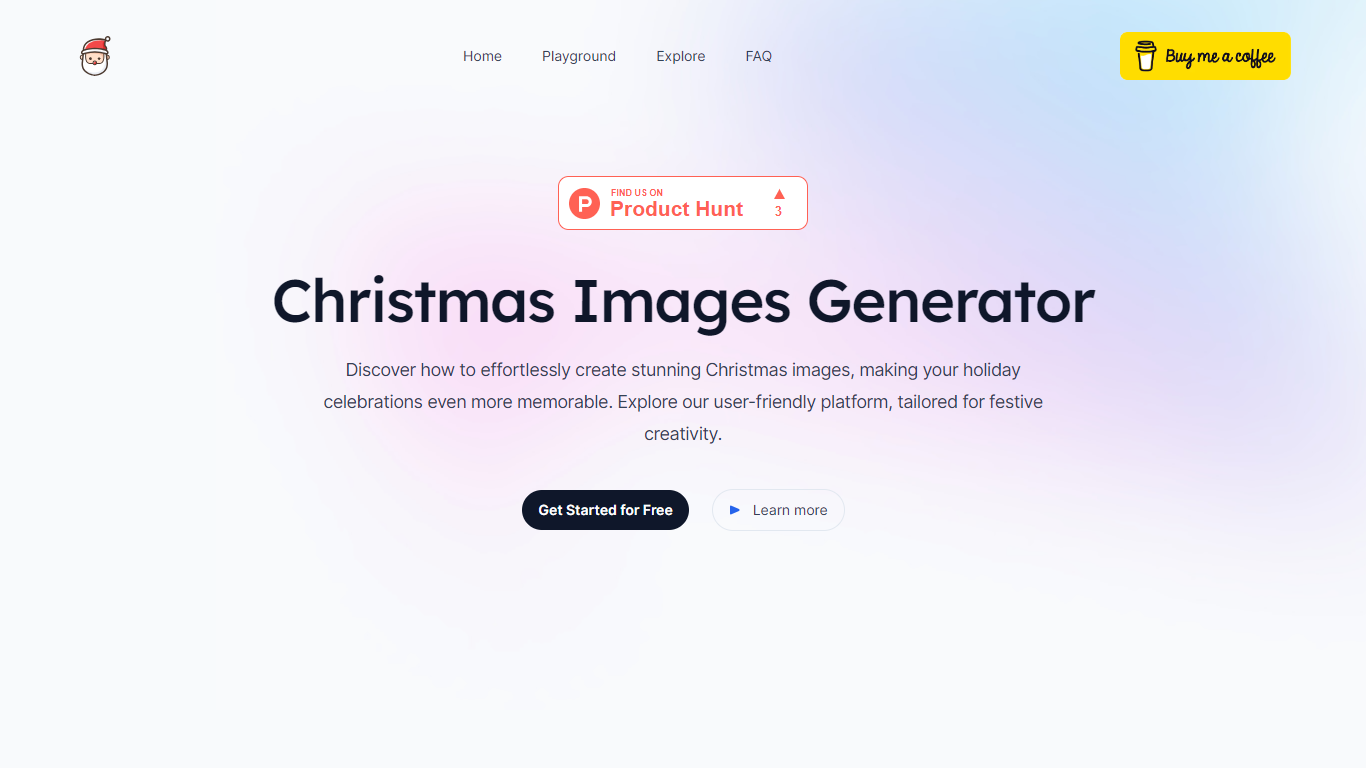
The Christmas Images Generator is an innovative online platform that allows users to create captivating Christmas-themed images with ease and for free, without the need for login credentials. This user-friendly website leverages advanced Stable Diffusion technology to transform your festive ideas into high-quality, customizable images ideal for holiday cards, social media posts, or decorations.
The simple interface is tailored for both beginners and experts in image generation, facilitating the use of customizable prompts to guide the AI in creating unique and spirited visuals. A rich gallery provides inspiration from a diverse range of user-generated Christmas images. Whether for personal enjoyment or professional projects, this platform ensures a merry and creative holiday season.
Innovative Image Generation: Utilizes advanced Stable Diffusion technology to create unique Christmas images.
User-Friendly Interface: Designed for an effortless experience, making it accessible for both beginners and experts.
Customizable Prompts: Allows personalization of images with prompts to reflect your unique holiday spirit.
High-Quality Outputs: Delivers high-resolution images ideal for various festive uses.
Simple Steps: Guides users through an intuitive process for crafting the perfect Christmas image.
AI Christmas Photo
What does AI Christmas Photo do?
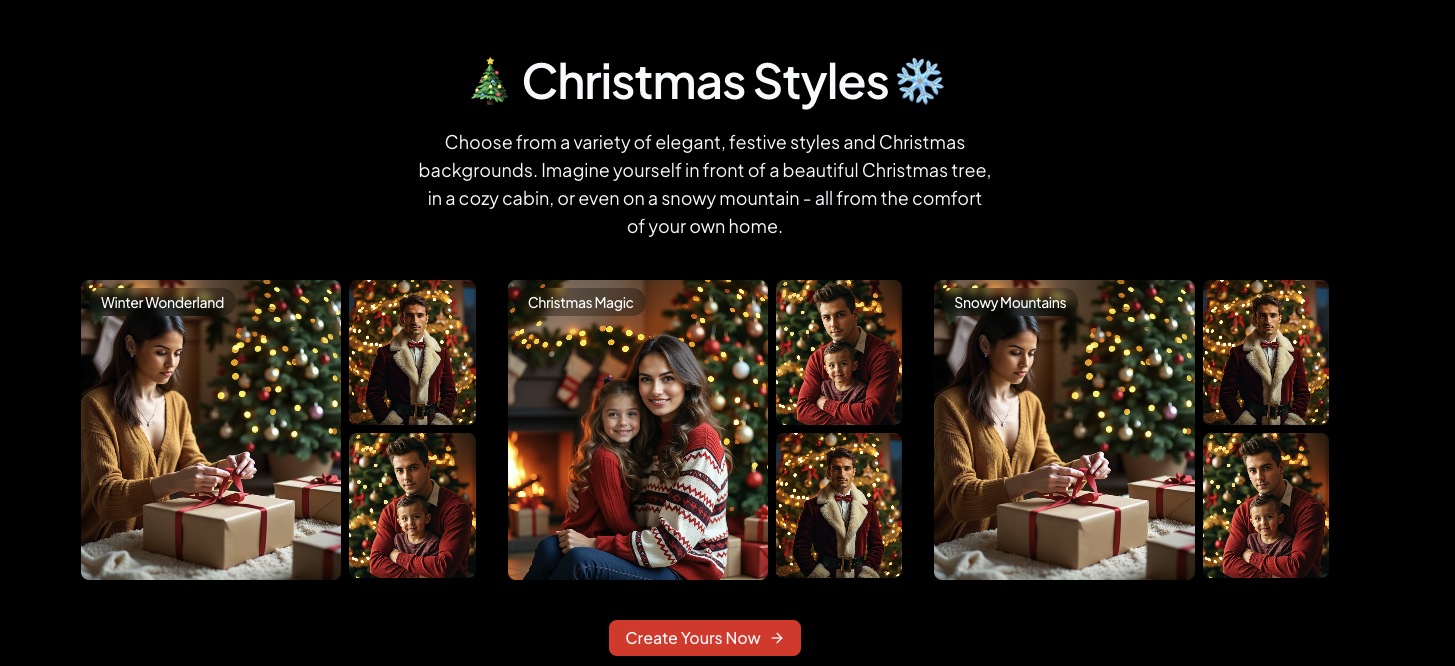
AI Christmas Photo turns everyday portraits into festive holiday images with themed backdrops, lighting, and outfits. Upload a photo, pick a style like Classic Santa, Winter Wonderland, Cozy Cabin, or Glam Studio, and the site returns an HD Christmas portrait in seconds without manual editing.
Generic face-swap apps chase realism alone; AI Christmas Photo ships eight holiday-specific templates and advertises natural face retention so expressions stay recognizable inside the seasonal styling. Credit packs are one-time purchases that never expire, with the Starter pack at $9.90 for 100 credits (about $0.20 per image) using the Nano Banana model.
Families, content creators, and social users rely on it for cards, TikTok posts, and Instagram greetings. The homepage reports 28,120+ generated photos, encrypts uploads, and deletes source files after processing.
Eight holiday styles including Classic Santa, Winter Wonderland, Cozy Cabin, and Christmas Lights
Free trial with no payment required before your first AI Christmas portrait
Starter credit pack costs $9.90 for 100 credits, about $0.20 per HD image
Pro pack delivers 300 credits for $19.90 using the Nano Banana high-quality model
Uploads are encrypted and source photos are deleted after generation
One-click sharing targets TikTok, Instagram, and X from the results page
Christmas Photo Generator - Easy-Peasy.AI
Why choose Christmas Photo Generator - Easy-Peasy.AI? and how does it work?
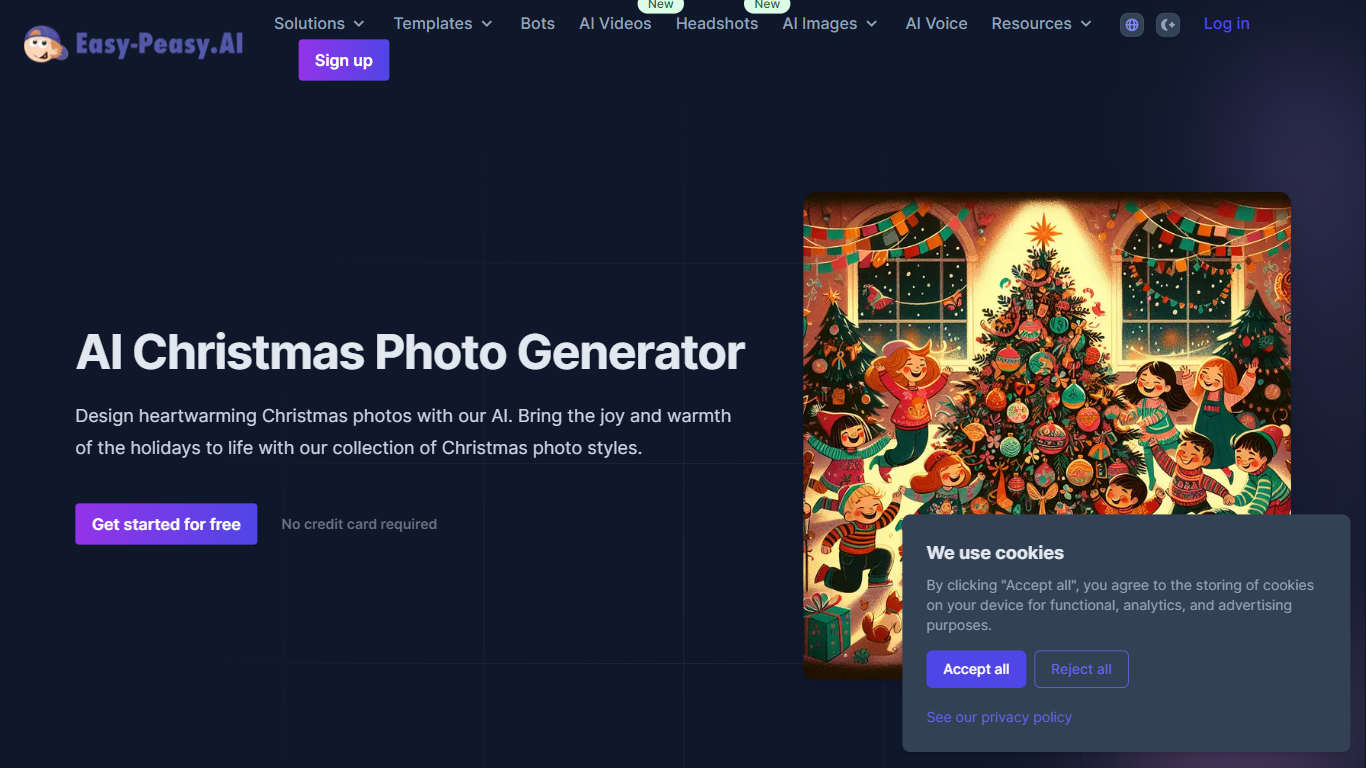
Christmas Photo Generator is a dedicated style page inside Easy-Peasy.AI's image generator. It focuses on festive holiday portraits and cozy seasonal scenes rather than general-purpose image creation.
The page walks you through describing Christmas-themed shots, from family portraits by the tree to street scenes with snow and twinkling lights. You can also upload a reference image if you want to modify an existing photo instead of generating from scratch.
Easy-Peasy.AI is a broader creative platform used by more than 2 million people across 150+ countries. This Christmas tool is one of many style presets in the image generator, which supports 20+ visual styles and dozens of AI models on the main platform.
Describe cozy family portraits, decorated trees, and snowy scenes using built-in Christmas prompt guidance
Browse a gallery of example holiday outputs for cards, pajama photos, and fireplace shots
Add seasonal props like hot cocoa, candy canes, ornaments, and twinkling lights through prompt tips on the page
Upload a reference image when you want to modify an existing photo instead of starting from text alone
Jump into creation from the landing page with no credit card required to get started
AI Nero Christmas Photo Generator
Why use AI Nero Christmas Photo Generator?
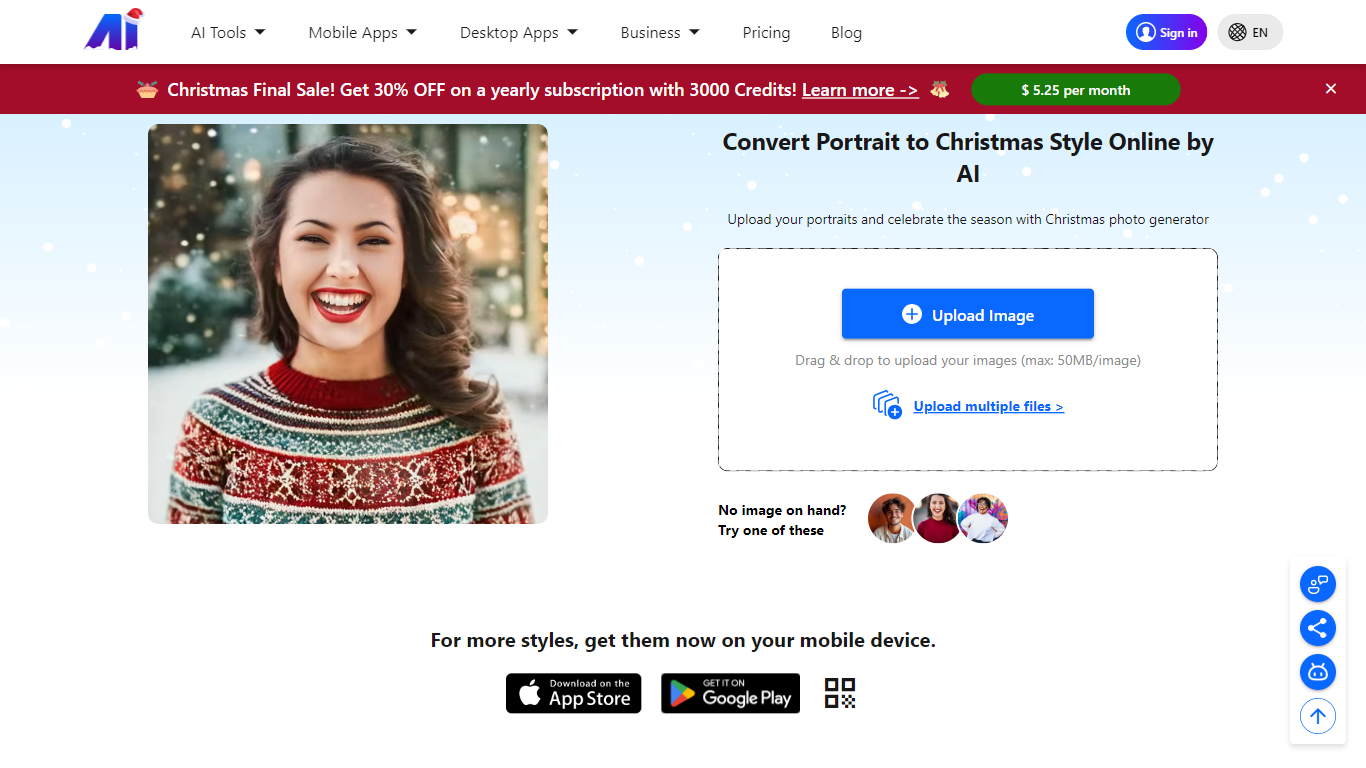
Upload a portrait to AI Nero Christmas Photo Generator and get back a festive holiday image with snowy backgrounds, twinkling lights, and cartoon-style Christmas themes. Drag and drop a photo up to 50MB, pick a festive model, and the Nero AI engine returns a shareable holiday portrait in seconds.
Unlike generic image editors, this generator is built for one seasonal job: portrait-to-Christmas-card output without manual masking or layer work. Nero runs it on a credit system shared across its AI suite, with free accounts getting 10 Nero Credits and paid Pro plans unlocking larger batch queues and priority processing.
Families, social media creators, and small businesses use it for Christmas cards, profile photos, and holiday campaign posts. Sample portraits and pet photos are available if you want to test before uploading your own image.
Upload portraits up to 50MB via drag and drop with sample images for quick testing
Transforms photos into Christmas card designs with snowy landscapes and festive cartoon styles
Free accounts include 10 Nero Credits; sharing the tool earns 5 additional credits
Batch processing handles up to 5 images on the free tier and 30 on Pro plans
Rated 4.1 out of 5 based on 499 user reviews on the product page
AI Christmas Photo Generator
Why choose AI Christmas Photo Generator? and how does it work?
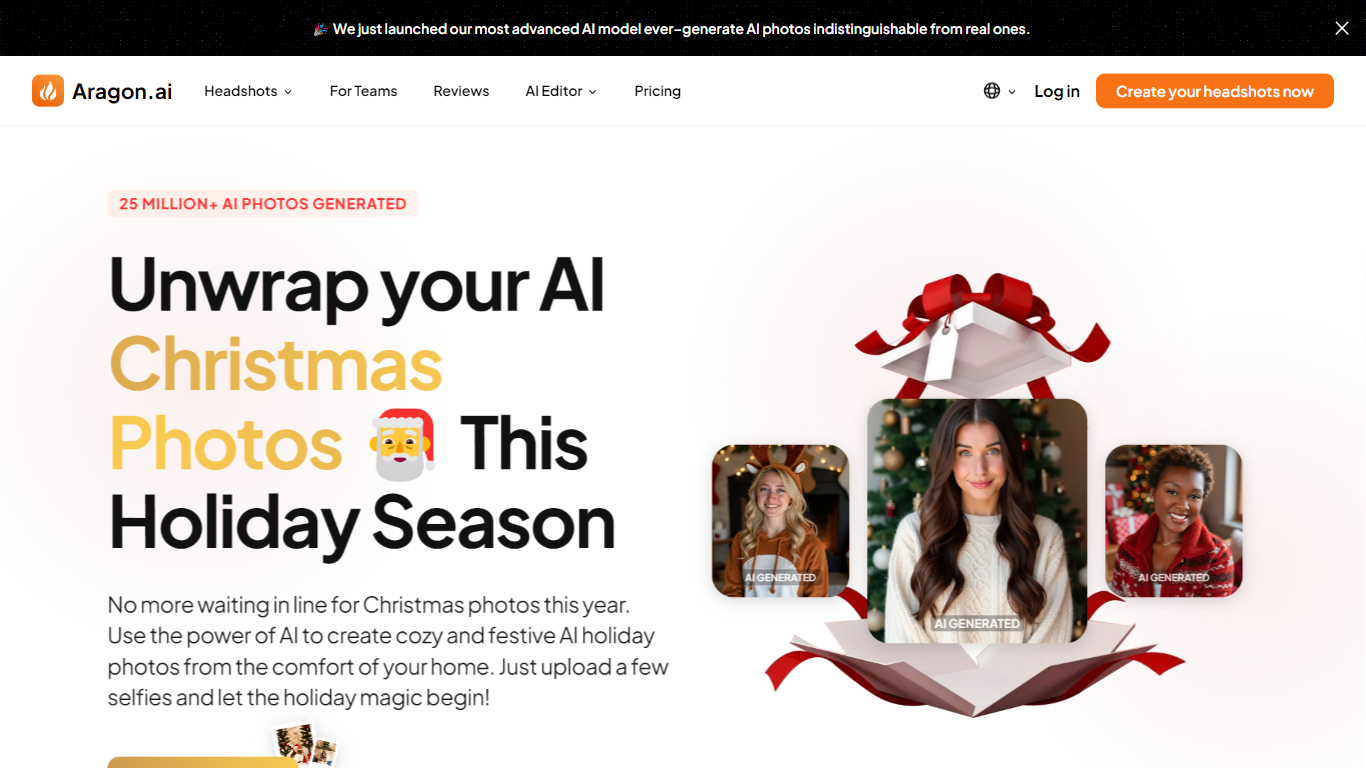
AI Christmas Photo Generator is Aragon's holiday photo pack that turns six selfies into festive portraits for cards, family photos, social posts, and gifts. Upload casual selfies from any season, and the tool places you in Christmas scenes without writing prompts or booking a studio session.
The generator is part of Aragon's broader photo pack library, which spans 100+ themed styles. For Christmas, you can pick scenes like snowy landscapes, sparkling trees, Santa outfits, and winter wonderland backdrops. Aragon handles outfits, poses, and backgrounds automatically after you upload.
It fits anyone who wants holiday photos on their own schedule. Families, couples, and pet owners can each upload their own selfies to build matching cards or shareable posts. Finished images are ready to download for printing or social sharing.
Upload just six selfies and skip the holiday photo studio line
No prompts needed; Aragon styles festive outfits and backdrops for you
Pick from snow scenes, Christmas trees, Santa looks, and winter settings
Works for individuals, family members, and pets with separate uploads
Download results for Christmas cards, social posts, and printed gifts
fotosdeperfil
What does fotosdeperfil do?
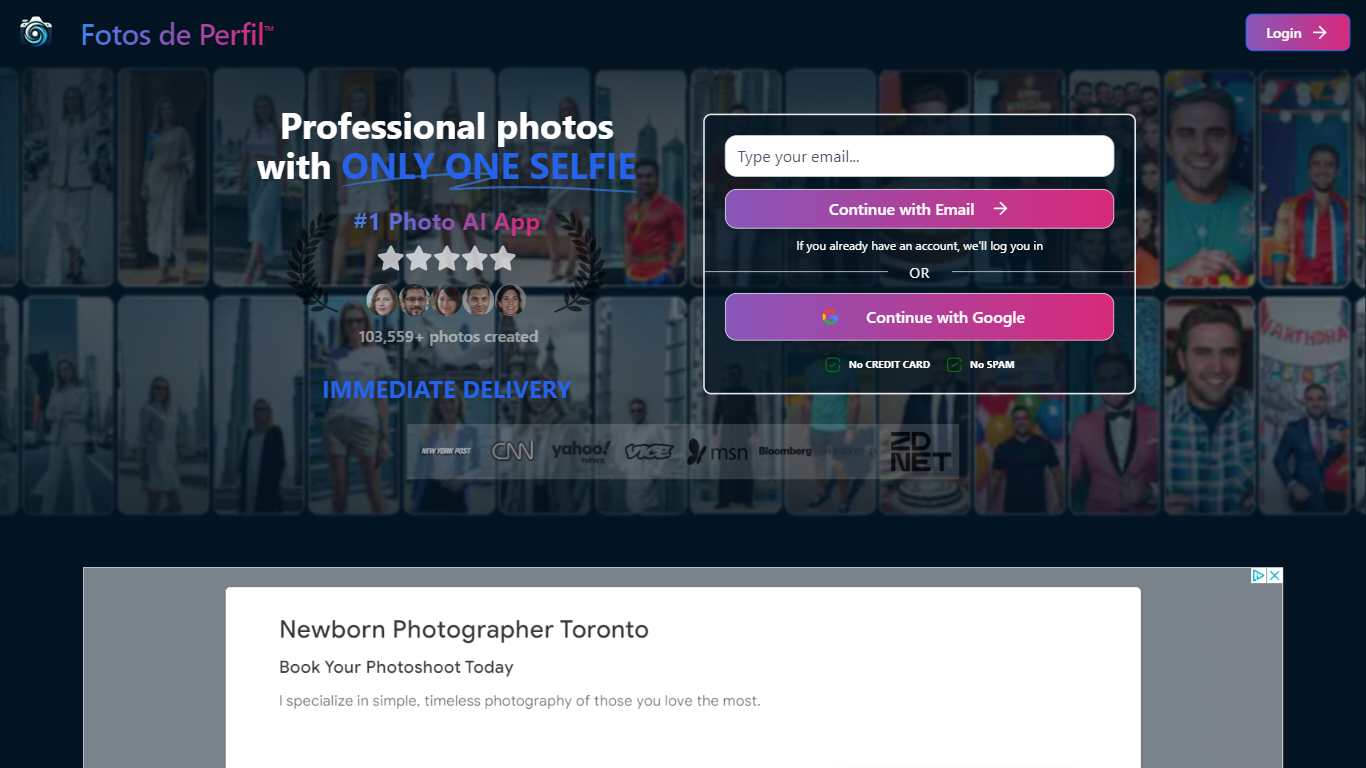
Fotos de Perfil, now known as Photo AI Studio, is an AI-driven platform that transforms a single selfie into a wide range of professional-quality images and videos. It offers over 200 curated photo styles including editorial, CEO, fantasy, vintage, and anime looks, delivering results within seconds. Users can generate unlimited edits to perfect their images, making it ideal for social media, professional branding, and creative projects.
The platform caters to individuals, creators, brands, and professionals who want high-quality photos without the hassle of traditional photoshoots. It supports a variety of use cases such as professional headshots, product shots, virtual clothes try-ons, avatar creation, and video generation, expanding its appeal beyond just profile pictures.
Photo AI Studio emphasizes hyper-realistic detail with native 4K resolution outputs, ensuring images are print-ready and maintain quality even at high zoom levels. The service also includes powerful editing tools like background changers, hair and makeup editors, and magic erasers, allowing users to customize their photos extensively.
The value proposition lies in providing a full photography studio experience in a single app, eliminating the need for photographers or studio rentals. Its fast processing, diverse style options, and user-friendly interface make professional photography accessible and affordable.
Technically, the platform leverages advanced AI models for image generation and enhancement, supporting features like AI skin enhancement, expression changes, and video content creation. It also offers free AI tools for quick edits without sign-up or watermarks.
Overall, Fotos de Perfil has evolved into a comprehensive AI photo and video studio that serves a broad audience with diverse creative needs, maintaining its commitment to quality, speed, and affordability.
200+ curated photo styles for diverse looks 🎨
Generate professional headshots and product shots 📸
Native 4K resolution images with hyper-realistic detail 🔍
Powerful editing tools including background and hair style changers ✂️
Create authentic user-style videos and avatars 🎥
Xmasinator
Why choose Xmasinator? and how does it work?
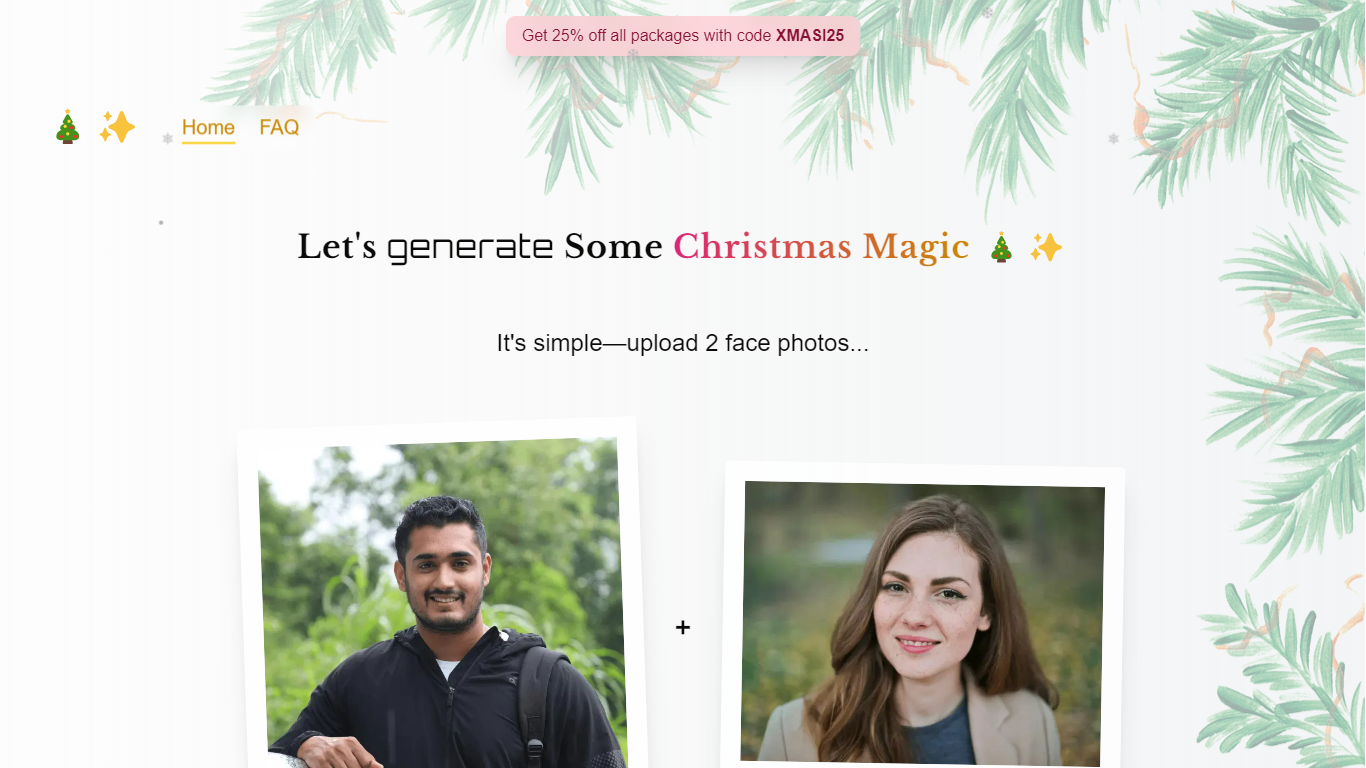
Xmasinator is a seasonal web app that turns your uploaded photos into Christmas-themed images for cards, wallpapers, and other holiday keepsakes. Upload a portrait, pick a festive concept, and the site generates a personalized scene built around your face.
The generation pipeline uses Picsi.ai with InsightFace for face replacement, so your likeness lands inside the holiday artwork rather than sitting beside it. Purchases include retries, so you can rerun a generation on the same photo if the first result is not quite right.
The tool is run by We Know How to Do It Ltd. and is built for anyone who wants custom holiday visuals without opening Photoshop. As of early 2026, the homepage notes the service is wrapped up for the season and may return next year.
Upload a portrait and get back a Christmas-themed image for cards or wallpapers
Face replacement runs through Picsi.ai, powered by InsightFace
Every purchase includes retries so you can rerun the same photo
Accepts PNG and JPG uploads up to 8MB
Sign in with Google to manage your account and generations
Reface
What does Reface do?
Swap your face into GIFs, clips, and photos, or generate AI avatars from a selfie, using the Reface mobile app. The company behind reface.ai builds AI-native consumer apps, and the flagship Reface product focuses on face-swap video edits and avatar creation with downloads topping 300 million across its portfolio.
Dedicated face-swap apps usually stop at one gimmick filter. Reface pairs real-time face replacement with a growing app lineup, including Revive for singing photos, Restyle for AI filters on video, and Ink AI for tattoo previews, all shipped from the same studio. That breadth matters if you want face edits plus related creative tools without juggling unrelated vendors.
Casual creators, meme makers, and social media users download Reface on iOS and Android for quick face swaps before posting. Subscriptions auto-renew through the App Store or Google Play, and reface.ai documents how to manage or cancel plans from device settings or the web dashboard.
Face-swap and AI avatar creation in the flagship Reface mobile app
Portfolio apps exceed 300 million total downloads per reface.ai
Revive turns still photos into singing videos from the same studio
Restyle applies AI filters to photos and videos via a separate app
Subscriptions auto-renew through App Store or Google Play billing
PhotoGPT
How does PhotoGPT work?
PhotoGPT is an AI creator studio for generating images and videos, editing photos, upscaling assets, and building personalized visuals from prompts, presets, and uploaded references. The platform combines image generation, video creation, photo editing, upscaling, and workflow planning in one workspace called PhotoGPT Flow.
You can train private models from selfies for repeatable portraits and headshots, browse 100+ style presets, or guide outputs with reference images. The studio supports product photography, virtual try-on, social content, thumbnails, and campaign workflows with models including Google Veo 3.1, Seedance 2.0, and Kling 3.0.
PhotoGPT is built for creators, marketers, and brands who need polished visuals without juggling separate tools for generation, retouching, and animation. The site reports more than 550,000 users and a 4.9 out of 5 average rating from verified purchasers.
Generate AI photos, headshots, product shots, and social visuals from prompts or selfies
Create AI videos with Veo 3.1, Seedance 2.0, Kling 3.0, and Kling 3.0 4K inside one studio
Edit uploaded photos with prompt-driven background swaps, relighting, retouching, and cleanup
Upscale AI images for sharper detail before publishing to web, social, or print
Plan connected image and video workflows on a visual storyboard with PhotoGPT Flow
Train private models from selfies so portraits and headshots stay consistent across outputs
Browse 100+ presets for headshots, product ads, thumbnails, and seasonal creative styles
Appy Pie
How does Appy Pie work?
Appy Pie turns a plain-English app description into native Android and iOS mobile apps without writing code. You type a prompt, get a working preview in under a minute, then refine screens in a visual editor before publishing to Google Play and the Apple App Store. Backend, database, authentication, payments, push notifications, and cloud hosting are included so you do not configure separate infrastructure.
Where most AI app builders output web prototypes you still cannot install from a store, Appy Pie compiles Kotlin .aab files for Google Play and Swift .ipa builds for the App Store. Lovable, Bolt.new, and Replit excel at fast web demos with code export; Appy Pie trades code ownership for a guided publish-to-store flow with push, Stripe, PayPal, and 17+ regional payment gateways built in.
The platform bundles 200+ feature modules for ecommerce, restaurant ordering, bookings, loyalty, chat, analytics, and offline access. It also offers website builder and workflow automation products under the same brand. Prompts work in eight languages, and the same project supports iterative AI edits like adding a loyalty tab without restarting from scratch. Founded in 2016, Appy Pie reports 10 million+ registered builders and apps published across 190+ countries.
You can build and preview apps free with no credit card. Publishing to app stores requires a paid plan from $16 per app per month on annual billing, with a 7-day trial on paid tiers. Each app needs its own subscription, and Google Play ($25 one-time) and Apple ($99/year) developer fees stay separate from Appy Pie pricing.
Type a plain-English prompt and get a native Android and iOS app preview in under 60 seconds
Generates Kotlin .aab and Swift .ipa store binaries, not mobile web wrappers
200+ drag-and-drop modules cover payments, bookings, push, chat, and analytics
Backend, database, auth, REST APIs, and cloud hosting included on every paid plan
Stripe, PayPal, Apple Pay, Google Pay, and 17+ regional payment gateways pre-wired
Describe app ideas in 8 languages including English, Spanish, Arabic, Hindi, and French
Lucidpic - AI Person Generator
Why use Lucidpic - AI Person Generator?
Lucidpic is an avatar and person generator built around one idea: create a realistic human once, then reuse that same identity across new photos and videos. You can upload your own photos to build an AI version of yourself, or design a fictional person from a prompt. The Studio then generates consistent portraits, full-body shots, campaign images, and short video clips without starting from scratch each time.
Most image generators treat every output as a one-off. Lucidpic centers the reusable character. You save a person, branch edits in a non-destructive history, and run 21 focused tools (background removal, portrait retouch, clothes swap, export sets) inside the same project. That workflow targets fashion catalog work, UGC ads, and creator personas rather than random one-off portraits.
The platform lists 30+ image models (Nano Banana 2, GPT Image 2, Seedream 5.0 Pro, Flux 2 Klein) and video models (Veo 3.1 Fast, WAN 2.2 Fast, Kling 3.0) in one subscription. Beginners can leave the model on Auto; teams comparing realism, speed, or motion quality can switch per generation. Lucidpic reports 20M+ generations completed on the platform.
Ecommerce marketers, fiction authors, and social creators use Lucidpic when they need believable people across a campaign, not a single stock-style face. Fashion teams develop on-model catalog and social crops from garment references. Authors and creators build recognizable personas for books, trailers, and editorial series. Paid plans include commercial use rights for marketing and advertising.
Build a reusable AI person from your photos or a design prompt, then place that identity in new scenes and outfits
21 focused Studio tools including background removal (1 credit), portrait retouch (2 credits), and image-to-video (8 credits)
30+ image and video models in one workspace, including Nano Banana 2, GPT Image 2, Flux 2 Klein, Veo 3.1 Fast, and Kling 3.0
Credit costs shown upfront: 1 credit per image, 5 credits per video, 60 credits to train a custom character on your photos
Non-destructive image history lets you branch edits, compare versions, and export platform-ready sizes without leaving the project
20M+ generations completed on the platform across person design, editing, and video workflows
Recraft
Why use Recraft? and how does it work?
Recraft generates and edits images, vectors, mockups, and 3D graphics through Recraft Studio using its V4.1 model plus other frontier models. You upload reference images to build reusable custom styles, place text at exact positions, and export editable vector files instead of flat PNGs alone. The workflow fits professional designers who need brand-consistent visuals rather than one-off social posts.
General image generators chase photorealism alone. Recraft speaks design language with complex vector output, typography control, and style consistency without training a custom model. Free plan outputs land in the public community gallery, while paid subscriptions grant private files with full commercial ownership. An API and enterprise tier add SOC 2 Type II compliance for teams automating campaigns.
Illustrators, marketers, and in-house design teams at companies like HubSpot, Netflix, and Airbus use Recraft for logos, ads, stock imagery, and mockups. The company reports more than 3 million users across 200 countries and over 350 million images generated since its 2022 founding.
Recraft V4.1 model generates photoreal, vector, and 3D assets with design-ready typography
Custom styles from reference images without model training
Recraft Studio includes mockup generator, vector editor, upscaler, and background remover
Paid plans grant private images with full commercial ownership rights
API exposes V2 through V4.1 models for batch jobs, inpainting, and outpainting
LightX Editor
How does LightX Editor work?
LightX Editor is an all-in-one creative workspace for editing photos, designs, and videos in the browser. You get generative image tools, portrait retouching, background removal, and video creation under one account. It is built for creators, e-commerce sellers, and anyone who needs polished visuals without installing desktop software.
The platform lists 80+ editing tools and 25+ dedicated AI features, from headshot generation and virtual outfit try-on to product photoshoot backgrounds and text-to-video. A developer API at api.lightxeditor.com lets teams integrate background removal, avatar generation, and text-to-image into their own products.
LightX runs on the web with iPhone and Android apps that share the same credit system. The site reports more than 10 million creators, 50 million monthly edits, and 100,000+ AI images generated daily.
Turn text prompts into short videos with smooth transitions in a few clicks
Generate professional headshots with custom lighting, framing, and backgrounds
Virtual outfit try-on previews clothes on your photo without a physical shoot
Remove backgrounds with edge-precise cutouts and export clean PNGs
Restore faded or torn old photos with repaired detail and color
Developer API with Python, JavaScript, Swift, and Kotlin code samples
80+ editing tools plus design and video templates in one browser workspace
Open Art
What is Open Art? and how does it work?
OpenArt Suite is an all-in-one creator studio for images, video, characters, worlds, and audio. You get access to 100+ premium models from providers like Google Veo, Kling, Seedance, and GPT Image in one workspace, with tools to keep characters and style consistent across projects.
The standout piece is Director, where you create videos by chatting with AI. Pick a format like short film, product ad, or music video and guide the output through conversation. Beyond that, the suite covers text-to-image, frame-to-video, lip-sync, motion sync, image editing, and an MCP server that plugs OpenArt into agents like Claude, ChatGPT, and Cursor.
Built by ex-Googlers in San Francisco, OpenArt targets creators who want a single hub for generative media instead of juggling separate tools for each model.
Director lets you build short films, ads, and music videos by chatting with AI instead of clicking through a dozen settings
One subscription unlocks 100+ image, video, and audio models, from Seedance and Kling to GPT Image and Nano Banana
Character and world builders keep faces, outfits, and scenes consistent from stills through finished video
OpenArt MCP connects your Claude, ChatGPT, or Cursor agent so you can generate images and video without leaving chat
Smart Shot turns a storyboard sheet into a cinematic clip, with lip-sync, motion sync, and VFX tools for post work
Vondy
How does Vondy work?
Vondy puts more than 40,000 AI generators and a Vondy V2 app builder in one workspace for images, writing, audio, marketing copy, and lifestyle planning. You can spin up logos, book covers, workout plans, or product descriptions from the catalog, then move into the builder to add auth, payments, and GitHub sync.
Most AI directories give you one tool per task. Vondy bundles a multi-modal generator marketplace with a team workspace, 48+ model options, and an app builder that ships Stripe checkout, login, analytics, and SEO out of the box. The company reports over 1 million creators and 10 million assets created on the platform.
Freelancers, founders, and marketing teams use Vondy when they want generators and a lightweight product builder in the same account. Paid plans start at $20 per month for 10,000 credits, with Pro+, Ultra, and Enterprise tiers for heavier volume.
40,000+ AI generators spanning design, writing, audio, marketing, and lifestyle categories
Vondy V2 beta builds websites and apps with auth, Stripe payments, and GitHub push
48+ AI models available across image, video, audio, writing, and code tasks
Pro plan includes 10,000 monthly credits and unlimited downloads for $20 per month
Built-in analytics, SEO, and one-click integrations with Stripe and GitHub
Over 1 million creators and 10 million assets reported on the platform