
Last updated 07-30-2026
Category:
Reviews:
Join thousands of AI enthusiasts in the World of AI!
Lucidpic - AI Person Generator
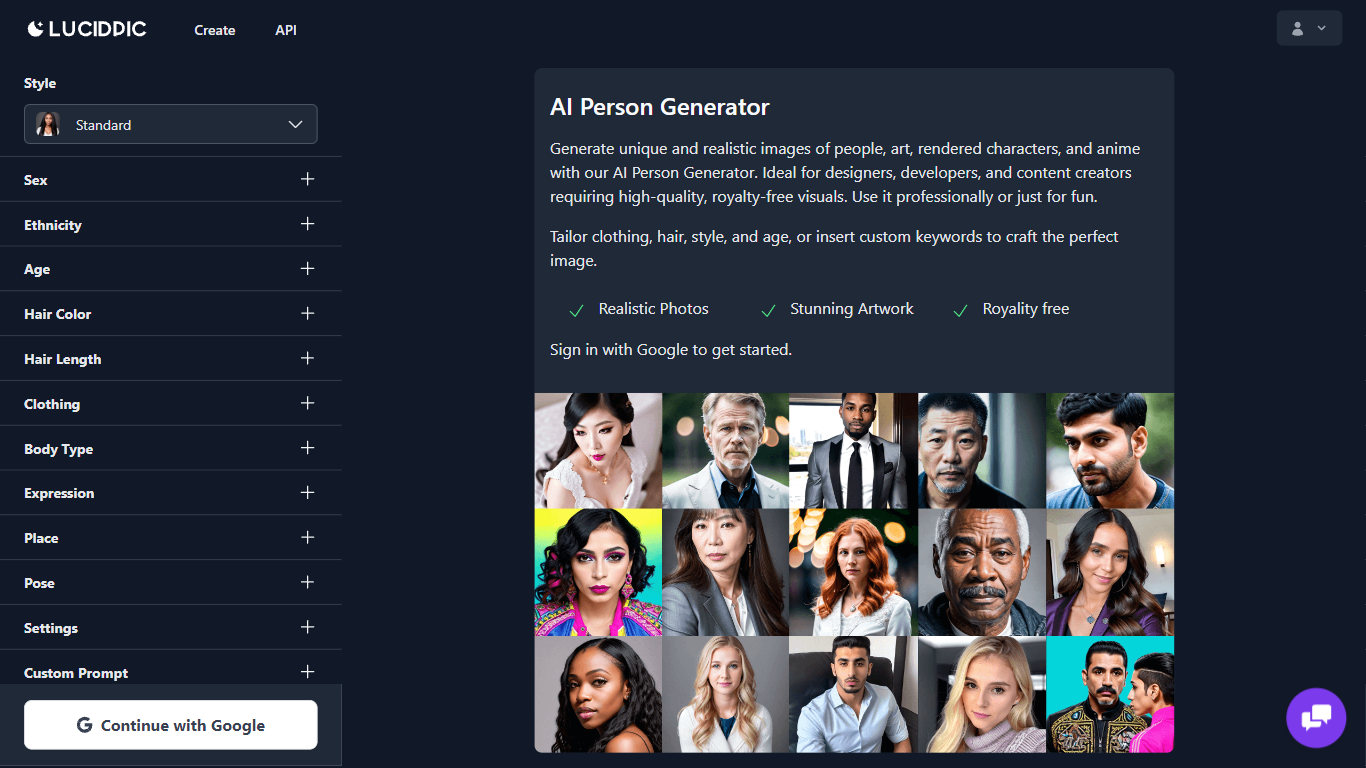
Lucidpic is an avatar and person generator built around one idea: create a realistic human once, then reuse that same identity across new photos and videos. You can upload your own photos to build an AI version of yourself, or design a fictional person from a prompt. The Studio then generates consistent portraits, full-body shots, campaign images, and short video clips without starting from scratch each time.
Most image generators treat every output as a one-off. Lucidpic centers the reusable character. You save a person, branch edits in a non-destructive history, and run 21 focused tools (background removal, portrait retouch, clothes swap, export sets) inside the same project. That workflow targets fashion catalog work, UGC ads, and creator personas rather than random one-off portraits.
The platform lists 30+ image models (Nano Banana 2, GPT Image 2, Seedream 5.0 Pro, Flux 2 Klein) and video models (Veo 3.1 Fast, WAN 2.2 Fast, Kling 3.0) in one subscription. Beginners can leave the model on Auto; teams comparing realism, speed, or motion quality can switch per generation. Lucidpic reports 20M+ generations completed on the platform.
Ecommerce marketers, fiction authors, and social creators use Lucidpic when they need believable people across a campaign, not a single stock-style face. Fashion teams develop on-model catalog and social crops from garment references. Authors and creators build recognizable personas for books, trailers, and editorial series. Paid plans include commercial use rights for marketing and advertising.
Build a reusable AI person from your photos or a design prompt, then place that identity in new scenes and outfits
21 focused Studio tools including background removal (1 credit), portrait retouch (2 credits), and image-to-video (8 credits)
30+ image and video models in one workspace, including Nano Banana 2, GPT Image 2, Flux 2 Klein, Veo 3.1 Fast, and Kling 3.0
Credit costs shown upfront: 1 credit per image, 5 credits per video, 60 credits to train a custom character on your photos
Non-destructive image history lets you branch edits, compare versions, and export platform-ready sizes without leaving the project
20M+ generations completed on the platform across person design, editing, and video workflows
One Studio covers person generation, retouching, background edits, and video from the same image history.
Auto model selection lets beginners start without choosing among 30+ image and video models.
Commercial use rights on paid plans support marketing, social, and advertising projects.
Deterministic tools like crop, resize, and auto-correct run without spending AI credits.
Credit-based pricing means heavy video or character-training workloads consume monthly allocations quickly.
Fashion ecommerce workflows require manual review of garment details, logos, and product accuracy before publishing.
Learning credit costs across 21 tools and 30+ models takes time before you can budget a production workflow.
Free access is meant for exploration; commercial projects require upgrading to a paid subscription.
Is Lucidpic free to use?
Yes. Lucidpic lets you start free and make your first images without a subscription. Paid plans add monthly credits, more tools, and commercial use rights when you need higher volume.
How many credits does an image cost on Lucidpic?
A standard image generation on Lucidpic costs 1 credit. Lucidpic lists per-tool costs before you run an operation, so portrait retouch is 2 credits, background removal is 1 credit, and image-to-video is 8 credits.
Can Lucidpic keep the same person consistent?
Yes. Lucidpic lets you create a reusable character from a prompt or your own photos, then generate that same person across new poses, outfits, locations, and expressions while keeping facial features recognizable.
What AI models does Lucidpic support?
Lucidpic supports 30+ image and video models in one Studio, including Nano Banana 2, GPT Image 2, Seedream 5.0 Pro, Flux 2 Klein, WAN 2.2 Fast, Veo 3.1 Fast, and Kling 3.0. You can start with Auto or pick a model per project.
Can I use Lucidpic images commercially?
Yes. Lucidpic plans include commercial use rights for generated images, so Lucidpic outputs can be used for marketing, websites, social media, and advertising. Use must still follow Lucidpic terms and applicable law.
How do Lucidpic subscription credits roll over?
Lucidpic subscription credits roll over for 1 month. Unused credits from one billing month stay valid through the following month before they expire, as described on the Lucidpic plans page.
Can Lucidpic turn a still image into video?
Yes. Lucidpic can animate an approved still as the first frame and generate a short video clip from it. The image-to-video tool costs 8 credits per clip, and Lucidpic also offers dedicated text-to-video models in the same Studio.