10 Best AI Dance Video Generator tools in 2026
Ever since the AI Baby Dance and Viggle trends took over TikTok and Instagram, everyone has been looking for a way to turn a single photo into a viral-ready dance clip. You no longer need a green screen, professional lighting, or even rhythm. With the right AI dance video generator, you can make anyone or anything bust a move with just a few clicks.
Whether you're a content creator looking to boost engagement with a goofy meme, or a marketer needing a high-energy clip for a social ad, the technology has evolved rapidly. In 2026, we’ve moved past the "uncanny valley" of shaky movements; today’s tools offer precision beat-syncing, character consistency, and one-shot motion transfer that looks surprisingly professional.
But with so many apps popping up, which ones actually deliver smooth results and which just leave you with a blurry mess? We’ve tested the top contenders for speed, ease of use, and realism.
What Makes a "Best" AI Dance Tool?
Before we dive into the list, here is what we looked for:
- Motion Realism: Does the person actually look like they have bones, or do they melt into the floor?
- Prompt Accuracy: How well the AI follows specific instructions like "disco in a neon city" or "moonwalking on Mars."
- Processing Speed: Can you get a 10-second clip in under a minute, or are you stuck in a long queue?
- Template Library: Access to the latest trending TikTok and K-pop choreographies.
VideomakerAI
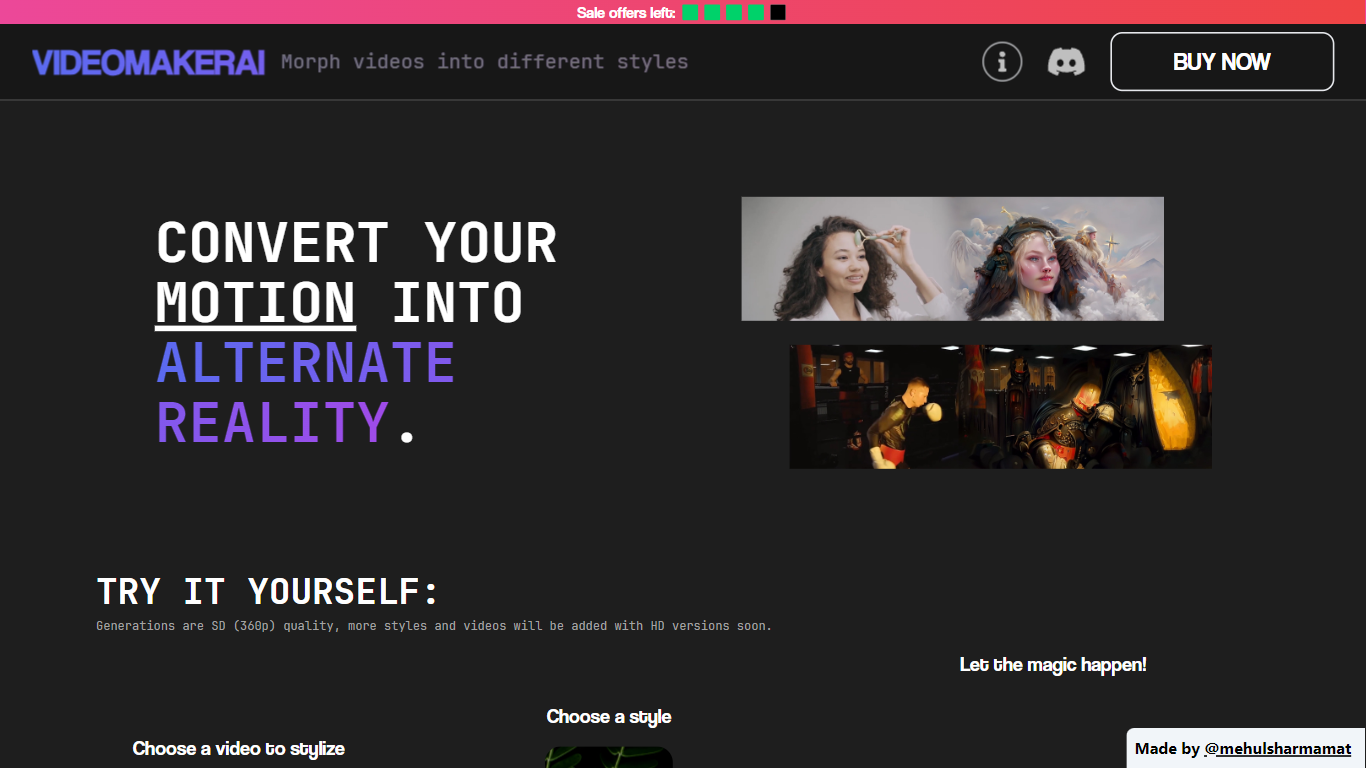
What is VideomakerAI?
VideomakerAI offers an innovative solution to video editing by leveraging the power of artificial intelligence to morph videos into a variety of artistic styles. Whether you are looking to enhance music videos, add a creative touch to footage, or experiment with vlog edits, VideomakerAI provides a selection of styles to transform your motion into alternate realities. Starting with SD (360p) quality generations, the platform promises upcoming HD versions to further enrich user experience. The intuitive process simply requires users to choose a video, select a style from options like Nature, Horror, Robotic, and others to be added soon, then let VideomakerAI work its magic. Completed videos are conveniently delivered via email within 8-12 hours. What sets VideomakerAI apart is its offer of full refunds to the first five customers who are unsatisfied with the small generated video. Additionally, users can request custom styles via Discord. This approach not only ensures satisfaction but also introduces a community aspect to the AI video generation process.
Style Diversity: Variety of styles available to transform your videos into different artistic themes.
AI-Powered: Utilize AI to effortlessly morph video aesthetics.
Continuous Updates: Promised addition of more styles and HD quality video options.
Free Trials: Join the Discord for a free 1-second stylized video preview.
Satisfaction Guarantee: Full refund for the first five sales if not satisfied with the generated preview.
Videotok
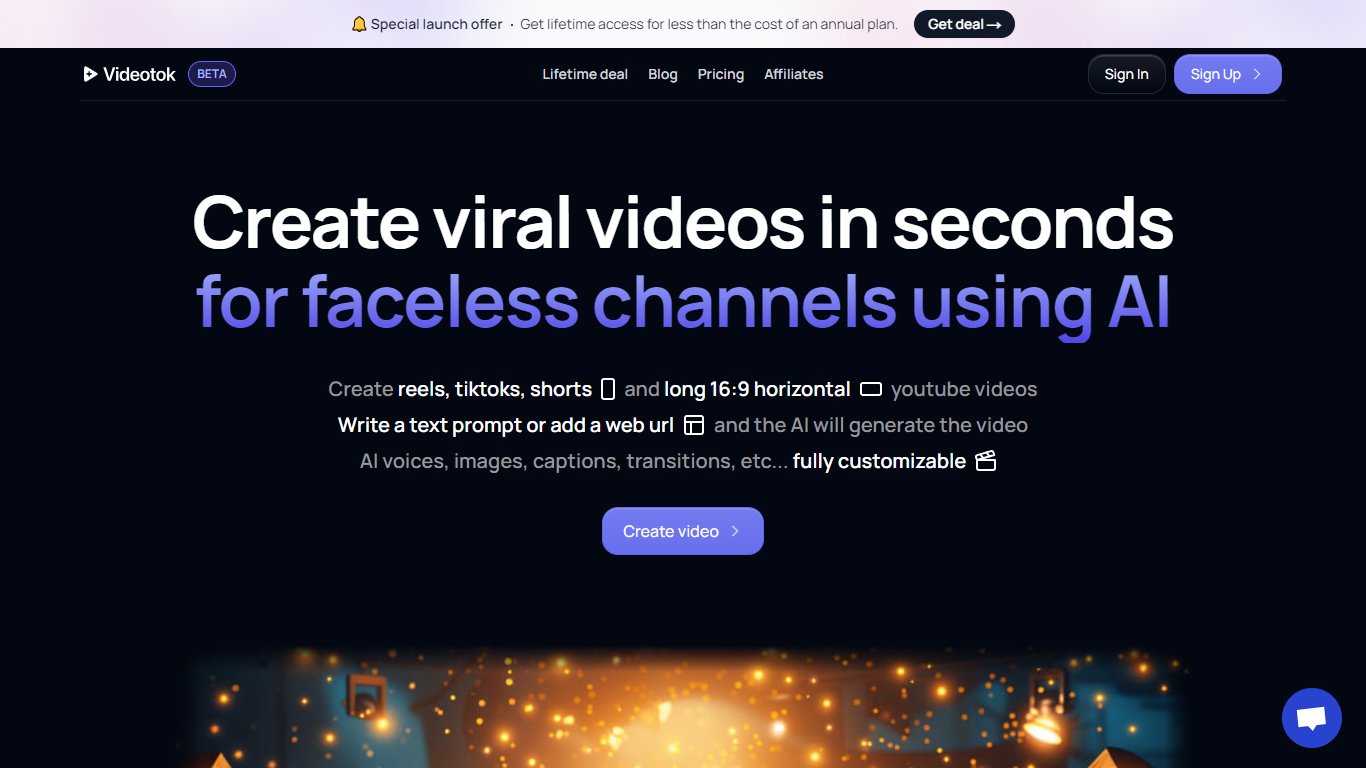
Why use Videotok?
Videotok is an AI creative workspace for faceless videos, product images, static ads, and UGC video ads. Feed it a topic, script, URL, audio file, or product photo and it drafts scripts, scenes, voiceovers, captions, and music you can export or refine in a built-in video editor.
Most video generators stop at a single clip. Videotok keeps generation, editing, and campaign variations in one credit-based subscription that includes Sora 2 Pro, Veo 3.1, Kling Video v3 Pro, Midjourney v7, and Flux 2 Pro. You can also reach it through an MCP server, REST API, n8n templates, or OpenAPI clients instead of working only in the web UI.
It fits marketers, agencies, e-commerce brands, and creators who need product ads, faceless Shorts, or multilingual social creatives without stacking separate model subscriptions, editors, and scheduling tools.
MCP server, REST API, n8n templates, and OpenAPI let you plug Videotok into assistants and automations
One subscription includes Sora 2 Pro, Veo 3.1, Kling Video v3 Pro, Midjourney v7, and Flux 2 Pro
Turn topics, scripts, links, audio files, or products into faceless videos, static ads, or UGC creatives
Pick a curated reference and Videotok writes the prompt, script, and production plan
Built-in editor adjusts script, voice, visuals, captions, timing, and music before export
Paid plans include 30,000 to 350,000 monthly credits with agent social media automation
Supports 50+ languages for captions, voiceovers, and subtitles across export formats
AI Dance Generator
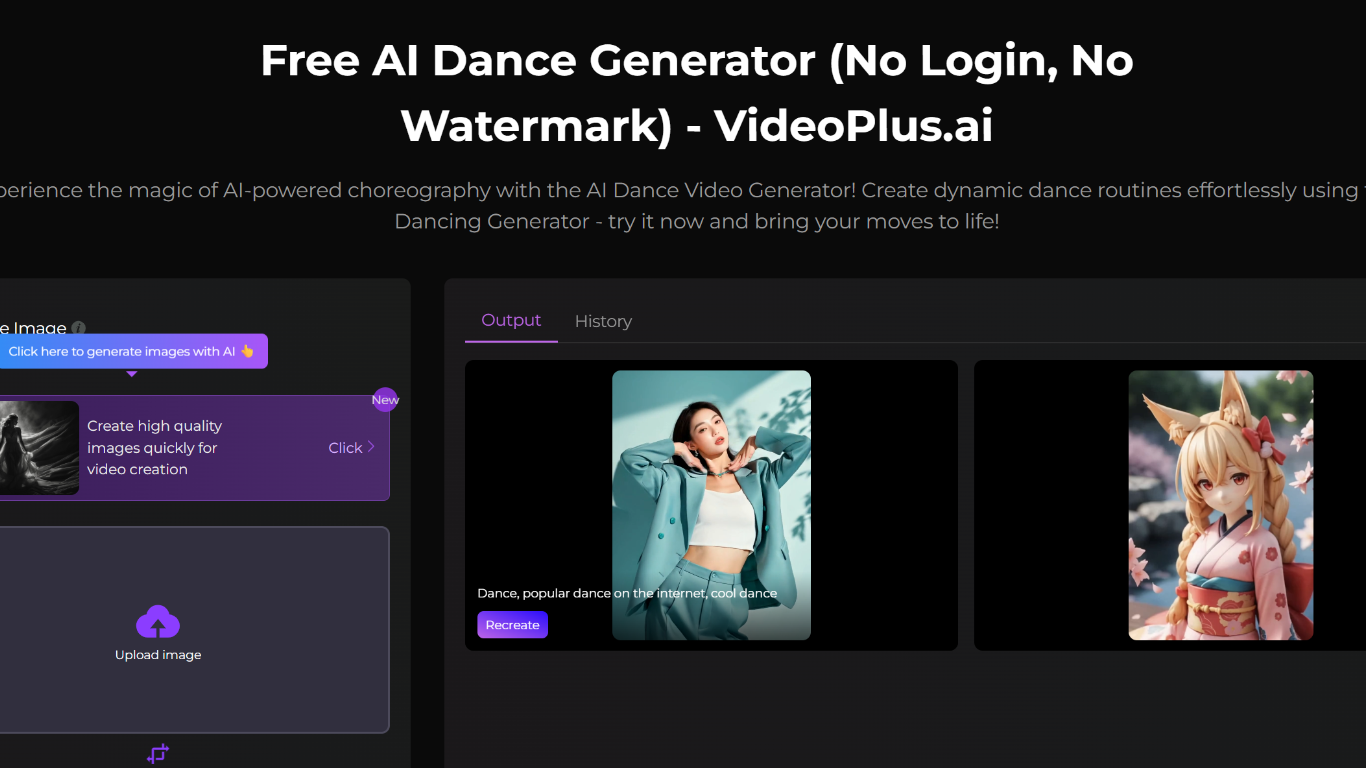
What does AI Dance Generator do?
AI Dance Generator on VideoPlus.ai turns photos into dancing videos using AI motion synthesis. Upload reference images, describe the dance style or effects you want in a text prompt, and the tool generates a short dance clip you can download without a watermark.
The generator supports styles from hip-hop and K-pop to ballet, plus themes like neon cities, elemental effects, and multi-person choreography. VideoPlus.ai positions it for TikTok clips, meme content, brand mascot animation, and short-form ads.
You can try the dance generator in the browser with no sign up required. Paid credit packages unlock additional generations across VideoPlus.ai's broader video and image tools.
Converts uploaded photos into AI-generated dance videos from text prompts
Supports multiple dance styles, characters, and visual effects like fire or neon
No sign up required to start generating on the free dance generator page
Watermark-free video exports ready for TikTok, Reels, and ads
Generates most videos in under three minutes according to the site
Part of VideoPlus.ai's broader image-to-video and effects toolkit
Vidnoz AI
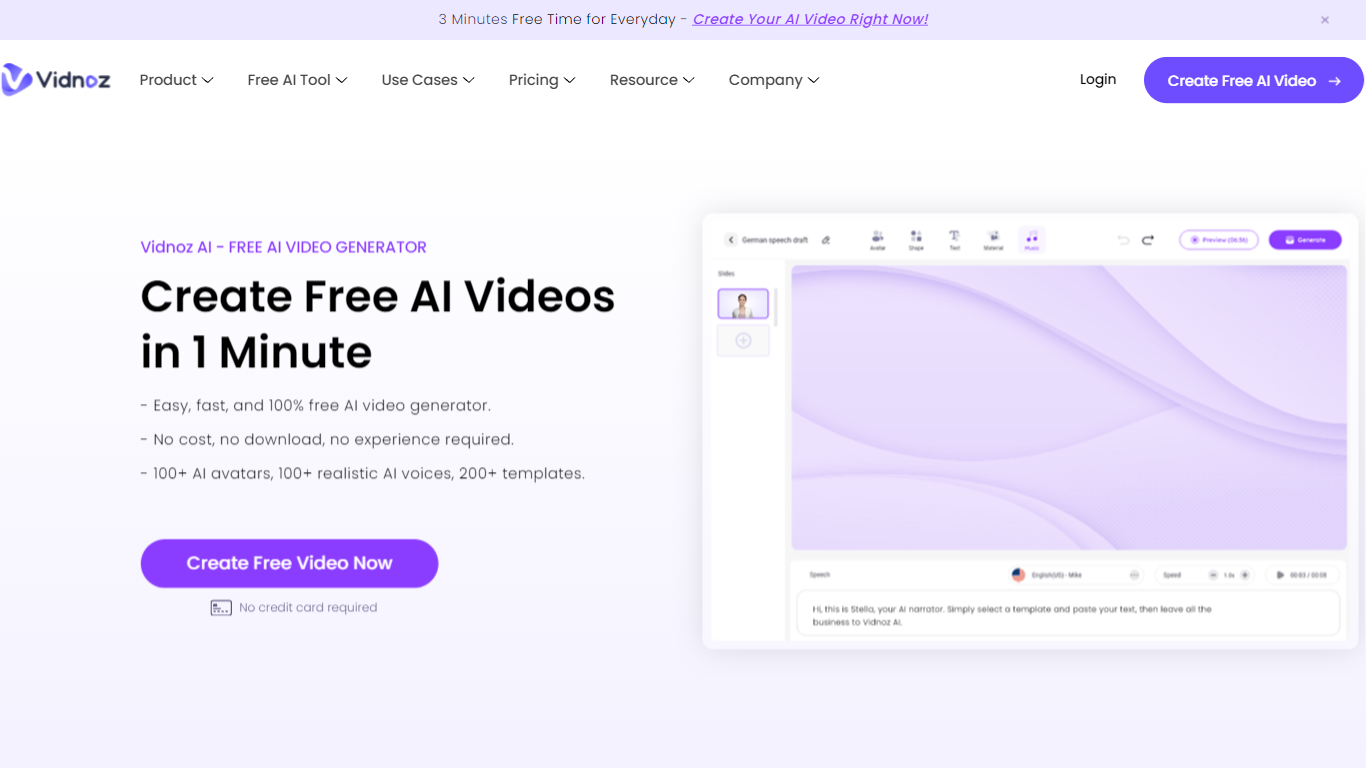
Why choose Vidnoz AI?
Vidnoz AI is an online video generator built around talking avatars, ready-made templates, and text-to-speech. You pick from 1,900+ AI avatars and 2,800+ templates, type a script, and export presenter-style clips without filming actors or renting a studio.
Many avatar video tools push you straight into paid minutes or reserve custom avatars for enterprise tiers. Vidnoz keeps a no-card free plan with 60 daily credits, photo-to-avatar conversion, and lip-sync translation across 140+ languages, which fits short drafts and social clips more than one long monthly render binge.
Marketing teams, e-learning authors, and HR trainers use it for explainers, onboarding walkthroughs, and localized training. The editor layers scenes, music, captions, and brand assets on paid Business plans, while universities like Martin-Luther-University Halle-Wittenberg have used Vidnoz avatars for communication training simulations.
Free signup includes 60 credits per day with no credit card required
Library lists 1,900+ AI avatars, 3,200+ templates, and 2,660+ voices across 140+ languages
Standard video generation costs 0.5 credits per second with a 1-credit minimum per export
Paid Starter and Business plans export 1080p video without the Vidnoz watermark
Business plan adds voice cloning, one-click video translation, brand kit, and SAML/SSO
Expressive Avatar mode charges 2 credits per second for gesture-driven presenters
VEED.IO
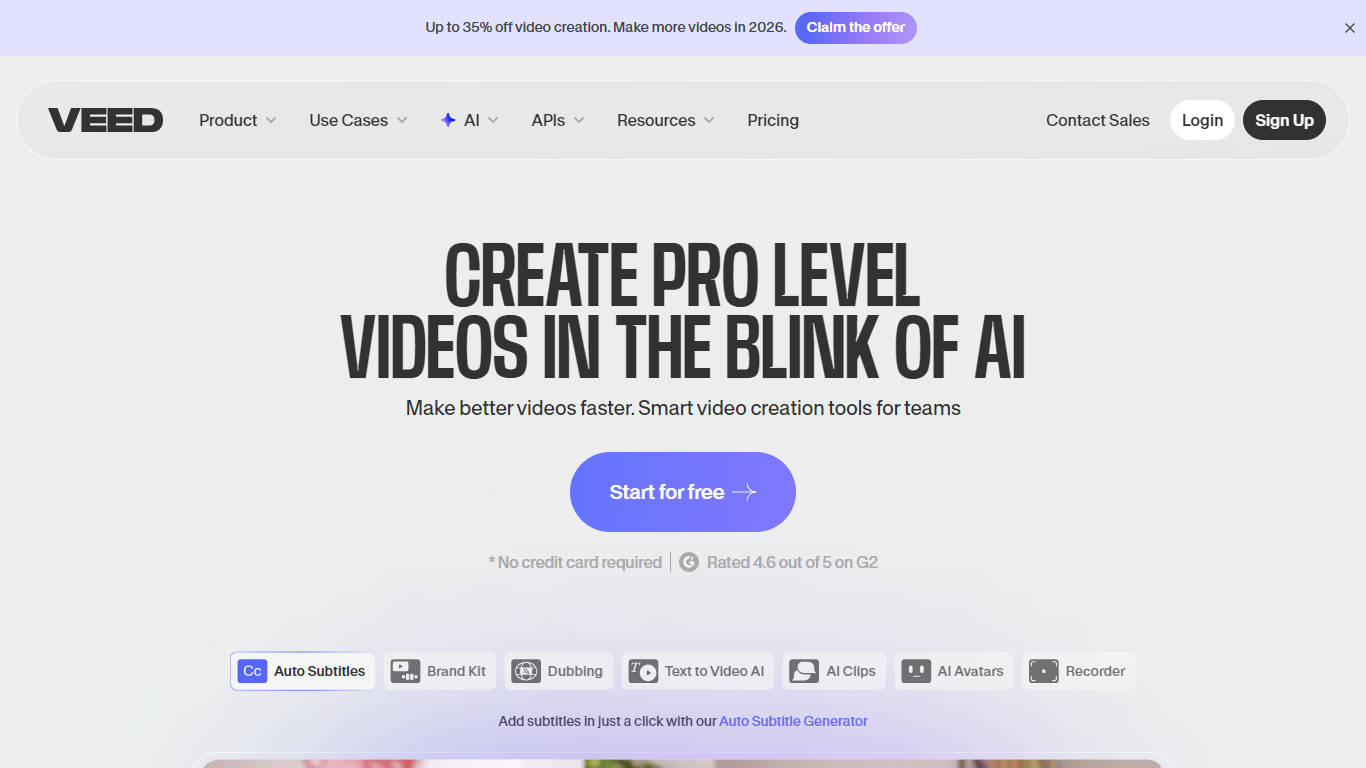
What does VEED.IO do?
VEED.IO is a browser-based video creation platform built for marketers, founders, and creators who need polished video without a production team. You generate, edit, subtitle, and publish from one workflow, with no software to install and no timeline scrubbing required.
The platform combines a full video editor with generative tools: text-to-video, image-to-video, AI avatars, voice cloning, dubbing, auto subtitles, eye contact correction, and background noise removal. VEED also hosts an AI Playground with models like Veo 3.1, Sora 2, Kling, and Fabric 1.0, so you can pick the right model for social clips, ads, or cinematic footage.
Founded in London in 2018 by Sabba Keynejad and Tim Mamedov, VEED is used by millions of teams globally, including Amazon, Google, Netflix, and NBCUniversal. Sequoia backed the company with a $35 million Series A in 2022.
Generate videos from text, scripts, or images with access to models like Veo 3.1, Sora 2, and Kling
Auto subtitle generator with dynamic caption styles designed to keep viewers watching
Brand Kit applies your colors, fonts, logos, and voice across every export automatically
AI avatars, voice cloning, and dubbing for talking-head and multilingual content
Eye contact correction and noise reduction for polished UGC and ad footage
Higgsfield AI
What is Higgsfield AI? and how does it work?
Higgsfield AI is an all-in-one creative studio for generating images, video, and voice content from text prompts or reference assets. Launched in 2025 and headquartered in San Francisco, it combines cinematic production workflows in a single web and mobile workspace used by over 25 million creators.
The platform runs proprietary models such as Soul 2.0, Soul Cinema, Higgsfield DOP, and Cinema Studio, alongside partner models including Kling, Seedance, Sora, and Veo. Dedicated workspaces cover filmmaking, marketing ads, UGC, lipsync avatars, storyboards, and agent-driven automation through Supercomputer and MCP integrations with Claude and other AI agents.
Higgsfield serves first-time creators, professional filmmakers, and enterprise marketing teams. The company reports 850 million total generations and 300 million videos created on the platform, and is backed by Accel, Menlo Ventures, GFT Ventures, and AI Capital Partners.
Cinema Studio plans narrative structure, camera motion, and pacing before generating multi-minute cinematic video
Supercomputer accepts plain-language briefs and routes image and video work across 50+ models in one chat
MCP and CLI connect Higgsfield to Claude, Cursor, and other agents for generation without managing API keys
Soul ID trains consistent characters from reference photos for reuse across images and videos
Marketing Studio turns product URLs into social-first video ads with UGC, try-on, and commercial presets
VideoTube
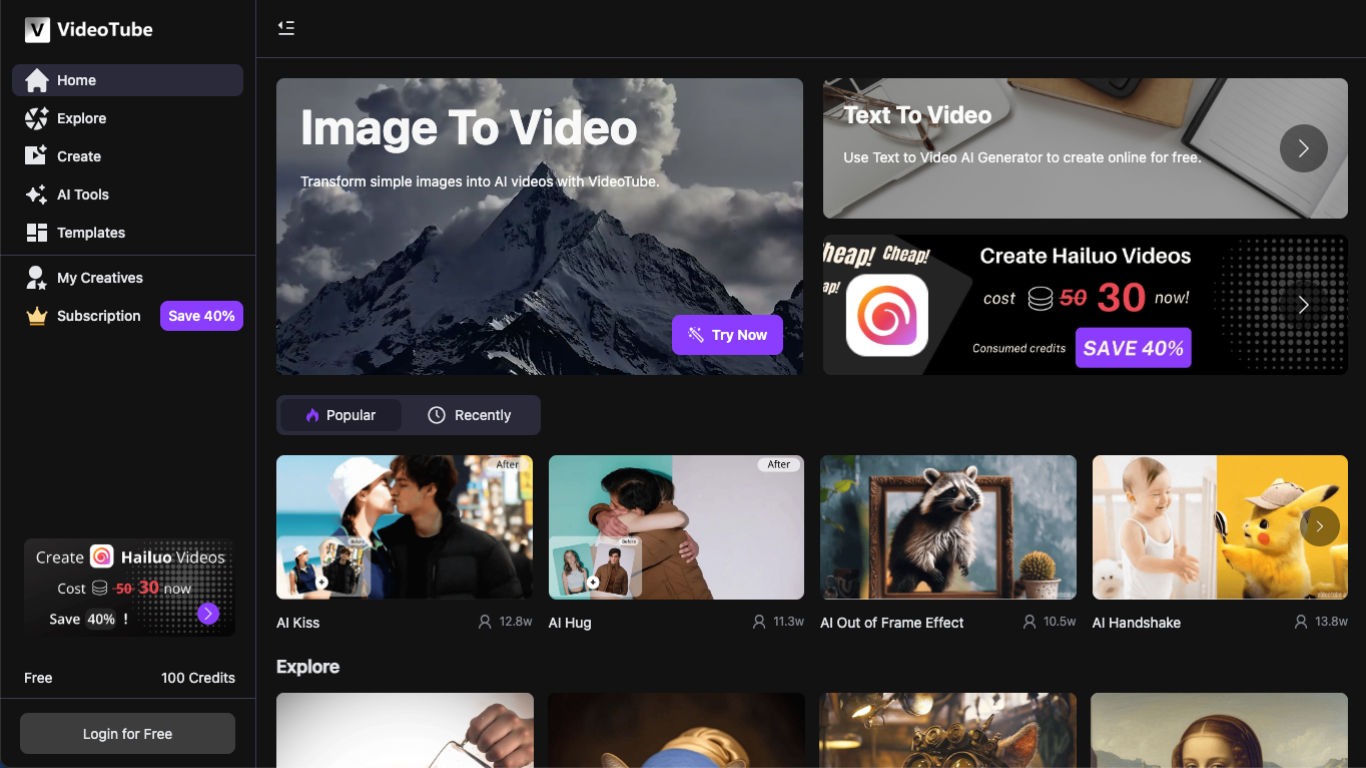
Why choose VideoTube?
VideoTube turns long-form footage into short clips sized for TikTok, YouTube Shorts, and Instagram Reels. You upload a file or paste a link, and it scans the video for hooks, highlights, and strong moments, then outputs vertical clips with captions, reframing, and optional B-roll. The homepage also advertises free clip generation with no credit card and no sign-up required.
Where many clip tools only find highlights or only crop to 9:16, VideoTube bundles both steps in one pass. Its AI Clip Generator page stresses that you paste a YouTube URL or upload MP4, MOV, or WebM, get smart 9:16 reframing with subject tracking, and download watermark-free clips without juggling a separate editor. That focus on repurposing existing long videos sets it apart from text-to-video generators on the same site.
Podcasters, YouTubers, educators, marketers, and streamers are the audiences VideoTube calls out on its homepage. The workflow is upload, AI analysis, automated editing, then publish to social platforms. Use cases span podcast episodes, webinars, interviews, course lessons, and gaming VODs that need a steady stream of short posts.
AI Clip Generator accepts YouTube URLs plus MP4, MOV, and WebM uploads with no sign-up on the free flow
Automatic 9:16 vertical reframing with subject tracking for TikTok, YouTube Shorts, and Instagram Reels
Highlight detection scans for hooks, emotional peaks, audio spikes, and visual changes in long footage
Smart captions, silence and filler removal, viral scoring, and optional AI B-roll on the main product page
Registered accounts start with 100 credits; video generation costs at least 10 credits per model run
Cloud-based processing lets you paste a YouTube link without downloading the source file first
Sora
What is Sora?
Sora is OpenAI's text-to-video model for turning prompts into short MP4 clips with synchronized audio. It runs through the OpenAI Videos API, where developers submit generation jobs, poll or webhook for completion, and download finished files once rendering finishes.
Where many video generators stop at a single render, Sora's API covers the full clip lifecycle: image-guided first frames, reusable character assets, extensions that stitch up to 120 seconds, and targeted edits on completed footage. OpenAI discontinued the Sora web and app experiences on April 26, 2026, so new work happens through the API until its scheduled shutdown on September 24, 2026.
Studios and developers reach for Sora when they want programmatic control over shot iteration, batch queues, and webhook-driven pipelines instead of a drag-and-drop interface. The sora-2 model favors fast 720p drafts, while sora-2-pro targets sharper 1080p exports when render time and per-second cost matter less than polish.
sora-2 renders 720p clips at $0.10 per second on the Standard API tier
sora-2-pro reaches 1080p (1920x1080) at $0.70 per second on Standard API pricing
Each generation can run 16 or 20 seconds before extensions add more footage
Video extensions can chain up to six times for a 120-second maximum total length
Character uploads let non-human mascots or objects stay consistent across multiple shots
Batch API pricing runs at half the Standard rate with a 24-hour completion window
Image references lock the opening frame when size matches the target video resolution
WonderShare ToMoviee AI
Why use WonderShare ToMoviee AI? and how does it work?
WonderShare ToMoviee AI turns text, images, audio, and video references into short cinematic clips, stills, and soundtracks from one Wondershare studio. The current ToMoviee 2.5 Pro release targets storytelling with multi-shot video, synced sound, consistent characters, and scene transitions. You can start from a script, a photo, or an existing clip and extend the story inside the same workflow.
Most single-purpose video generators stop at one output type, but ToMoviee bundles text-to-video, image-to-video, video extension, text-to-image, partial repaint, text-to-music, sound effects, voice, and auto BGM. Its user guide documents 29 camera movement presets and physics-aware lighting, which is the angle it sells against generic chat image tools that ignore lens language. The trade-off is complexity: creators who only need a quick meme clip may not need the full stack.
Content creators, marketing teams, design groups, and filmmakers use it for social clips, campaign visuals, and pre-visualization. Developers can also tap the ToMoviee Creative Engine API for video, image, and audio endpoints. Mobile apps are listed for iOS and Google Play alongside the web studio.
Text-to-video supports 29 camera movement presets across basic and advanced shot types
Tomoviee 2.0 guide lists Standard 720P and HD 1080P modes with fixed 5 second clips
Nine prompt languages for text-to-video, including English, Chinese, Japanese, and Spanish
Five aspect ratios cover 9:16, 16:9, 4:3, 3:4, and 1:1 outputs for social and widescreen
Integrated audio tools include text-to-music, text-to-sound effects, text-to-voice, and auto BGM
Developer API exposes video, image, and audio endpoints through the ToMoviee Creative Engine
Viggle AI
How does Viggle AI work?
Viggle AI turns a single character image into full-body animated video with controllable motion. Upload a photo, pick a dance or stunt from thousands of templates, and get a physics-aware clip in under a minute. It is built for meme makers, short-form creators, and anyone who wants viral character videos without rigging or mocap gear.
The platform runs on JST-1, Viggle's own video-3D foundation model. That model tracks how bodies move in 3D space, which keeps faces and limbs consistent through flips, dances, and lip-sync performances. Mix maps motion onto a character, Multi-Track layers scenes on a timeline, and Motion Control lets you direct specific movements instead of hoping for a lucky render.
Beyond meme remixes, Viggle ships PINOC for skeletal extraction from any footage (export FBX or GLB), a real-time webcam swap mode for livestreams, and interactive games like Fight Anyone 3D. More than 40 million creators use it on web, iOS, Android, and Discord.
Mix swaps your character into 8,000+ motion templates in about a minute
JST-1 keeps full-body motion and facial detail stable through complex moves
Multi-Track timeline for layering characters, objects, and scene edits
PINOC pulls skeletal animation from footage and exports FBX or GLB files
Real-Time Swap maps your webcam movements onto any character live
Rap and Mic modes lip-sync characters to custom or uploaded audio
Free tier includes 5 Viggle videos per day with no credit card required