
Last updated 08-13-2026
Category:
Reviews:
Join thousands of AI enthusiasts in the World of AI!
WonderShare ToMoviee AI
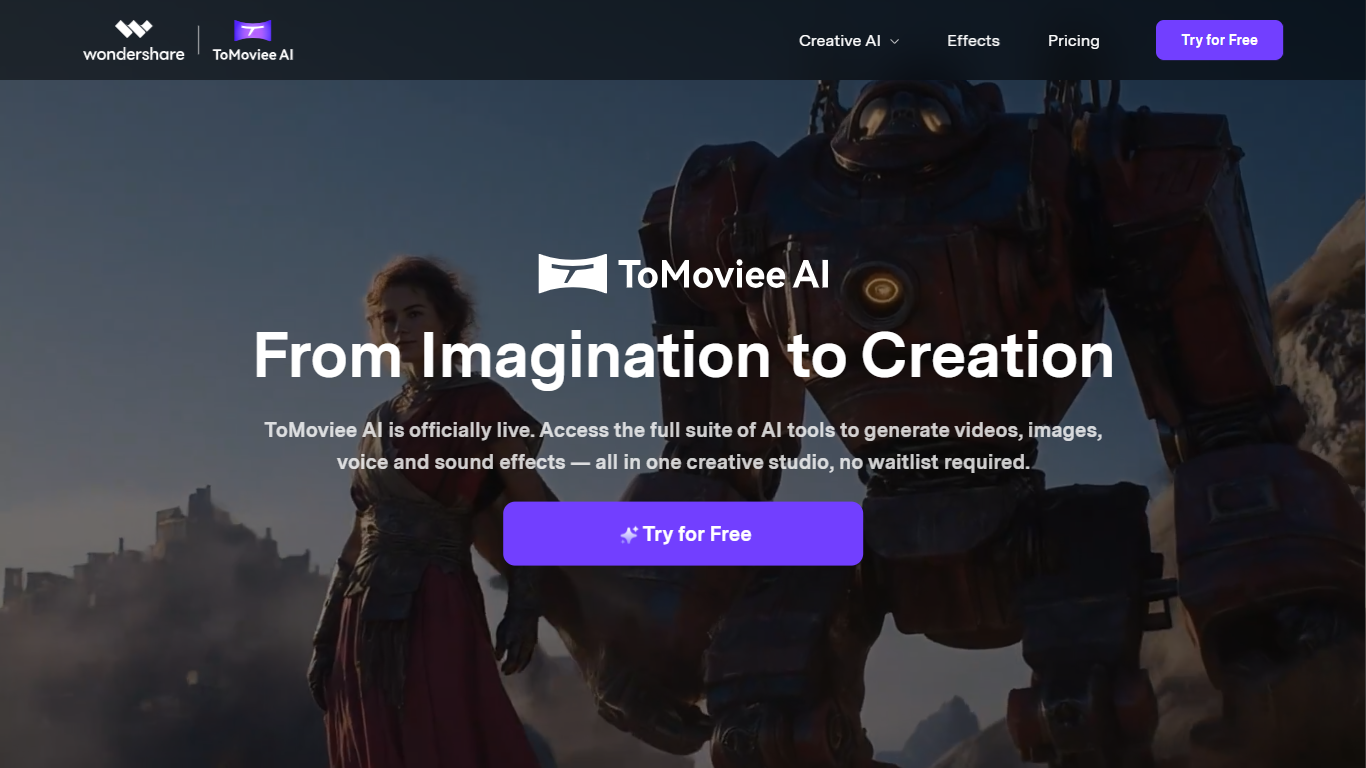
WonderShare ToMoviee AI turns text, images, audio, and video references into short cinematic clips, stills, and soundtracks from one Wondershare studio. The current ToMoviee 2.5 Pro release targets storytelling with multi-shot video, synced sound, consistent characters, and scene transitions. You can start from a script, a photo, or an existing clip and extend the story inside the same workflow.
Most single-purpose video generators stop at one output type, but ToMoviee bundles text-to-video, image-to-video, video extension, text-to-image, partial repaint, text-to-music, sound effects, voice, and auto BGM. Its user guide documents 29 camera movement presets and physics-aware lighting, which is the angle it sells against generic chat image tools that ignore lens language. The trade-off is complexity: creators who only need a quick meme clip may not need the full stack.
Content creators, marketing teams, design groups, and filmmakers use it for social clips, campaign visuals, and pre-visualization. Developers can also tap the ToMoviee Creative Engine API for video, image, and audio endpoints. Mobile apps are listed for iOS and Google Play alongside the web studio.
Text-to-video supports 29 camera movement presets across basic and advanced shot types
Tomoviee 2.0 guide lists Standard 720P and HD 1080P modes with fixed 5 second clips
Nine prompt languages for text-to-video, including English, Chinese, Japanese, and Spanish
Five aspect ratios cover 9:16, 16:9, 4:3, 3:4, and 1:1 outputs for social and widescreen
Integrated audio tools include text-to-music, text-to-sound effects, text-to-voice, and auto BGM
Developer API exposes video, image, and audio endpoints through the ToMoviee Creative Engine
Video, image, and audio generation share one Wondershare studio
User guide documents 29 camera presets plus physics-aware rendering
Developer API covers video, image, and audio endpoints
Free Try for Free access on the marketing site before upgrading
Mobile apps listed for iOS and Google Play alongside the web editor
Public pricing loads on app.tomoviee.ai and did not expose plan details during research
Text-to-video guide caps Standard and HD clips at 5 seconds per generation
Copyright for AI outputs varies by jurisdiction and requires your own legal review
Is WonderShare ToMoviee AI free to try?
Yes. WonderShare ToMoviee AI offers a Try for Free entry on tomoviee.ai that opens the web studio without requiring payment upfront. Paid credits or subscriptions apply once you exceed the free tier limits inside the app.
What can WonderShare ToMoviee AI create?
WonderShare ToMoviee AI generates text-to-video, image-to-video, extended video, text-to-image, partial repaint, text-to-music, sound effects, voice, and auto background music. The homepage positions ToMoviee 2.5 Pro for multi-shot storytelling with synced sound.
How long are WonderShare ToMoviee AI text-to-video clips?
WonderShare ToMoviee AI's text-to-video guide sets duration to 5 seconds in Standard or HD mode. You can extend stories with the separate Video Extend tool inside the same studio.
Does WonderShare ToMoviee AI support camera controls?
Yes. WonderShare ToMoviee AI documents 29 camera movements, including pan, dolly, crane, tracking, and aerial shots. The guide also describes lens language, lighting, and atmosphere fields in its prompt formula.
Can developers use WonderShare ToMoviee AI via API?
Yes. WonderShare ToMoviee AI publishes a developer portal with API documentation for video, image, and audio models. Registration yields an API key and APP Secret for integration testing.
Is AI content from WonderShare ToMoviee AI copyright-free?
WonderShare ToMoviee AI states that copyright for AI outputs varies by jurisdiction and depends on your prompts and local law. The site transfers potential service rights to you but recommends legal review before commercial use.