
Last updated 07-16-2026
Category:
Reviews:
Join thousands of AI enthusiasts in the World of AI!
Text-Mixer
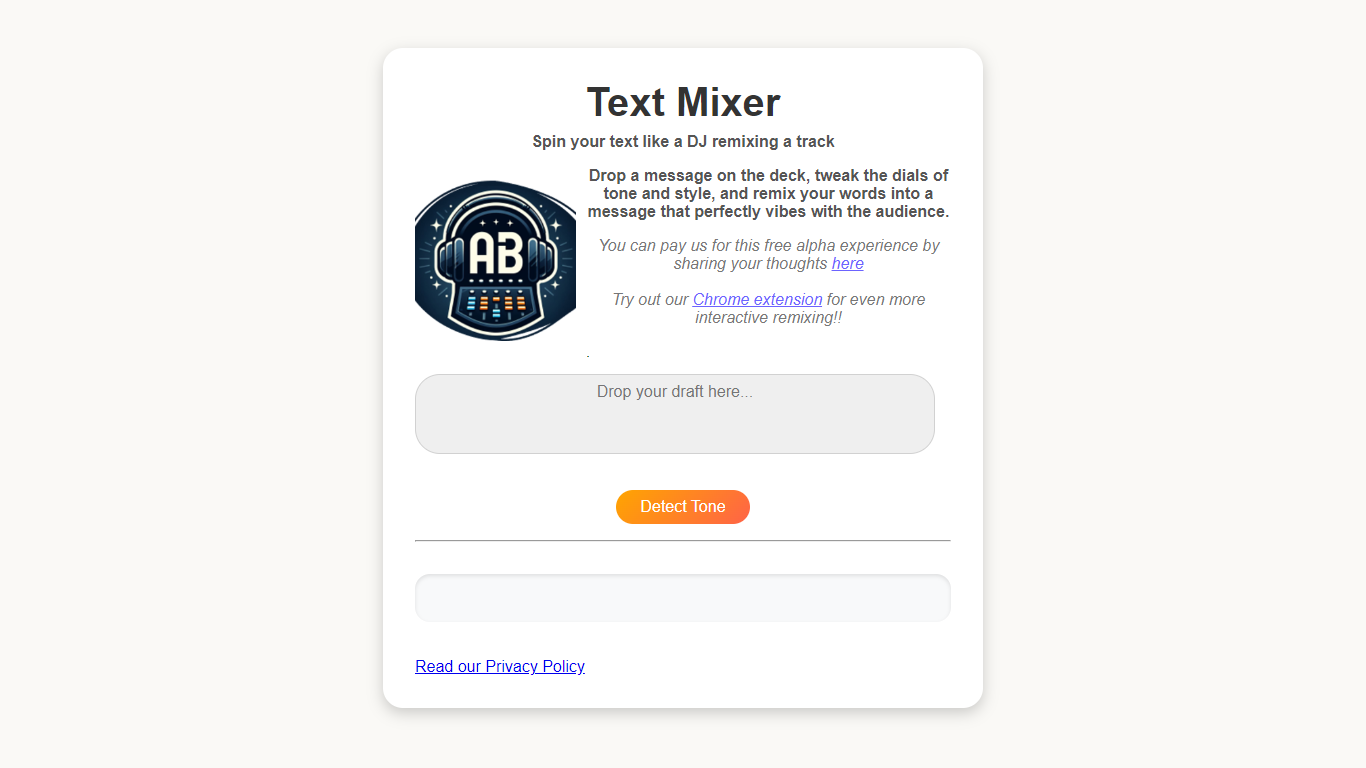
Text-Mixer lets you reshape written messages by adjusting tone and style with dial controls. Paste your text, tune the dials, and get a rewritten version aimed at your audience.
The interface uses a DJ deck metaphor. You can detect tone from your input, add style dials, and refresh the remix in place. A Chrome extension brings the same workflow to any text you select in the browser.
Built for writers, marketers, and anyone who needs to nudge an email, social post, or message toward a different vibe without starting from scratch.
Paste text and spin out a remixed version with tone and style dials
One-click tone detection reads the vibe of your draft before you tweak
Add extra style dials to fine-tune how the output reads
Chrome extension remixes selected text from any page in your browser
Free alpha access with no account signup on the web app
Free alpha with no signup required on the web app.
Dial-based tone and style controls go beyond a single rewrite button.
Chrome extension works on selected text anywhere in the browser.
Alpha status means features and availability may change.
No dedicated pricing page or paid tiers are listed yet.
The former text-mixer.com domain no longer resolves; the app now lives on text-mixer.pages.dev.
Is Text-Mixer free to use?
Yes. Text-Mixer is offered as a free alpha experience on text-mixer.pages.dev. The homepage encourages users to share feedback through a linked form, but no paid plans are listed.
Does Text-Mixer require an account?
No. The Text-Mixer web app lets you paste text and remix it directly from the homepage without creating an account.
Does Text-Mixer have a Chrome extension?
Yes. Text-Mixer links to a Chrome Web Store extension from its homepage for remixing selected text inside any browser tab.
Does Text-Mixer store the text I paste?
According to the Text-Mixer privacy policy, text is temporarily processed to provide the remix and is not stored after your session ends.
How does Text-Mixer handle usage data?
Text-Mixer collects anonymized usage data to improve the tool, per its privacy policy. It also uses Google Analytics to track how the extension and features are used.