
Last updated 08-22-2026
Category:
Reviews:
Join thousands of AI enthusiasts in the World of AI!
TubeRepeat
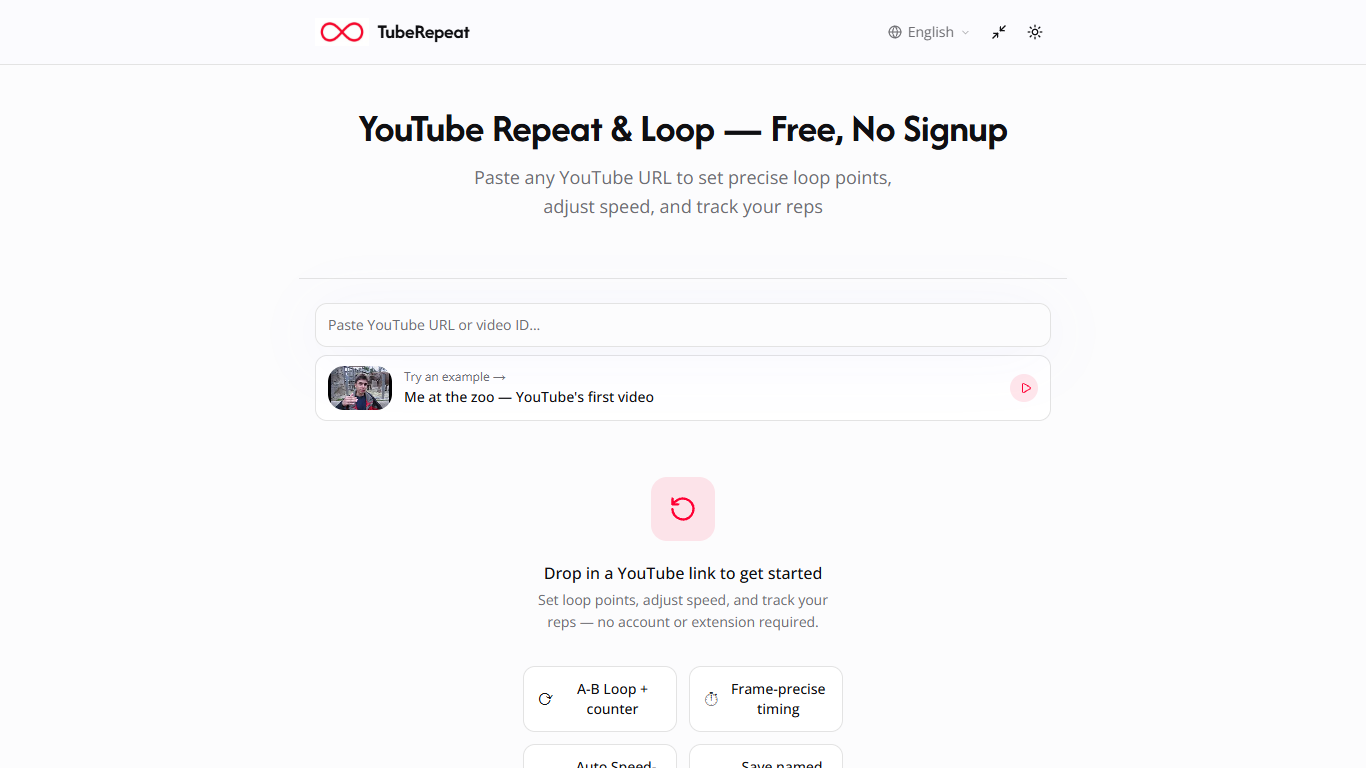
TubeRepeat is a free browser video practice tool for looping precise segments of any YouTube video. Paste a YouTube URL, set A and B points down to the second, and the selected section repeats automatically while you adjust playback speed between 25% and 200%. It targets musicians, language learners, dancers, and students who drill short clips instead of rewinding manually.
YouTube's built-in loop only repeats the full video at a fixed speed. TubeRepeat isolates any segment with A-B precision, supports progressive speed training that raises tempo after a set number of loops, and encodes each session into a shareable URL with your loop points and speed settings.
Keyboard shortcuts let you mark loop points without leaving your instrument or notebook. Sessions restore on mobile browsers too, so practice works on a phone without installing an app or creating an account.
Set A-B loop points with second-level precision on any YouTube video
Adjust playback speed from 25% to 200% in 0.05x steps
Progressive speed training auto-increases tempo every N loops
Keyboard shortcuts for setting loop points without using the mouse
Shareable session URLs encode video, loop region, and speed settings
Rep counter tracks how many times each segment has looped
No signup, download, or browser extension required.
A-B loop precision beyond YouTube's full-video repeat.
Progressive speed training raises tempo automatically after set loops.
Shareable URLs restore exact practice sessions across devices.
Works only with YouTube videos, not other video platforms.
No offline desktop app for practice without internet access.
How do I loop a YouTube section with TubeRepeat?
Paste a YouTube URL into TubeRepeat, then set start and end points by dragging the timeline or entering timestamps. TubeRepeat loops that exact segment automatically without scrubbing the full video.
Can TubeRepeat slow down or speed up video?
Yes. TubeRepeat adjusts playback speed from 25% to 200% in fine 0.05x steps. You can slow a riff to catch detail or speed up as your practice improves.
Does TubeRepeat require an account?
No. TubeRepeat works instantly in the browser with no signup, download, or browser extension. Paste a URL and start looping immediately.
Can I save TubeRepeat loop settings?
Yes. Each TubeRepeat session generates a unique URL encoding the video, A point, B point, and speed. Bookmark or share that link to restore the same practice session on any device.
Does TubeRepeat work on mobile?
Yes. TubeRepeat runs in mobile browsers on phones and tablets without a dedicated app install, so you can practice on the go.
What is the difference between Repeat and Loop in TubeRepeat?
TubeRepeat Repeat mode drills a precise A-B segment on infinite repeat. Loop mode adds session saving, named sessions, and progressive speed escalation across a full practice flow.
How does TubeRepeat progressive speed training work?
TubeRepeat lets you set a starting speed and step size, then automatically increases playback tempo after a set number of loops. This mirrors conservatory-style gradual tempo building.