
Last updated 08-12-2026
Category:
Reviews:
Join thousands of AI enthusiasts in the World of AI!
Unwatermark AI
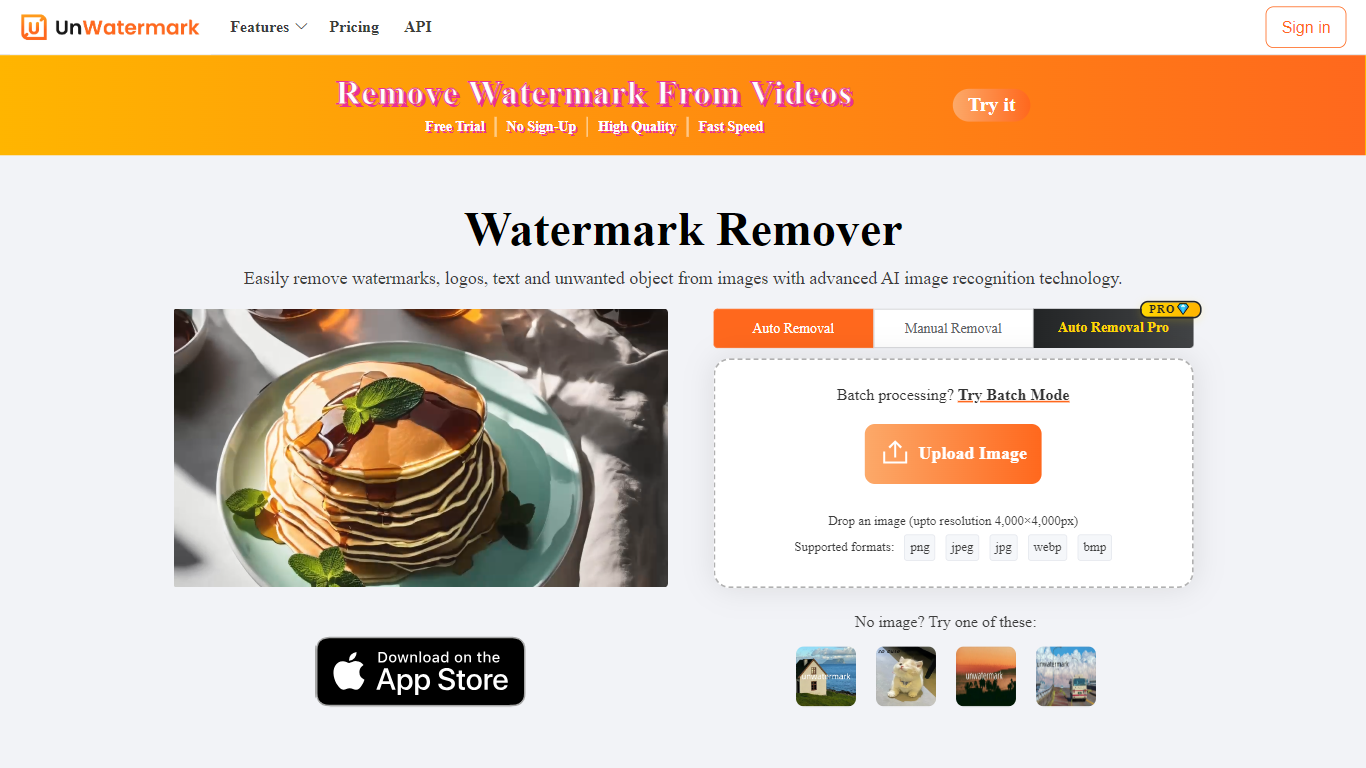
Unwatermark AI removes watermarks, logos, text, and other unwanted objects from images and videos through a browser upload flow. You drop a PNG, JPEG, JPG, or WEBP file up to 18MB, pick Auto V2.3, Auto V3, or Manual mode, and download a cleaned file without installing desktop software.
The site sits under the LinoCut AI brand and pushes heavier editing to a separate product line, but Unwatermark itself stays focused on inpainting-style cleanup rather than full photo suites. Credit pricing is split between subscriptions and one-time packs on console.unwatermark.ai, and a documented REST API charges 1 to 3 credits per image depending on the model version.
It fits content creators, social media editors, and developers who need quick watermark cleanup on stock assets, screen captures, or AI-generated clips. Batch mode handles multiple images at once, and the API path suits apps that want removal inside an existing upload pipeline.
Accepts PNG, JPEG, JPG, and WEBP uploads up to 18MB on the main remover
Auto V2.3 and Auto V3 models plus a manual brush for stubborn marks
Batch watermark remover processes multiple images in one session
API Auto Remover V3 costs 3 credits per image; V2.3 costs 2 credits per image
Free tier includes periodically refreshed credits on console.unwatermark.ai
Credit packs start at 50 credits for $4.99 without a subscription
Manual video remover API bills 1 credit per second of footage
Browser-based remover supports Auto V2.3, Auto V3, and manual brush modes without installing software
Documented API covers image and video removal with published per-credit costs
Free tier with refreshed credits lowers the barrier for occasional cleanup jobs
Batch remover and 18MB upload cap suit quick social and stock image workflows
Homepage uploader lists only PNG, JPEG, JPG, and WEBP, not every format mentioned in older listings
Heavier editing features live on the separate LinoCut AI brand site
Paid usage is credit-metered, so high-volume video work can add up quickly
Pricing and account management sit on console.unwatermark.ai rather than the main domain
What file types does Unwatermark AI support?
Unwatermark AI accepts PNG, JPEG, JPG, and WEBP images up to 18MB on the main uploader. The API documentation also lists dedicated image and video remover endpoints with credit-based billing.
Is Unwatermark AI free to use?
Unwatermark AI offers a free plan with periodically refreshed credits on its pricing page. Paid subscriptions and one-time credit packs unlock higher monthly volumes and larger pack sizes.
How much do Unwatermark AI credits cost?
Unwatermark AI sells 50 credits for $4.99 as a one-time pack or $3.90 per month on subscription. A 500 credit subscription is $12.90 per month, and a 10,000 credit pack is $120.
Does Unwatermark AI have an API?
Unwatermark AI publishes REST endpoints for automatic image removal, manual mask removal, background removal, and video cleanup. Auto Remover V3 costs 3 credits per image on the API pricing table.
Can Unwatermark AI remove video watermarks?
Unwatermark AI lists video tools in its navigation and documents a Manual Video Remover API billed at 1 credit per second. Image uploads on the homepage focus on still formats.
Does Unwatermark AI support batch removal?
Unwatermark AI provides a dedicated batch watermark remover page linked from the homepage uploader. It is built for processing multiple images in one workflow rather than one file at a time.
What removal modes does Unwatermark AI offer?
Unwatermark AI exposes Auto V2.3, Auto V3, and Manual modes on the homepage uploader. The API mirrors those tiers with separate credit costs for V2, V2.3, and V3 automatic removers.