
Last updated 08-22-2026
Category:
Reviews:
Join thousands of AI enthusiasts in the World of AI!
Upscayl AI
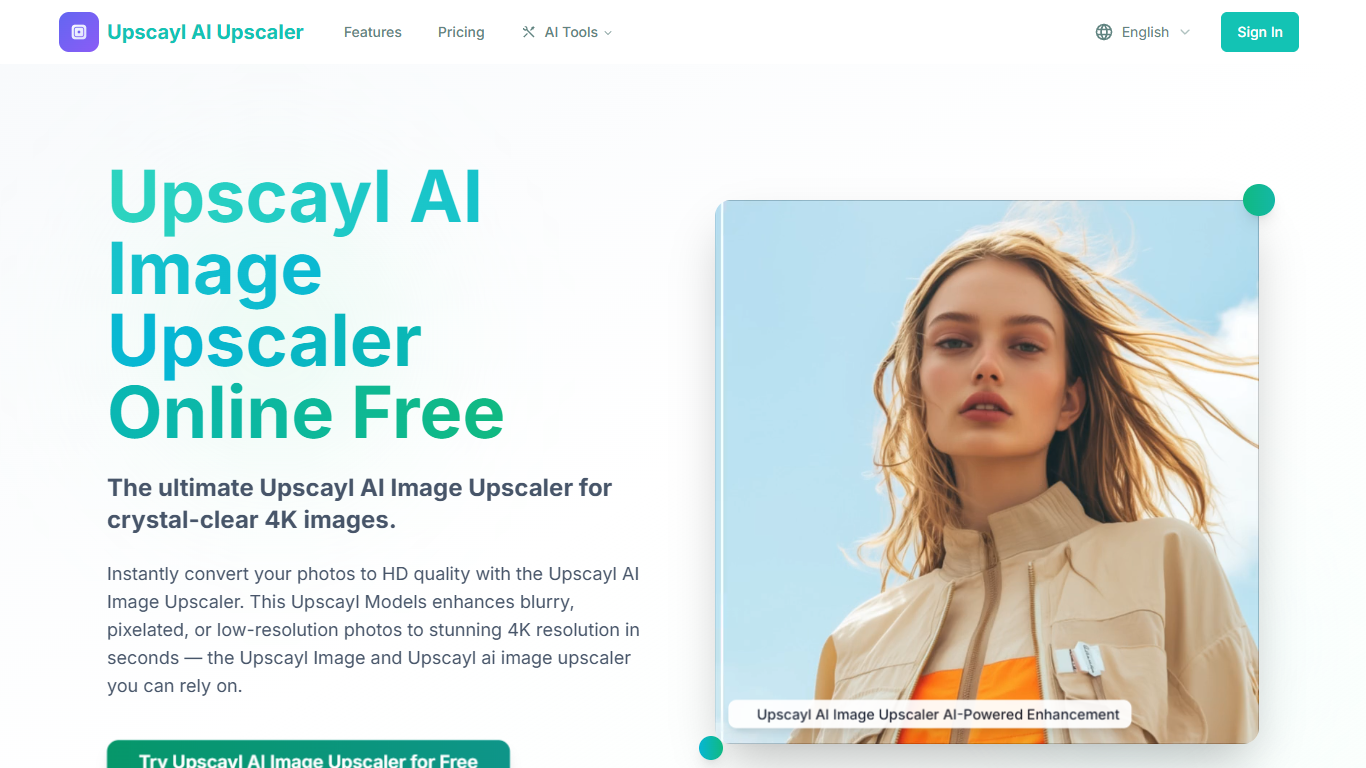
Upscayl AI upscales low-resolution photos to 4K-ready output through a browser-based image generation workflow. You upload JPG, PNG, or WEBP files up to 20 MB, pick an enhancement mode like Standard, Portrait, Anime, Face Restore, or Scratch Restore, and choose a resolution multiplier from 2x up to 8x. The tool reconstructs textures and sharpens edges without the over-processed look common in basic resize tools.
Compared with desktop editors that require manual sharpening passes, Upscayl runs the full upscale in the browser with credit-based plans starting at $4.50 per month on annual billing. Free users can test the upscaler online, while paid tiers add daily bonus credits, batch uploads up to 100 images, and API access on Pro and above.
Photographers, ecommerce teams, and social creators use it for product shots, old photo restoration, anime panels, and background removal. Companion tools on the same site cover photo restoration, anime upscaling, and transparent PNG exports without installing separate software.
Resolution multipliers from 2x up to 8x with Portrait, Anime, and Face Restore modes
Batch upload up to 100 images on the Unlimited plan
Starter plan at $4.50/month includes 2,400 credits and 10 daily bonus credits
Scratch Restore mode for repairing old damaged photos
Background remover exports clean transparent PNGs
Supports JPG, PNG, WEBP, and ZIP uploads up to 20 MB each
Pro plan adds batch processing API access for ecommerce workflows
Multiple enhancement modes cover portraits, anime, face restore, and scratch repair
Annual plans start at $4.50/month with daily bonus credits included
Resolution multipliers up to 8x without installing desktop software
Batch API access on Pro and above suits ecommerce image pipelines
Companion tools for restoration and background removal on the same platform
Free tier limits batch uploads to 5 images at a time
Starter and Pro plans cap upload resolution at 1000 x 1000 pixels
Background remover and premium modes consume credits per successful job
What image formats does Upscayl AI support?
Upscayl AI supports JPG, PNG, WEBP, and ZIP uploads up to 20 MB per file. Output formats include JPG, PNG, and WEBP after processing completes in the browser.
How long does Upscayl AI upscaling take?
Upscayl AI completes most upscales in seconds through optimized browser pipelines. Processing time depends on image size, selected resolution multiplier, and enhancement mode.
Will Upscayl AI reduce image quality when upscaling?
Upscayl AI reconstructs lost detail rather than stretching pixels, preserving natural textures and edges. Face Restore and Scratch Restore modes target portraits and damaged photos specifically.
Can Upscayl AI remove image backgrounds?
Yes. Upscayl AI includes a background remover that exports clean transparent PNGs. Background removal uses credits per successful job on paid plans.
Is Upscayl AI free to use?
Upscayl AI offers free online upscaling with limits on batch size and features. Paid plans start at $4.50 per month on annual billing with 2,400 credits and daily bonus credits.
Are photos stored after Upscayl AI processing?
Upscayl AI processes uploads in the browser workflow and does not share images beyond delivering your enhanced results. Paid plans require login for credit tracking.
Can Upscayl AI upscale multiple images at once?
Yes. Upscayl AI supports batch uploads from 5 images on the free tier up to 100 images per batch on the Unlimited plan. The Pro plan supports 50 images per batch with API access.