
Last updated 07-22-2026
Category:
Reviews:
Join thousands of AI enthusiasts in the World of AI!
Vheer
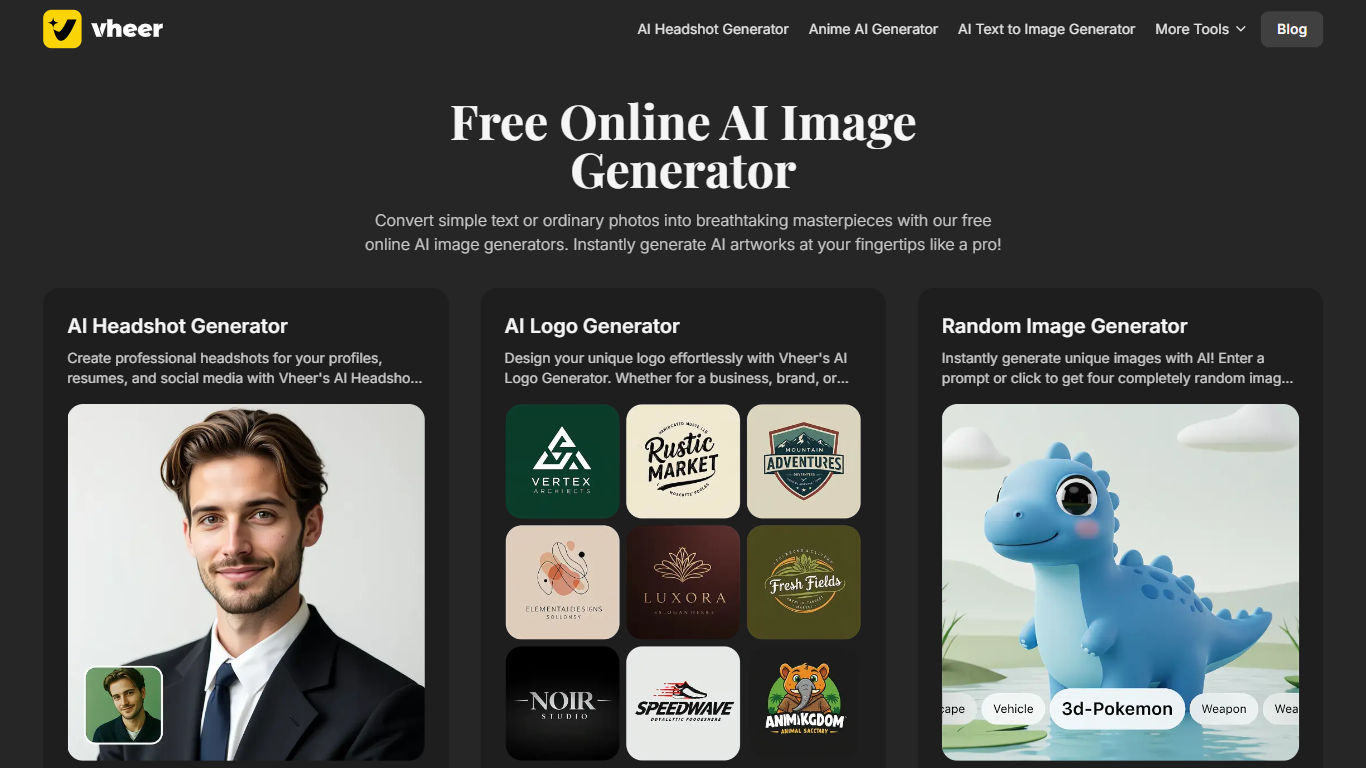
Vheer is a browser-based creative studio for generating and editing images and videos from text or photos. You can start without signing up, run generations in the browser, and export results without watermarks on the free tier. The platform bundles AI generation tools alongside a set of lightweight image utilities in one workspace.
What sets Vheer apart is the range of third-party models it exposes in a single interface. The homepage highlights options like Flux Klein, SeeDream V4, Nano Banana Pro, Sora 2, Veo3 Fast, and LTX Video 2.3 Fast, so you can switch models without hopping between separate apps. That makes it useful when you want to compare outputs or match a specific visual style.
The product targets creators, marketers, and small teams who need quick visuals for social posts, ads, presentations, or personal projects. Image tools cover text-to-image, image-to-image edits, background removal, and prompt extraction, while video tools handle text-to-video and image-to-video animation. A separate library of browser-based image editors handles resizing, blurring, color adjustments, and similar tasks without leaving the site.
Generate images and videos from text prompts or uploaded photos in one browser studio
Switch between models like Flux Klein, SeeDream V4, Sora 2, and Veo3 Fast without leaving the app
Start creating with no signup required and export watermark-free results on the free tier
Edit with image-to-image, multi-reference inputs, background removal, and prompt extraction tools
Resize, blur, flip, and adjust images with built-in browser utilities alongside the AI generators
Free tier includes 50 monthly credits, all free tools, and watermark-free exports.
Wide model selection spans image and video generators from multiple providers in one studio.
No signup required to start creating, which lowers the barrier for quick experiments.
Text-to-video requires a paid subscription rather than the free tier.
Free plan limits you to 50 credits per month and basic image generation only.
1080p video output is reserved for premium users; free image-to-video tops out at 768p.
Does Vheer have a free plan?
Yes. Vheer's Free plan costs $0 per month and includes 50 credits per month, basic image generation, access to all free tools, email support, personal use, and no watermarks. Paid plans start at $9.99 per month for Premium.
Is Vheer text-to-video free to use?
No. Vheer's text-to-video generator requires an active subscription to access supported video models and their full feature set. Image generation and free browser tools are available on the free tier, but video generation is a paid capability.
What AI models does Vheer support?
Vheer lists models including Vheer Quality, Flux Klein, SeeDream V4, Nano Banana Pro, Nano Banana 2, MiniMax Image 01, Sora 2, Veo3 Fast, LTX Video 2.3 Fast, and SeeDance. Availability varies by tool, with premium models unlocked on paid plans.
Can I buy extra credits on Vheer without upgrading my plan?
Yes. Vheer sells one-time credit packages starting at 400 credits for $3.99, with larger packs up to 7,000 credits for $69.99. Higher subscription tiers receive bonus credits on these packages.
Does Vheer require an account to get started?
No. Vheer's homepage says you can start free with no signup. You can log in or sign up later to manage credits, subscriptions, and generation history from the dashboard.
How do I contact Vheer support?
Vheer lists [email protected] in the site footer. Free users get email support, while Premium, Business, and Ultra plans include priority support.