
Last updated 07-29-2026
Category:
Reviews:
Join thousands of AI enthusiasts in the World of AI!
Video Studio AI
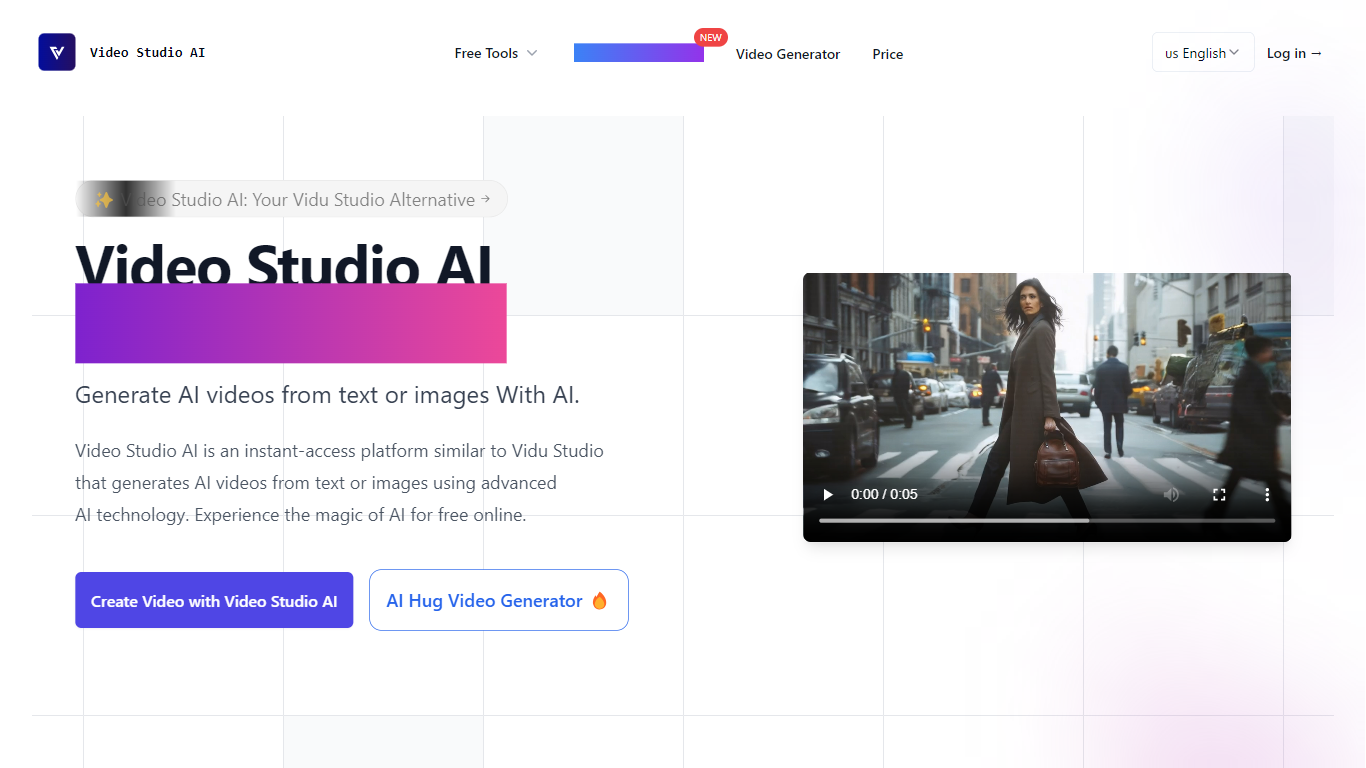
Video Studio AI creates lifelike videos by animating still photos and generating video content from text prompts and images. It enables users to add natural motion, camera movements, and synchronized audio to bring static visuals to life.
What sets Video Studio AI apart is its variety of video models that offer different animation styles and speeds, along with precise control over clip length, aspect ratio, and audio synchronization. This flexibility allows creators to produce cinematic clips or quick social media videos tailored to their needs.
The platform supports HD video generation with fast rendering times and provides a user-friendly interface suitable for creators of all skill levels. Extensive tutorials and prompt guides help users maximize the tool's capabilities without requiring technical expertise.
Video Studio AI also offers a freemium pricing model with free credits and tiered paid plans, including features like batch image generation and unlimited upscaling in higher tiers. This makes it accessible for both casual users and professionals seeking advanced video creation tools.
Animate still photos into short videos with natural motion
Select from multiple video models for varied styles and speeds
Add synchronized audio including ambient sounds and lip-synced speech
Customize camera movements such as zoom, pan, and orbit
Generate HD clips up to 15 seconds with preview and editing options
Freemium pricing with free credits and tiered paid plans
Batch image generation and unlimited upscaling in paid subscriptions
Multiple video models provide diverse animation styles and speeds
Synchronized audio enhances realism with ambient and lip-synced sounds
Batch image generation and unlimited upscaling available in paid plans
Unused credits roll over to maximize value
Extensive tutorials and prompt guides support creative workflows
Free plan includes limited credits and features
Advanced features require higher-tier subscriptions
What is Video Studio AI and how does it compare to Vidu Studio?
Video Studio AI generates lifelike videos from images and text prompts, offering multiple video models and audio synchronization options that differentiate it from Vidu Studio.
How does Video Studio AI's pricing compare to Vidu Studio?
Video Studio AI uses a freemium model with free credits and tiered paid plans for higher volumes and premium features, similar to Vidu Studio's pricing structure.
Is Video Studio AI user-friendly for beginners?
Video Studio AI provides a simple interface with step-by-step workflows, tutorials, and prompt guides to help beginners create videos without technical skills.
What types of animations can Video Studio AI generate?
Video Studio AI animates facial expressions, head movements, eye blinking, camera motions like zoom and pan, and adds synchronized audio including ambient sounds and lip-synced speech.
How fast does Video Studio AI generate videos?
Video Studio AI typically renders videos within minutes depending on complexity and chosen video model, enabling quick previews and iterative edits.
Can I control the style and length of generated videos?
Yes, Video Studio AI allows users to select video models, set clip lengths from 1 to 15 seconds, choose aspect ratios, and customize motion and audio settings.
Are generated videos free to use commercially?
Users retain ownership of videos created with Video Studio AI and can use them commercially, subject to the platform's terms and acceptable use policy.