
Last updated 07-28-2026
Category:
Reviews:
Join thousands of AI enthusiasts in the World of AI!
VideoDigest
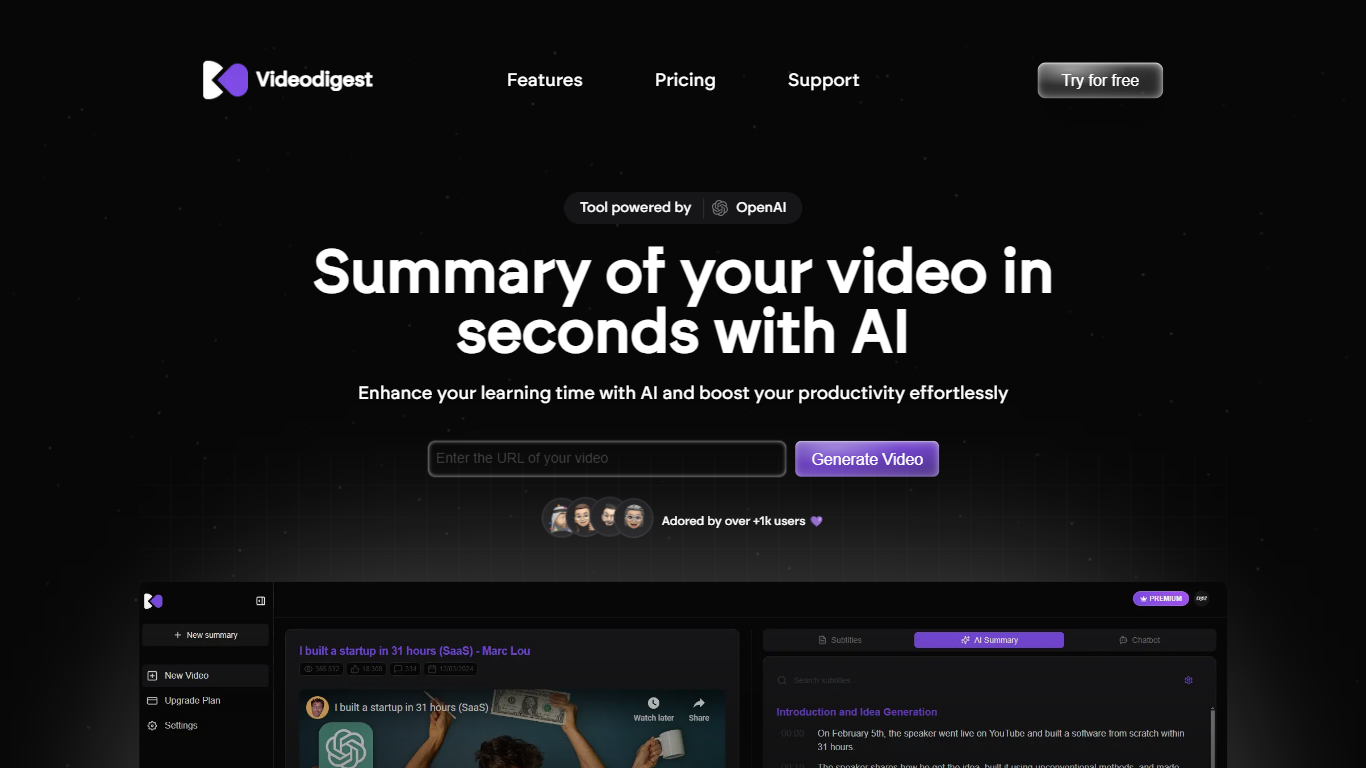
VideoDigest summarizes lengthy videos into concise, easy-to-understand summaries, enabling users to quickly grasp the main points without watching the entire content. It supports various video types such as educational content, webinars, and tutorials, making video consumption more efficient.
What distinguishes VideoDigest is its integration of AI-powered summarization with smart playback features that allow users to watch videos at accelerated speeds. Additionally, it offers translations in over 20 languages, broadening accessibility for a global audience.
VideoDigest also provides an ad-free viewing experience for distraction-free engagement, an AI Chat Assistant for personalized video recommendations, and a Creator Finder to connect users with content creators. These features combine to create a comprehensive platform for efficient and interactive video engagement.
AI-Powered Summarization: Generates concise summaries highlighting key points from videos.
Turbo Reader: Enables watching videos at accelerated speeds for faster content consumption.
Smart Language Support: Translates videos into over 20 languages for wider accessibility.
Enhanced Ad-Free Experience: Provides distraction-free viewing without advertisements.
AI Chat Assistant: Delivers personalized video recommendations and insights based on user preferences.
Creator Finder: Helps users discover and connect with content creators across platforms.
Saves time by summarizing long videos into key points.
Supports multiple languages for global accessibility.
Offers distraction-free viewing with no ads.
Includes interactive AI assistant for personalized insights.
Allows faster video consumption with smart playback.
Free tier may limit the number of videos summarized.
Advanced features require paid subscription.
What types of videos can I summarize with VideoDigest?
VideoDigest can summarize various video types including educational content, webinars, and tutorials. Its AI extracts key insights to suit different user needs.
How does the AI summarization work?
VideoDigest uses advanced algorithms to analyze video content and extract the most relevant information, providing concise summaries that capture the video's essence.
Is there a limit to the number of videos I can summarize?
VideoDigest offers a freemium model where the free tier may limit the number of videos you can summarize. Paid plans provide higher limits and additional features.
Can I watch videos in different languages?
Yes, VideoDigest supports translations in over 20 languages, enabling users to watch videos in their preferred language for better accessibility.
What is the Turbo Reader feature?
The Turbo Reader in VideoDigest lets users watch videos at faster speeds, helping them consume content more efficiently without missing important details.
How can I connect with content creators using VideoDigest?
VideoDigest includes a Creator Finder feature that helps users discover and connect with content creators across various platforms for collaboration and engagement.
Is VideoDigest free to use?
VideoDigest operates on a freemium basis, offering basic features for free and premium features through subscription plans to meet different user needs.