
Last updated 08-22-2026
Category:
Reviews:
Join thousands of AI enthusiasts in the World of AI!
Vimi
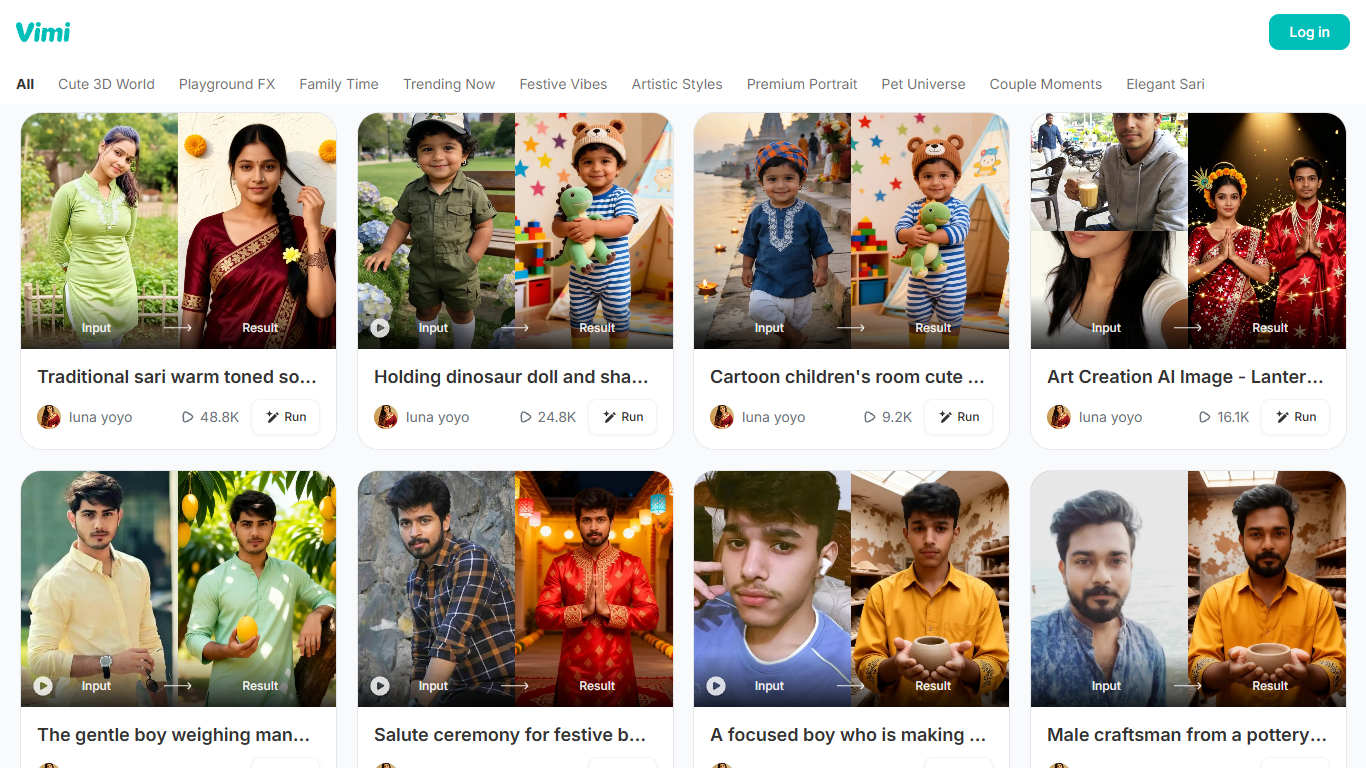
Vimi turns still photos into short animated videos using themed AI effect filters. You upload a photo, pick a filter from categories like Cute 3D World, Pet Universe, or Festive Vibes, and Vimi generates a video in seconds. The web app at vimi.art lists 16 filter collections spanning portraits, couples, pets, and holiday themes.
Unlike text-to-image generators such as Midjourney or DALL-E, Vimi starts from your existing photo and applies motion effects rather than creating images from scratch. That makes it closer to CapCut's effect templates, but with a curated library of viral-style AI animations. The trade-off is less control over output: you choose a filter category, not a detailed prompt.
Social media creators use Vimi for quick pet and couple clips. Casual users turn family photos into animated keepsakes without learning video editing. VIP subscribers receive daily point credits for generations, and failed renders are automatically refunded according to the FAQ.
16 themed filter collections including Pet Universe, Couple Moments, and Festive Vibes
Upload a photo and generate an animated video in seconds with one filter tap
Effects library covers portraits, pets, couples, holidays, and trending social styles
Failed generations automatically refund consumed points to your account
Batch-delete generated videos from Profile → Generations in the app
VIP subscribers receive daily point credits every 24 hours after subscribing
16 curated effect collections for pets, couples, portraits, and holidays
Photo-to-video workflow takes seconds with no editing skills required
Automatic point refunds when video generation fails
Free tier lets you try filters before subscribing
Subscription pricing is only available through the mobile app, not the website
Logging out twice on one device triggers a permanent device ban
Limited control compared to prompt-based image generators
What is Vimi and how does it work?
Vimi is an AI image and video generator that turns photos into animated videos. You upload a photo on vimi.art, choose a themed effect filter, and Vimi generates a short video with motion applied to your image.
Is Vimi free to use?
Yes, Vimi offers free access with a point-based credit system for generations. VIP subscribers receive additional daily point credits through a mobile app subscription managed on Google Play.
What filter categories does Vimi offer?
Vimi lists 16 filter collections on its homepage, including Cute 3D World, Pet Universe, Couple Moments, Festive Vibes, Premium Portrait, Elegant Sari, and Trending Now. Each collection applies a different visual style to your uploaded photo.
What happens if Vimi video generation fails?
Vimi refunds points automatically when a generation fails. The FAQ lists unstable network or sensitive content as common causes. If problems persist after checking your connection, email [email protected] for manual support.
How do I cancel my Vimi subscription?
Vimi subscriptions are managed through Google Play Store. Open the Play Store app, go to Subscriptions, select Vimi, and tap Cancel subscription. Contact [email protected] if you need additional help.
Why was my Vimi account banned?
Vimi bans devices when you log out of the same account two or more times on one device, which the system flags as abnormal behavior. You can register again on a different device to continue using Vimi.