
Last updated 07-02-2026
Category:
Reviews:
Join thousands of AI enthusiasts in the World of AI!
Walles.AI
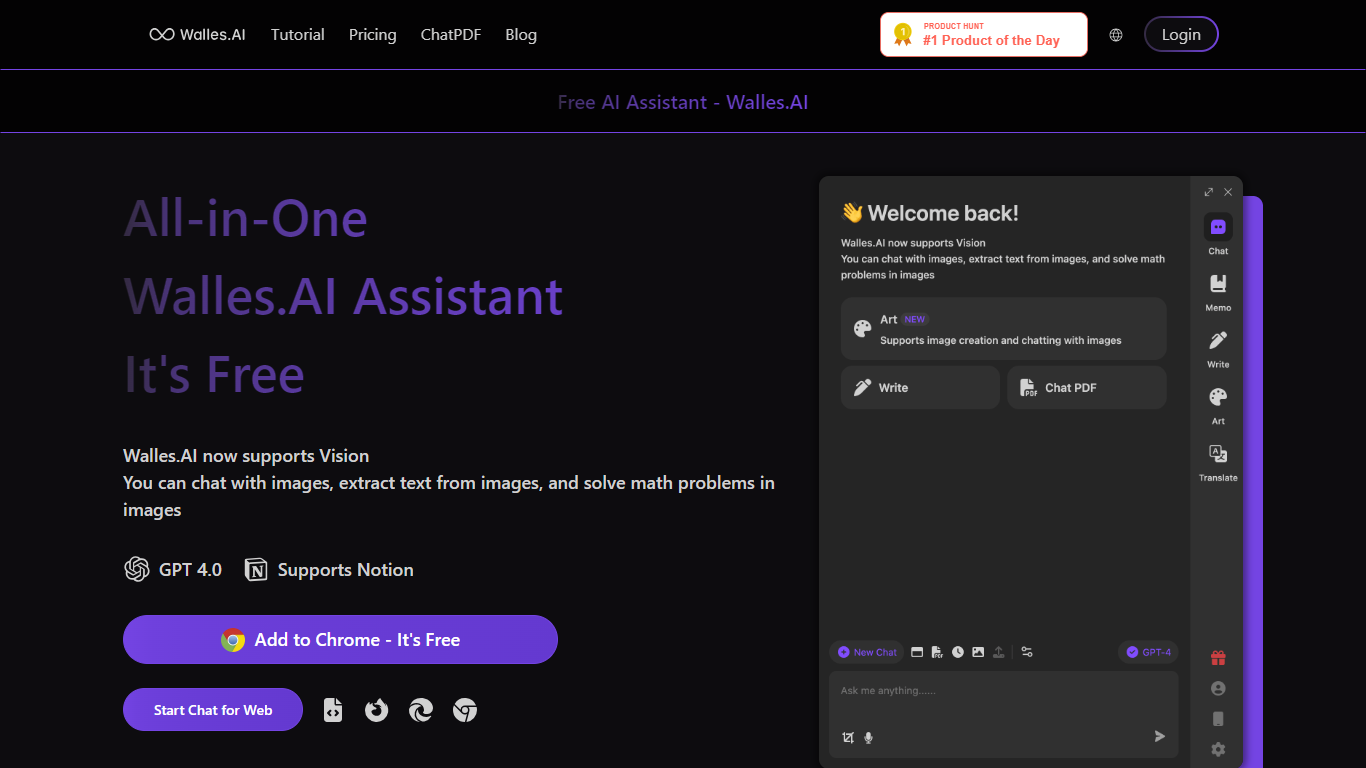
Walles.AI is a free Chrome extension that puts a ChatGPT-style assistant in your browser sidebar. Open it with Cmd+M or Ctrl+M on almost any page to ask questions, read what is on screen, and draft text without switching tabs.
The product runs on GPT-4 and GPT-3.5 through the ChatGPT API, with vision support for image chat, text extraction from photos, and math problems shown in pictures. It also offers dedicated flows for PDFs and YouTube, so you can summarize documents and videos from the same interface.
It fits researchers, writers, and students who want quick answers and summaries while browsing, especially when exporting chat history to Notion matters for keeping notes organized.
Opens a GPT-4 sidebar on any page with Cmd+M or Ctrl+M
Chat with live web pages, uploaded PDFs, and YouTube videos in one place
Highlight any text for instant explain, translate, or paraphrase via GPT-3.5
Vision mode reads images, extracts text from photos, and solves math in pictures
YouTube summaries outline a video so you skip the full watch time
Export chats and memos to Notion to keep research in one workspace
Free tier includes sidebar chat, PDF reading, and YouTube summaries without upgrading.
Cmd+M or Ctrl+M opens the assistant on supported pages for fast in-context help.
Notion export keeps chats and memos in a workspace you already use.
Pro plan raises daily PDF and webpage limits for heavier research workflows.
Does not run on Chrome new tabs, blank pages, or built-in Chrome pages like Settings.
Free plan caps daily queries and total PDF or webpage reads.
Windows desktop app is listed as coming soon on the pricing page.
Is Walles.AI free to use?
Yes. Walles.AI offers a free plan with 30 queries per day, limited webpage, PDF, and image reads, and access to basic features. Users who need higher limits or Pro capabilities can upgrade on the pricing page.
How do I open Walles.AI on a webpage?
Press Cmd+M on Mac or Ctrl+M on Windows to open the Walles.AI sidebar chat on supported pages. You can also use the Chrome extension or the web chat entry point from walles.ai.
What pages does Walles.AI not work on?
Walles.AI does not work on Chrome new tabs, blank pages, or Chrome system pages such as Settings, History, or the Chrome Web Store.
Can Walles.AI read PDFs and YouTube videos?
Yes. Walles.AI supports chatting with PDF documents through its ChatPDF flow and can summarize YouTube videos so you get an outline without watching the full video.
Does Walles.AI integrate with Notion?
Yes. Walles.AI can export chat history and memos to Notion. Pro subscribers get support for exporting chat records and syncing memo records to Notion.
What models power Walles.AI?
Walles.AI is built on the ChatGPT API and uses GPT-4 and GPT-3.5 for sidebar chat. Selected text actions use GPT-3.5, while the main assistant chat runs on GPT-4 and GPT-3.5.