
Last updated 08-21-2026
Category:
Reviews:
Join thousands of AI enthusiasts in the World of AI!
Wispr Flow
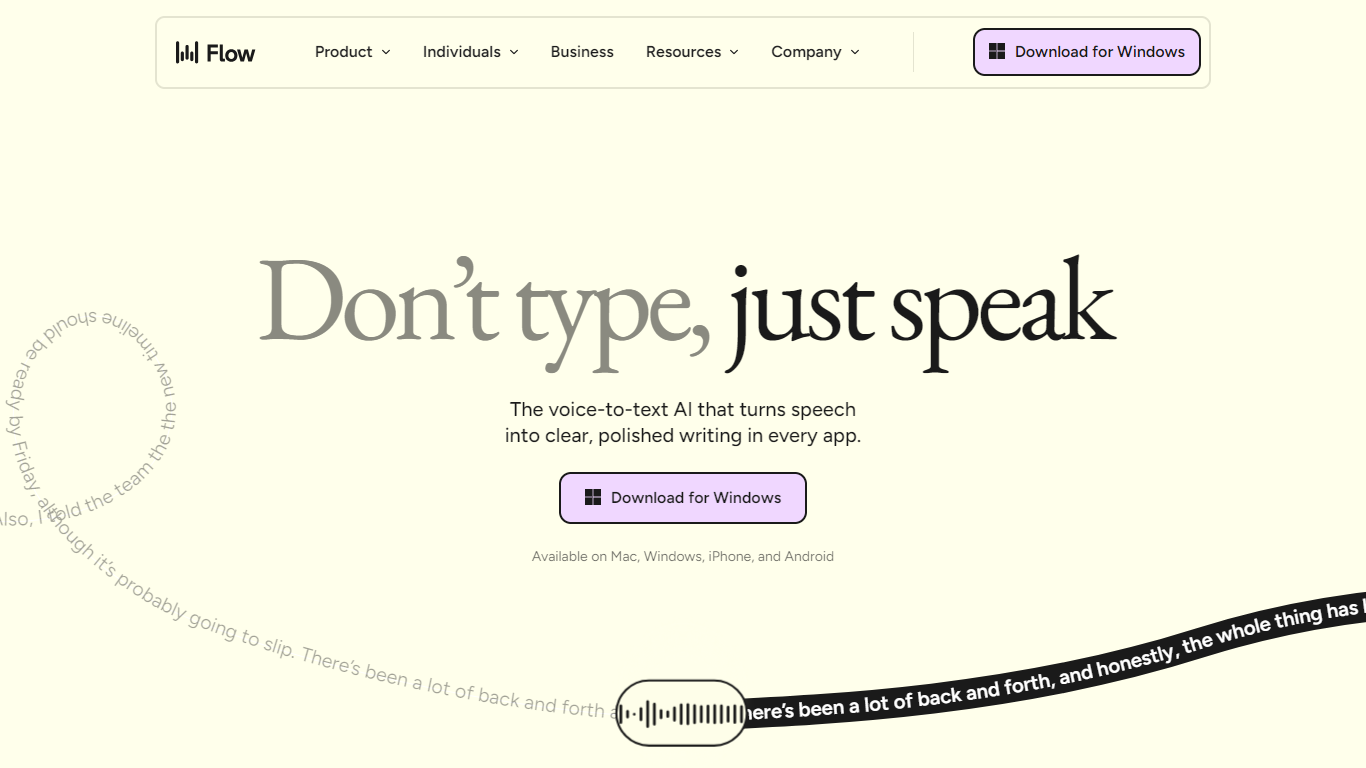
Wispr Flow turns spoken words into polished text inside any application on your Mac, Windows, iPhone, or Android. Speak naturally in Slack, Gmail, Notion, Cursor, or any text field, and Flow transcribes, edits filler words, fixes punctuation, and formats lists without breaking your workflow.
Built-in OS dictation usually stops at raw transcription. Flow runs its own speech models, learns your personal dictionary, supports 100+ languages, and syncs snippets and settings across desktop and mobile. That cross-app polish is the main reason teams pick it over the microphone button in their operating system.
Flow targets anyone who writes for a living or lives in their inbox: developers dictating into IDEs, lawyers drafting case notes, support reps replying to tickets, and students capturing lecture notes. The company, Wispr, positions Flow as the first step toward a broader voice-native computing interface.
Dictate into any app with a text field, from Notion to Cursor
Auto-edits remove filler words and fix punctuation while you speak
Personal dictionary learns uncommon names and industry terms over time
Voice snippets paste full formatted text from a short spoken cue
100+ languages with automatic detection as you switch between them
Flow Pro at $15 per user per month unlocks unlimited dictations on all platforms
Settings, dictionary, and snippets sync across Mac, Windows, iOS, and Android
Works system-wide in any app with a text field, not just a single editor or browser tab.
14-day Pro trial requires no credit card, and teammates get their own trial when joining a team.
Developer features include voice file tagging in Cursor and syntax-aware code dictation.
Free Basic tier caps desktop dictation at 2,000 words per week and iPhone at 1,000 words per week.
Personalized writing styles are English-only and limited to desktop as of the features page.
Enterprise security features like SSO and enforced HIPAA require the Enterprise plan.
Does Wispr Flow have a free plan?
Yes. Wispr Flow Basic is free and includes 2,000 words per week on Mac or Windows, 1,000 words per week on iPhone, unlimited words on Android (limited time), a custom dictionary, snippets, 100+ language support, privacy mode, and HIPAA-ready settings.
How much does Wispr Flow Pro cost?
Wispr Flow Pro costs $15 per user per month on monthly billing or $12 per user per month when billed annually (20% discount). Pro unlocks unlimited words on all platforms, command mode for editing, prioritized support, team collaboration, and early access to new features.
Does Wispr Flow offer a free trial?
Yes. New Wispr Flow users get a 14-day free trial of Flow Pro with no credit card required. Teammates invited to a team also receive their own 14-day Pro trial when they join for the first time.
What platforms does Wispr Flow support?
Wispr Flow runs natively on Mac, Windows, iPhone (iOS), and Android. The desktop apps handle the heaviest dictation workloads, while mobile keeps your dictionary and snippets in sync for on-the-go use.
Is Wispr Flow HIPAA compliant?
Wispr Flow is HIPAA-ready on all plans, with privacy mode available on Basic and Pro. Enterprise plans add enforced HIPAA compliance, enforced privacy mode, SOC 2 Type II, ISO 27001, and SSO/SAML for teams with stricter security requirements.
Can developers use Wispr Flow in code editors?
Yes. Wispr Flow supports developer workflows in Cursor, VS Code, Windsurf, and similar IDEs with syntax-aware dictation, file tagging by voice, and recognition of camelCase, snake_case, CLI commands, and dev terminology like Supabase or Vercel.
How does Wispr Flow compare to built-in voice typing?
Wispr Flow transcribes and edits speech in real time across any app, removing filler words, handling backtracks when you change your mind mid-sentence, and applying a personal dictionary. Built-in OS dictation typically lacks cross-app sync, snippet libraries, team shared dictionaries, and developer-specific syntax handling.