
Last updated 08-09-2026
Category:
Reviews:
Join thousands of AI enthusiasts in the World of AI!
WordPop AI
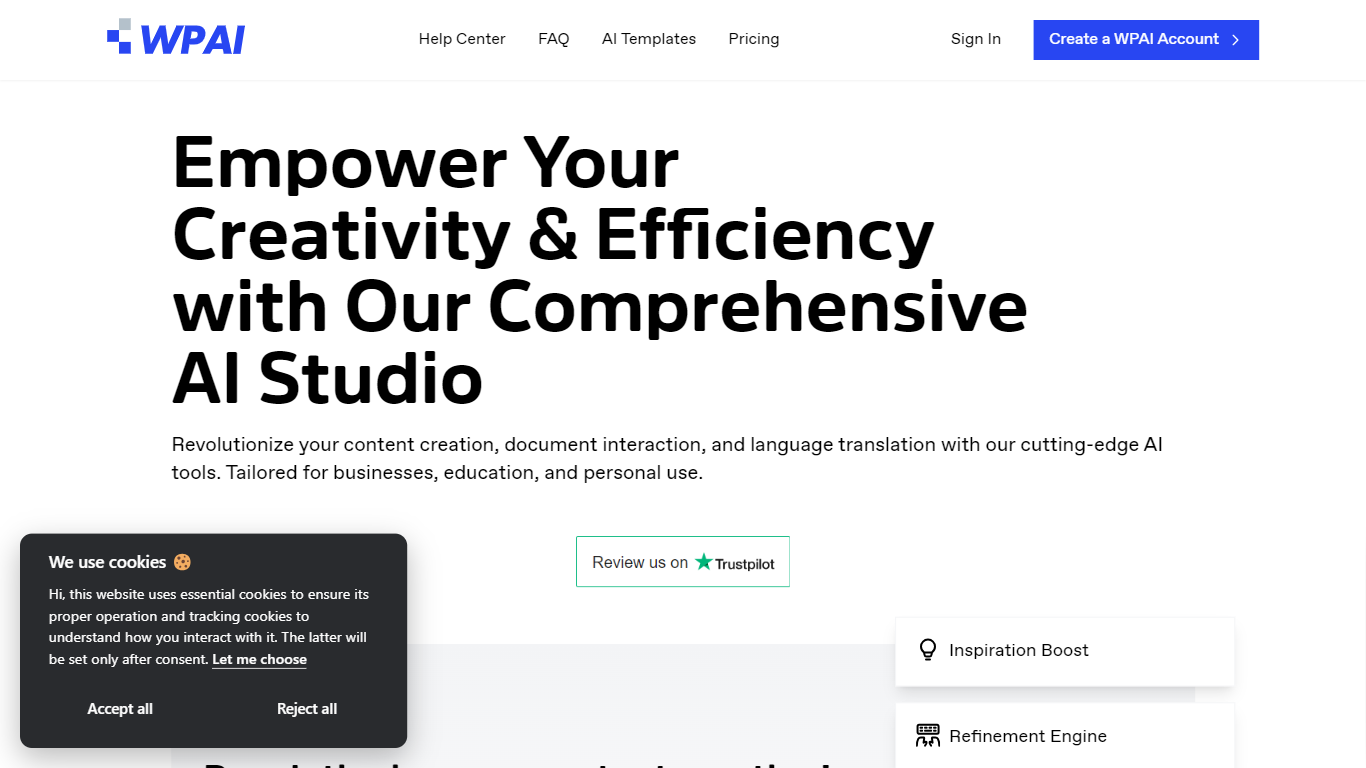
WordPop AI Studio bundles writing, editing, and translation into one browser workspace. You pick from 100+ templates, draft blog posts, emails, social captions, or product copy, then run grammar checks, tone adjustments, and SEO suggestions before publishing. Document upload and multilingual output cover teams that juggle formats and languages in the same session.
Many writing assistants focus on blank-page generation alone. WordPop pairs template libraries with an AI editor, summarization, simplification, expansion, and tone tools, plus document file management that extracts text from uploaded files. That mix targets repeatable business copy rather than single-shot paragraphs.
The site pitches businesses, educators, and solo creators who want faster drafts without giving up polish. A free plan with no credit card requirement sits alongside paid tiers linked from the homepage pricing page, and the product advertises support for more than 120 languages.
100+ ready-to-use templates for blogs, emails, and marketing copy
Grammar checker flags errors, punctuation issues, and awkward phrasing
SEO optimizer scores content for search visibility recommendations
Supports content generation and translation across 120+ languages
Document file management extracts text from uploaded files
AI editor rewrites drafts, adjusts tone, and expands or simplifies text
100+ templates cover blogs, emails, ads, and social posts
Grammar, SEO, and tone tools live in one editor
Supports 120+ languages for generation and translation
Free tier starts with no credit card requirement
Free plan limits are not spelled out on the homepage hero
Smaller brand with low domain authority versus major writing suites
Document and template depth may trail enterprise content platforms
What can WordPop AI write?
WordPop AI generates blog posts, professional documents, marketing copy, product descriptions, social captions, and emails. The homepage lists dedicated flows for each format plus 100+ templates to start from.
Does WordPop AI check grammar?
Yes. WordPop AI includes a grammar checker that highlights grammatical errors, punctuation problems, and awkward phrasing. It pairs with an AI editor that suggests rewrites and tone adjustments.
How many languages does WordPop AI support?
WordPop AI advertises multilingual generation and translation across more than 120 languages. The homepage shows sample welcome text in Portuguese, Spanish, French, German, Russian, and Chinese.
Is WordPop AI free to try?
Yes. WordPop AI includes a free plan on its homepage. The hero CTA reads free plan available, and paid subscriptions on the pricing page raise usage limits.
Does WordPop AI include SEO tools?
Yes. WordPop AI ships an SEO content optimizer that reviews drafts for search best practices. The feature sits alongside templates and the grammar checker in the main studio workflow.
Who is WordPop AI built for?
WordPop AI targets businesses, educators, and personal users who need faster writing workflows. The homepage emphasizes content creation, document interaction, and translation in one studio.