
Last updated 08-22-2026
Category:
Reviews:
Join thousands of AI enthusiasts in the World of AI!
WorkClaw
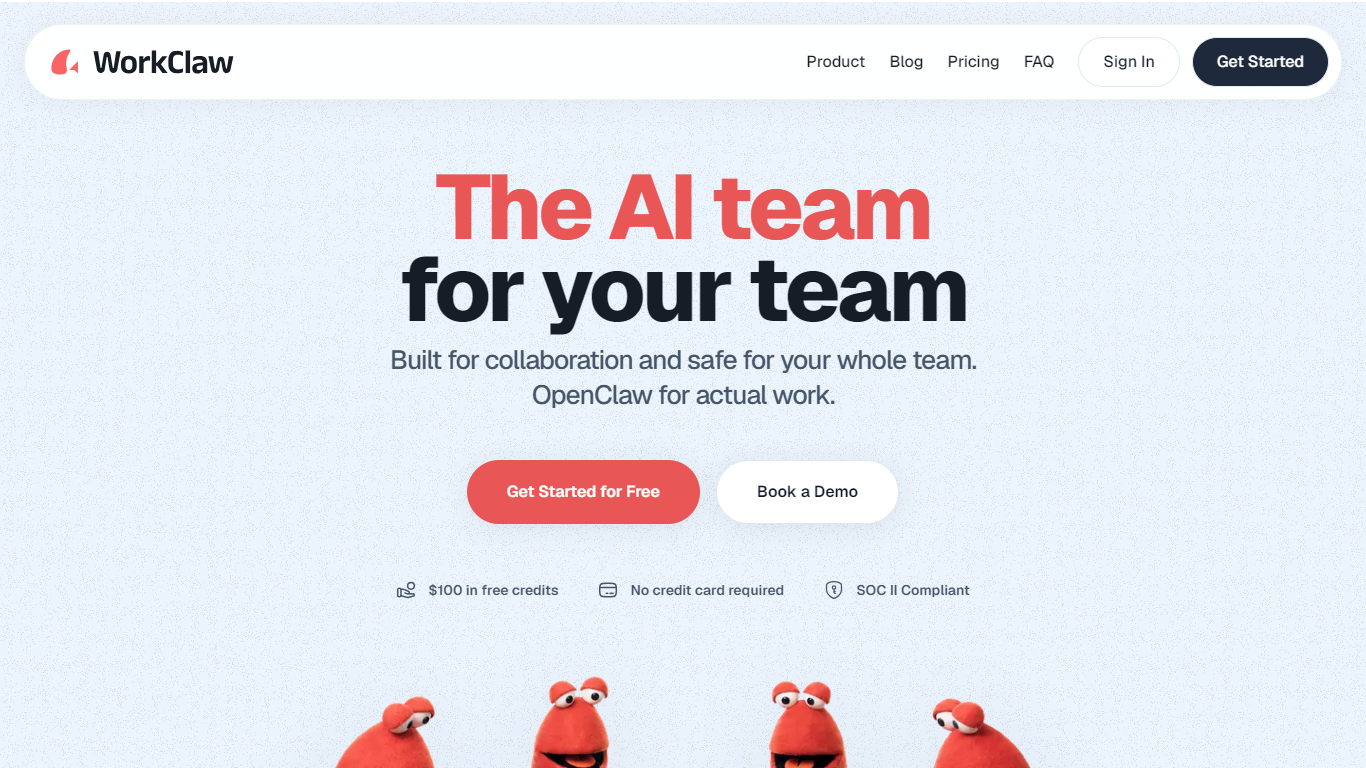
WorkClaw lets teams hire collaborative AI agents called Workmates that handle recurring work in Slack, Microsoft Teams, email, and 3,000+ connected apps. Each Workmate runs on its own cloud computer around the clock, so research, follow-ups, and reporting keep moving while your people are in meetings or offline. Sign-up includes $100 in credits and a 14-day trial with no credit card required.
Most chat-based agents wait for a prompt. WorkClaw Workmates are built to run proactively and route tasks to specialist agents, with each one isolated in a private workspace. The platform sits on OpenClaw but adds SOC 2 Type II controls, admin-managed integrations, and a secure vault that can require human approval before sensitive actions.
Operations, marketing, and support groups can spin up pre-built Workmates for roles like outbound sales, recruiting, or content marketing, then share custom skills through a team Skill Library. Pricing is credit-based with unlimited users on the Team plan, so cost tracks agent activity rather than headcount.
Team plan includes 30,000 credits per month shared across unlimited users for $29
Each Workmate rents a cloud computer from 750 credits per Workmate per day
Connect Slack, Gmail, Notion, Salesforce, and 100+ integrations on Team
Install pre-built Workmate templates for sales, engineering, recruiting, and research roles
SOC 2 Type II certified with per-Workmate isolation and team-specific credential encryption
Unlimited team members on the Team plan with no per-seat pricing.
Each Workmate runs on an isolated cloud computer with SOC 2 Type II compliance.
Pre-built Workmate templates and a shared Skill Library shorten setup for new teams.
Sign-up includes $100 in credits and a 14-day trial without a credit card.
Monthly credits on the Team plan reset and do not roll over to the next month.
Business-tier features such as SSO and BYOK require a custom sales plan.
Running multiple Workmates 24/7 can consume credits quickly at 750 credits per Workmate per day.
Does WorkClaw offer a free trial?
Yes. WorkClaw includes a 14-day free trial plus $100 in signup credits. No credit card is required to start, and the Team plan also includes an additional $100 in free credits per team.
How much does WorkClaw's Team plan cost?
WorkClaw's Team plan is $29 per month with unlimited users sharing 30,000 monthly credits. Business pricing is custom and adds BYOK, SSO, audit logs, and dedicated infrastructure through a sales conversation.
How do WorkClaw credits work?
WorkClaw credits cover both a Workmate's cloud computer and AI model usage. Cloud computers start at 750 credits per Workmate per day, and AI usage varies by model. Add 20,000 credits for $20 anytime, or pause Workmates to stop spend.
What apps does WorkClaw integrate with?
WorkClaw connects to Slack, Microsoft Teams, Google Workspace, Notion, Salesforce, Asana, Zoom, and more than 3,000 other tools. The Team plan advertises 100+ integrations including Gmail, with new connections added regularly.
How does WorkClaw protect team data?
WorkClaw isolates each Workmate in its own workspace with separate file storage. Credentials use team-specific encryption, browser traffic passes through controlled network policies, and the company has completed SOC 2 Type II certification.
Can multiple teammates share a WorkClaw Workmate?
Yes. Each WorkClaw Workmate is private by default, but you can share it with specific people or your whole team. Workmates can join Slack channels, and skills can be published to a shared Skill Library for the workspace.