
Last updated 07-26-2026
Category:
Reviews:
Join thousands of AI enthusiasts in the World of AI!
Write Brain
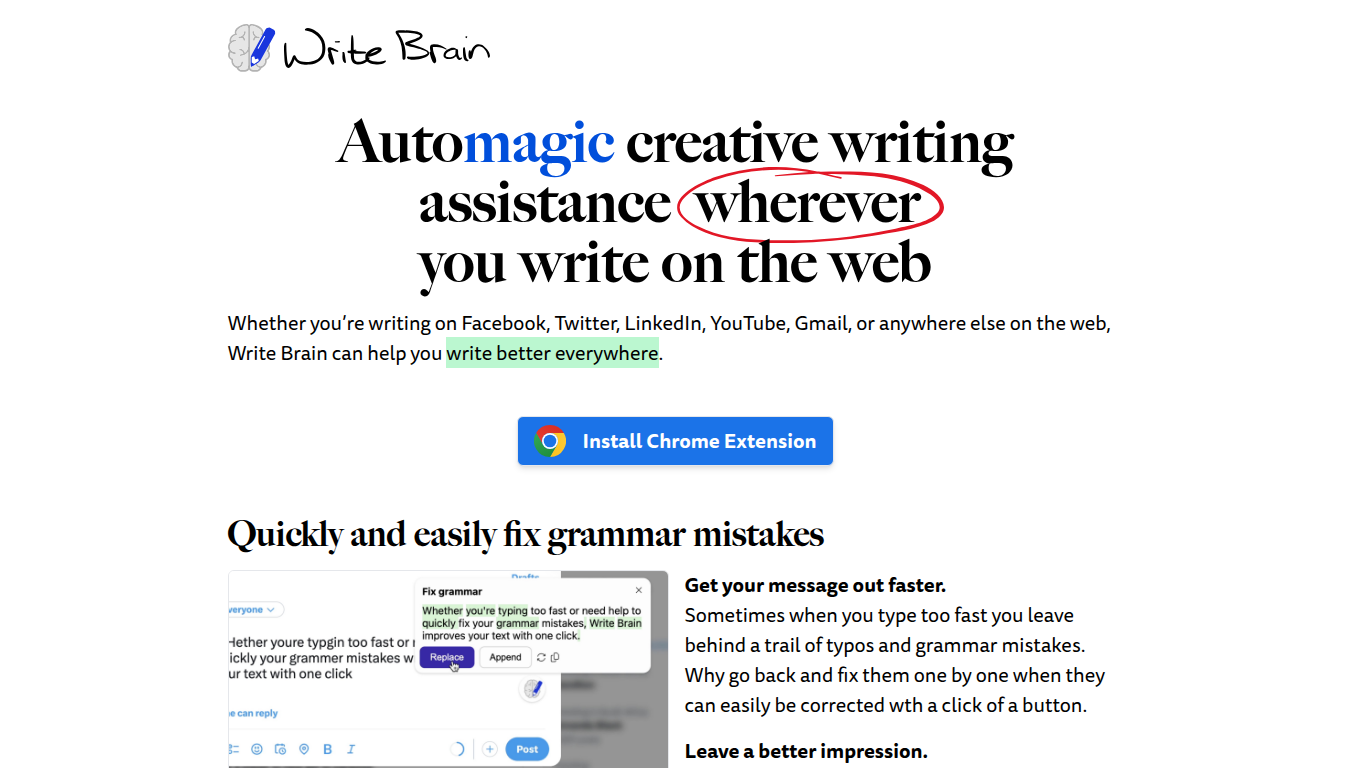
Write Brain is a browser extension that enhances your writing across the web by quickly fixing grammar and spelling errors with a single click. It helps you remove unnecessary words to make your writing clearer and more direct, saving you time and effort. The tool also enriches your sentences by suggesting more vivid and descriptive language, making your content more engaging. Write Brain supports instant translation of text, allowing you to communicate effectively with people in different languages by translating comments, emails, and replies on popular platforms. Additionally, it adds relevant emojis to your paragraphs and lists, making your writing more lively and visually appealing. The extension respects your privacy by not storing your personal writing data and offers flexible subscription plans including pay-as-you-go options. It is ideal for anyone who writes online, from social media users to customer support agents, seeking to improve clarity, correctness, and engagement in their writing.
📝 One-click grammar and typo correction to save time
✂️ Remove unnecessary words for clearer writing
🎨 Enhance sentences with more vivid language suggestions
🌐 Translate text instantly to communicate across languages
😄 Add relevant emojis to paragraphs and lists for fun
Quickly fixes grammar and spelling errors with minimal effort
Improves writing clarity by removing verbose language
Supports instant translation for multilingual communication
Offers flexible subscription plans including pay-as-you-go
Adds emojis automatically to make writing more engaging
Free plan limits edits to 30 per month
Requires internet connection to process writing assistance
No offline or desktop app version available
Can I try Write Brain before subscribing?
Yes, every subscription plan includes a free trial period so you can test all features before committing.
Does Write Brain store my writing data?
No, Write Brain does not retain your personal writing input after processing to protect your privacy.
How does the translation feature work?
You can select foreign language text anywhere online and instantly translate it into your native language or vice versa.
Can I use Write Brain on social media platforms?
Yes, Write Brain works on sites like Facebook, Twitter, LinkedIn, YouTube, and Gmail to improve your writing everywhere.
What happens if I exceed my monthly edit limit?
You can upgrade your plan or purchase additional edit packs with the pay-as-you-go Economy Writer option.
Does Write Brain add emojis automatically?
Yes, it suggests relevant emojis at the end of paragraphs and as bullets in lists to make your writing more engaging.
Is Write Brain available offline?
No, Write Brain requires an internet connection to process your writing and provide assistance.