
最后更新 07-30-2026
分类:
Reviews:
Join thousands of AI enthusiasts in the World of AI!
InterviewIQ
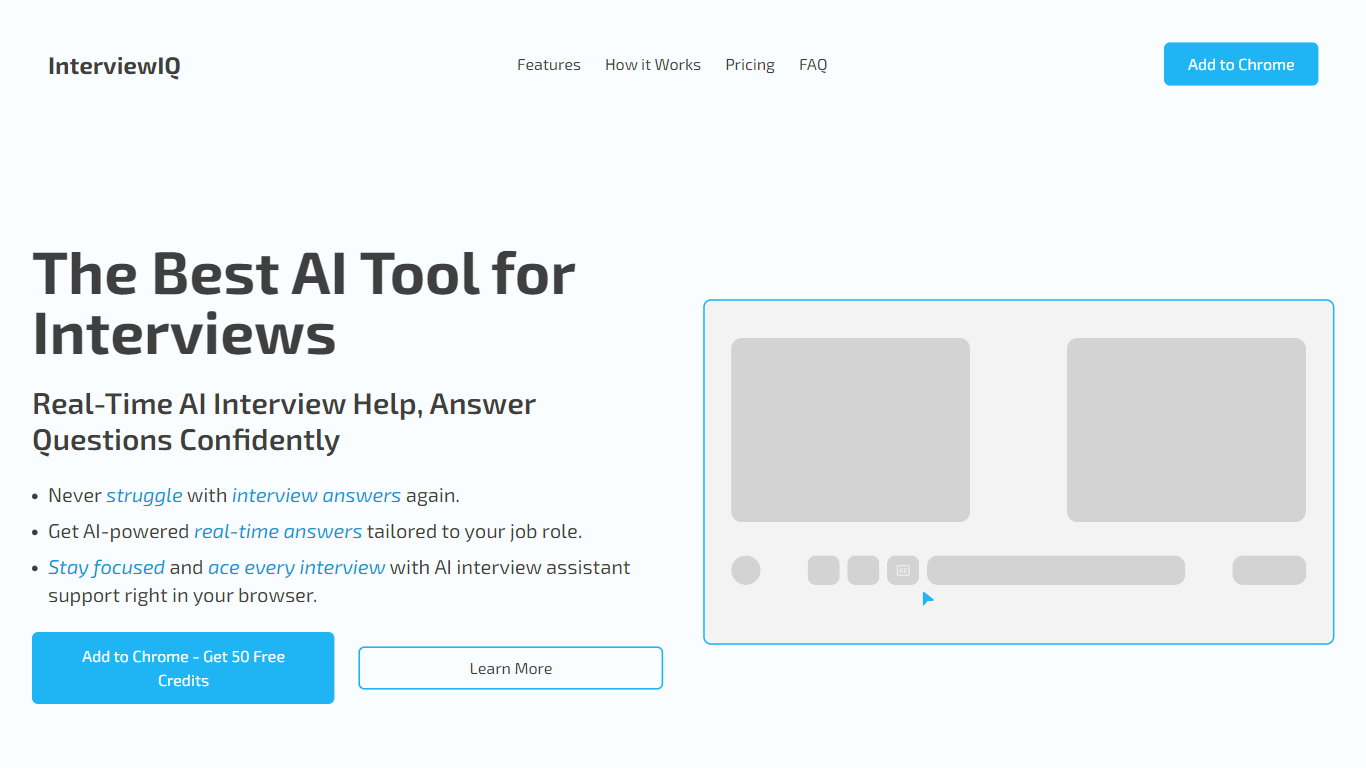
InterviewIQ 是一款用于实时视频面试的 Chrome 生产力扩展。您可以提前存储 STAR 故事和要点,然后该工具会读取 Google Meet 或 Microsoft Teams 的会议字幕,当出现匹配的问题时,会调出您保存的答案。它位于面试标签页中,避免您在通话中途切换文档。
许多面试助手依赖提词器式的脚本,而 InterviewIQ 更注重您的准备。匹配的问题会显示您写的完整答案;只有遇到意外问题时,才会从您上传的简历中提取 3-4 个要点提示。该供应商还提供按次购买会议积分,无需订阅,这与按月收费的面试套件不同。
该工具适用于行为和情境面试环节,在压力下回忆比现场编程题更重要。对于忘记指标、项目名称或准备故事的求职者来说,帮助最大;招聘人员则将其定位为帮助候选人在高压记忆回忆中获得认知支持。
设置依赖于在您的会议平台启用实时字幕。内置工具提示指导如何切换 Google Meet 和 Teams 的字幕,且扩展会过滤闲聊,确保提示仅在真实面试问题出现时触发,而非“你能听到我吗?”的确认。
在匹配已保存的问题时,3秒内显示您的完整预先编写答案
为您未准备的问题生成3-4个简历要点提示
Chrome扩展在Google Meet和Microsoft Teams中通过实时字幕工作
会议积分从每个4美元起,购买5次会议套餐且永不过期
过滤诸如“你能听到我吗?”等闲聊,只触发真正的面试问题提示
每次购买的积分会议无限时长
已保存的答案在AI生成的提示之前显示,保持您的用词
按会议付费的积分,无需订阅且不过期
旨在透明,屏幕提示可向招聘官披露
仅限Chrome扩展;没有独立的桌面或移动应用
需要Google Meet或Microsoft Teams中的实时字幕以检测问题
专注于行为面试,不包括现场编码或白板测试
How does InterviewIQ work during a live interview?
InterviewIQ is a Chrome extension that listens to Google Meet or Microsoft Teams captions, detects interview questions, and shows your saved answer on screen. If you did not prep that question, InterviewIQ generates 3-4 bullet prompts from your uploaded resume within about 3 seconds.
Does InterviewIQ work with Microsoft Teams?
Yes. InterviewIQ integrates with Microsoft Teams and Google Meet through live meeting captions. You install the Chrome extension once, upload your resume, save answers to common questions, and prompts appear in the meeting tab without switching windows.
How much does InterviewIQ cost?
InterviewIQ sells meeting credits with no subscription. One meeting costs $5, five meetings cost $20 ($4 each), and ten meetings cost $50. Credits never expire, and new users can get a first-use discount starting around $1.50.
What happens if InterviewIQ gets a question I did not prep?
InterviewIQ generates 3-4 bullet-point reminders from your resume, such as project names, team sizes, or metrics. These are memory prompts, not full scripts, so you still answer in your own words during the interview.
Is InterviewIQ good for coding interviews?
InterviewIQ is built for behavioral and situational questions about your experience, not live coding or whiteboard tests. The homepage and FAQ both say it works best for conversation-based interviews rather than technical coding challenges.
How do I set up InterviewIQ captions?
Turn on live captions in Google Meet or Microsoft Teams before the interview starts. InterviewIQ includes step-by-step tooltips for each platform. If prompts stop appearing, toggle captions off and back on, and make sure the meeting tab is not grouped with other tabs.