
最后更新 07-24-2026
PNG Maker
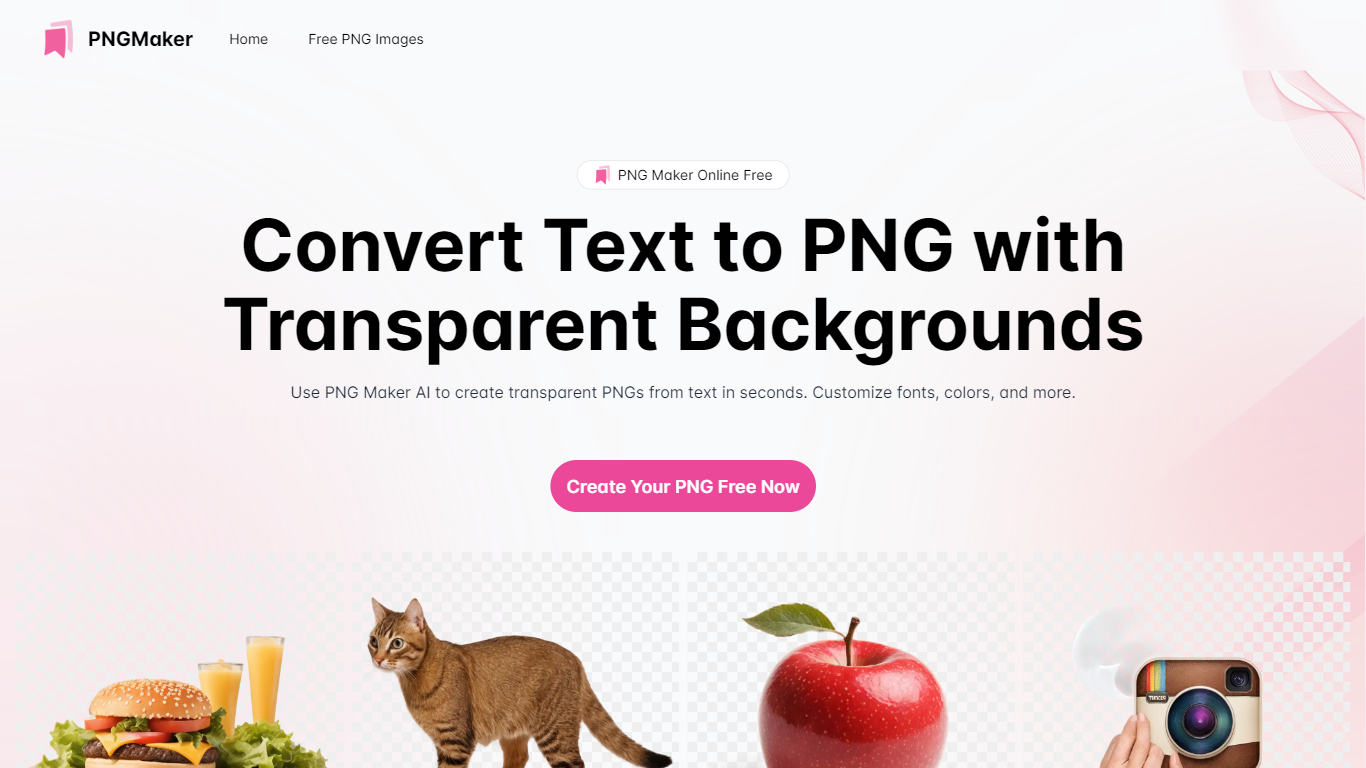
PNG Maker is an online tool that turns text prompts into PNG images with transparent backgrounds. It targets designers, marketers, and content creators who need clip-art style assets, logos, or graphics without opening desktop editing software.
You type a description of what you want, pick an aspect ratio, and the app generates one or more PNG files you can download. The web app also supports image-to-image generation, so you can upload a reference and refine the output from there. Free users get 9 credits per day; paid plans unlock higher monthly credit limits, batch generation, and private outputs.
The site also organizes outputs by tags and runs a blog with tips for writing better prompts. If you need quick transparent PNGs for slides, social posts, or web layouts, it keeps the workflow in the browser with no install required.
Turn text prompts into transparent PNG images without desktop software
Switch between text-to-image and image-to-image modes in one web app
Pick aspect ratios like 1:1, 3:2, and 2:3 before generating
Generate up to four images at once on paid plans
Browse community creations organized by tags for prompt inspiration
Free tier includes 9 daily credits with watermark-free downloads.
Supports both text-to-image and image-to-image generation in one app.
Paid plans unlock commercial rights, private outputs, and batch generation.
Free plan images are public and limited to personal use.
Unused credits do not roll over between billing cycles.
Free users only get 7-day storage for generated images.
Is PNG Maker free to use?
Yes. The free plan includes 9 credits per day with text-to-image and image-to-image generation, watermark-free downloads, and 7-day image storage. Pro and Max subscriptions add more monthly credits, batch generation, and priority support.
Can I use PNG Maker images for commercial projects?
Images created under a paid subscription can be used commercially, including for marketing and advertising. Free plan users are limited to personal use only.
Are images generated on PNG Maker private?
Paid subscribers get private image generation by default. Free plan images are public and may be visible to others on the platform.
What generation modes does PNG Maker support?
The app supports text-to-image and image-to-image generation with GPT-Image-1. You can choose aspect ratios including 1:1, 3:2, and 2:3, and generate multiple images per run on paid plans.
Do unused PNG Maker credits roll over?
No. Unused credits expire at the end of your current billing cycle and reset when the next cycle starts.