
Last updated 08-03-2026
Category:
Reviews:
Join thousands of AI enthusiasts in the World of AI!
Adobe Podcast AI
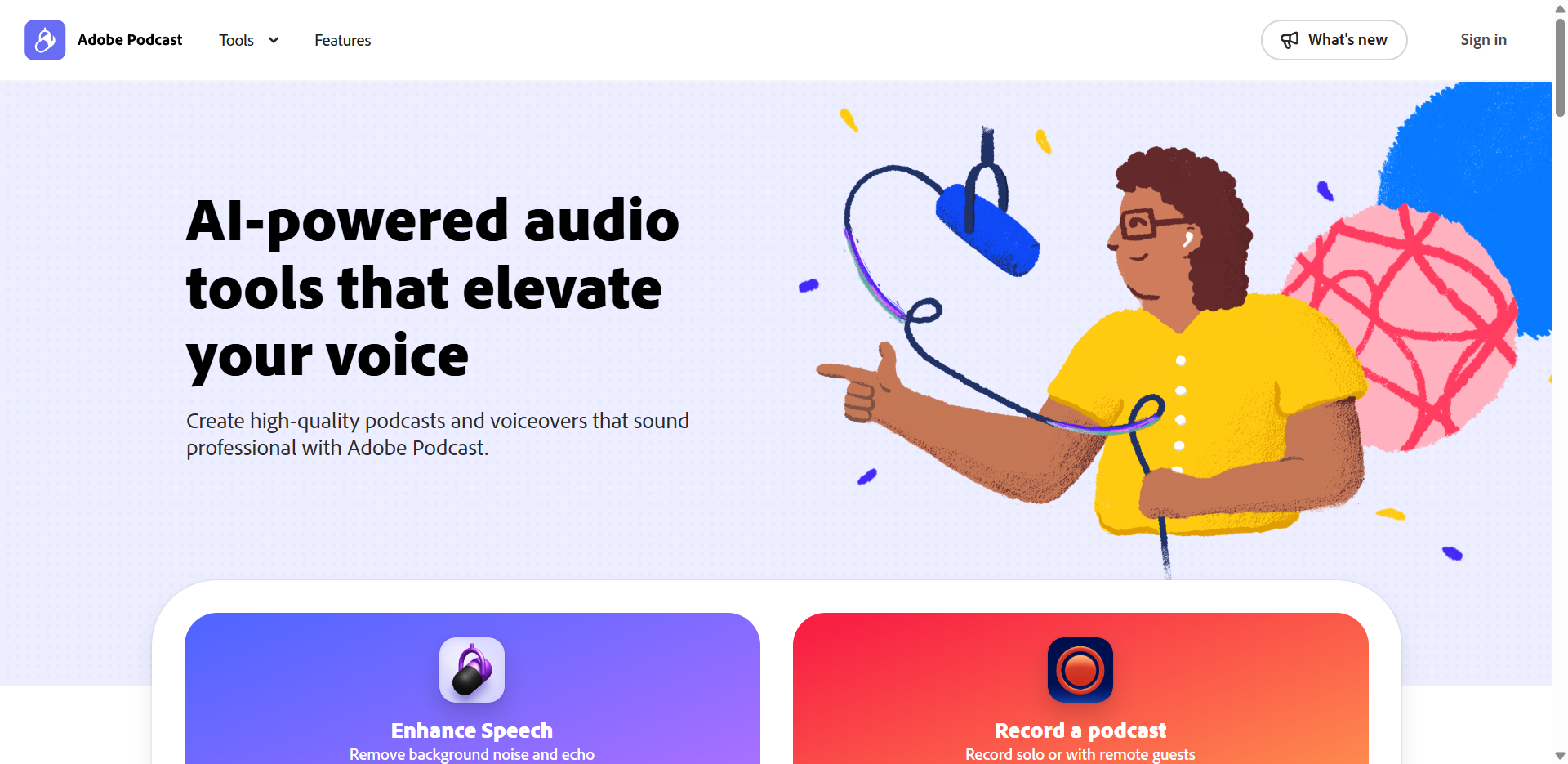
Adobe Podcast AI lets you record, clean up, and edit spoken-word audio entirely in the browser at podcast.adobe.com. Upload a rough recording or capture remote guests in Studio, then strip background noise with Enhance Speech, cut filler by deleting transcript text, and export finished clips. The suite covers captioning, music removal, transcription, and royalty-free podcast music without installing desktop software.
Where Descript and Riverside focus on full production timelines, Adobe Podcast narrows in on spoken-word cleanup and quick turnaround. Enhance Speech is the headline feature: one click strips background noise and echo, and Premium adds sliders to balance speech, ambience, and music separately. The free tier caps you at audio-only files up to 30 minutes and one hour of enhancement per day, which is enough for casual clips but pushes heavy video workflows toward the paid plan.
Podcast hosts, course creators, journalists, and social media editors use it when a recording sounds rough but the content is worth keeping. Studio records remote guests as separate 16-bit 48kHz WAV tracks, and transcription-based editing lets you cut filler words by deleting text rather than scrubbing waveforms.
Enhance Speech removes background noise and echo in one click on audio or video uploads
Studio records remote guests as separate 16-bit 48kHz WAV tracks in the browser
Edit audio by deleting transcript text, powered by the same engine as Adobe Premiere Pro
Free plan handles audio files up to 30 minutes and 500 MB with 1 hour of daily enhancement
Premium at $9.99 per month unlocks video formats, bulk uploads, and 4 hours of daily enhancement
Caption video, remove background music, and export transcripts as text or PDF from the same dashboard
Runs entirely in the browser with no software download required.
Enhance Speech delivers noticeable noise and echo reduction in a single click.
Remote Studio recording saves each guest as a separate 16-bit 48kHz WAV track.
Generous free tier covers basic audio cleanup for casual creators.
Premium bundles Adobe Express Premium at no extra cost.
Free plan limits Enhance Speech to audio only with a 30-minute file cap.
Daily enhancement caps (1 hour free, 4 hours Premium) can bottleneck heavy production days.
Video export on the free plan stays at 720p with Adobe Podcast branding.
Is Adobe Podcast AI free to use?
Yes, Adobe Podcast AI offers a permanent free plan with Enhance Speech for audio files up to 30 minutes and 500 MB, capped at one hour of enhancement per day. Premium costs $9.99 per month and adds video support, bulk uploads, and higher daily limits.
What does Adobe Podcast AI Enhance Speech do?
Adobe Podcast AI Enhance Speech uses AI to strip background noise and echo from voice recordings in one click. The free plan handles audio only, while Premium supports MP4, MOV, and other video formats with adjustable strength sliders for speech, music, and ambience.
Does Adobe Podcast AI require software installation?
No, Adobe Podcast AI runs entirely in the browser at podcast.adobe.com. You can enhance uploads, record remote guests in Studio, and edit by transcript without downloading any desktop application.
What are Adobe Podcast AI Premium plan limits?
Adobe Podcast AI Premium allows files up to 2 hours and 1 GB, with up to 4 hours of enhanced speech per day. It also unlocks bulk uploads, speaker-separated downloads, custom audiogram themes, and Adobe Express Premium features.
Can Adobe Podcast AI record remote podcast guests?
Yes, Adobe Podcast AI Studio records solo hosts or remote guests through the browser. Each participant is captured as an individual 16-bit 48kHz WAV track, even when someone's connection drops in quality.
How does Adobe Podcast AI text-based editing work?
Adobe Podcast AI Studio transcribes your recording, then lets you cut, copy, and paste audio by editing the transcript like a document. The transcription engine matches the one used in Adobe Premiere Pro for spoken-word accuracy.