
Last updated 08-11-2026
Category:
Reviews:
Join thousands of AI enthusiasts in the World of AI!
AI Cowriter
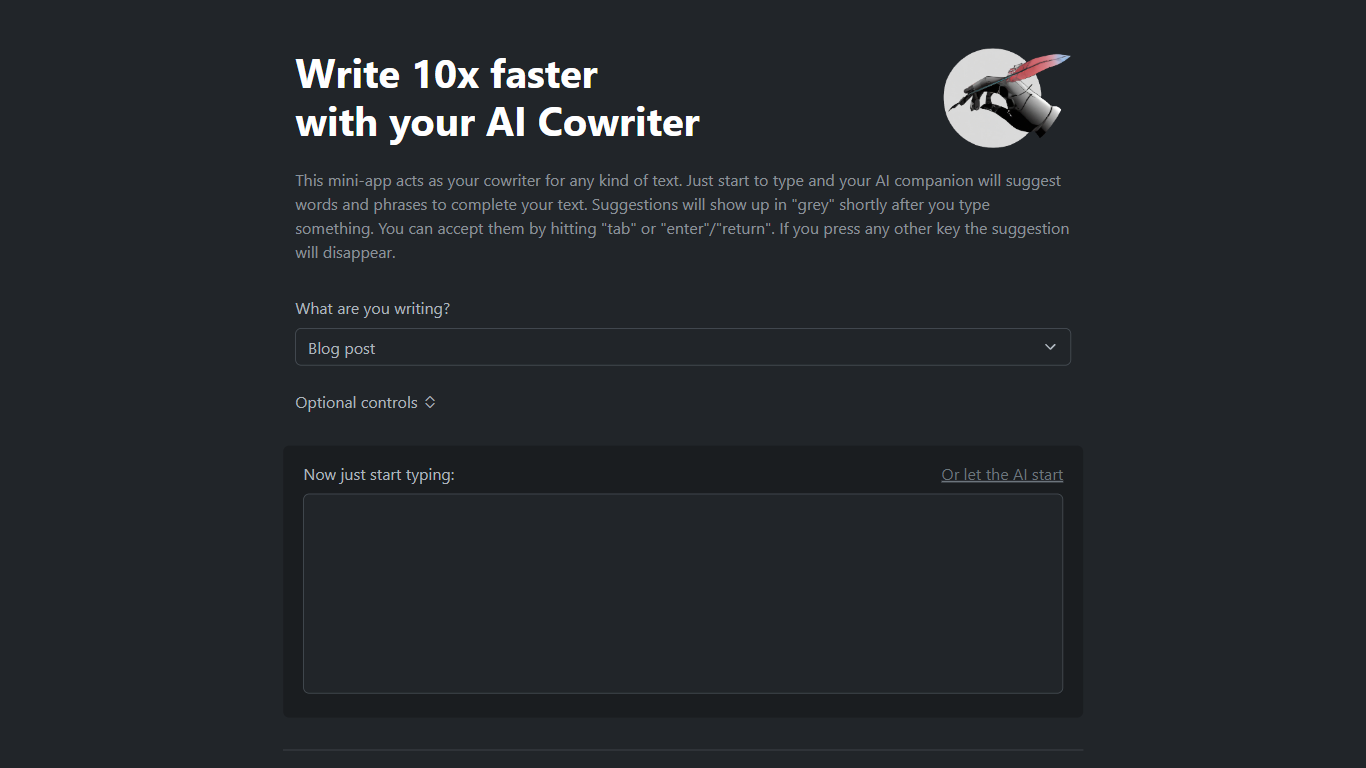
AI Cowriter is a browser-based writing assistant that suggests the next words and phrases as you type. Pick a format like a blog post, LinkedIn update, tweet, or email, add optional topic and audience notes, then start writing. Suggestions appear in grey text and you accept them with Tab or Enter.
Unlike a full document editor with side panels, AI Cowriter keeps the flow inline, closer to autocomplete in a code editor than a chat box. You can also click to let the AI draft the opening lines. The project is open source on GitHub under kinosal/cowriter, so you can inspect how prompts are built before they hit the OpenAI API.
It suits bloggers drafting posts, marketers writing LinkedIn updates, and anyone who wants GPT-style completions without switching to a separate chat window. Automated scrapers often get HTTP 403 from the host, but the web app loads fine in a normal browser session.
Grey autocomplete suggestions accepted with Tab or Enter keys
Preset formats for blog posts, LinkedIn posts, tweets, and emails
Optional topic, writing style, audience, and notes fields before you type
Let the AI start button to generate opening text for you
Open-source codebase at github.com/kinosal/cowriter with 43 GitHub stars
Uses OpenAI GPT models for next-token prediction per the project README
Free browser tool with no account required on the homepage
Inline grey suggestions keep you in the writing flow
Open-source GitHub repo lets you audit prompt construction
Optional topic, style, and audience fields tailor completions
Automated requests to ai-cowriter.com often return HTTP 403 errors
GitHub README references older GPT-3 Davinci rather than newer models
No native desktop or mobile app, browser only
What is AI Cowriter?
AI Cowriter is a free web mini-app that suggests the next words and phrases while you write. You choose a text type such as a blog post or email, type in the editor, and accept grey autocomplete suggestions with Tab or Enter.
Is AI Cowriter free?
Yes, AI Cowriter is free to use in the browser at ai-cowriter.com. The developer welcomes donations to help cover hosting, but no paid plan is listed on the site.
How do I accept suggestions in AI Cowriter?
In AI Cowriter, autocomplete suggestions appear in grey shortly after you type. Press Tab or Enter to insert the suggestion into your text. Press any other key and the grey suggestion disappears so you can keep typing.
What text types does AI Cowriter support?
AI Cowriter lets you pick Blog post, LinkedIn Post, Tweet, Email, or Other before you start writing. Optional fields let you set a topic, writing style, target audience, and notes that shape the suggestions.
Is AI Cowriter open source?
Yes, AI Cowriter publishes its source code on GitHub at github.com/kinosal/cowriter. The README describes a Python and JavaScript stack that sends prompts to OpenAI GPT models for autocomplete.
Which AI model powers AI Cowriter?
AI Cowriter uses OpenAI GPT models for autocomplete, with the GitHub README referencing the GPT-3 Davinci model. The site sends a prompt built from your selected format and optional topic fields to predict the next tokens.