
Last updated 07-24-2026
Category:
Reviews:
Join thousands of AI enthusiasts in the World of AI!
aithenticate
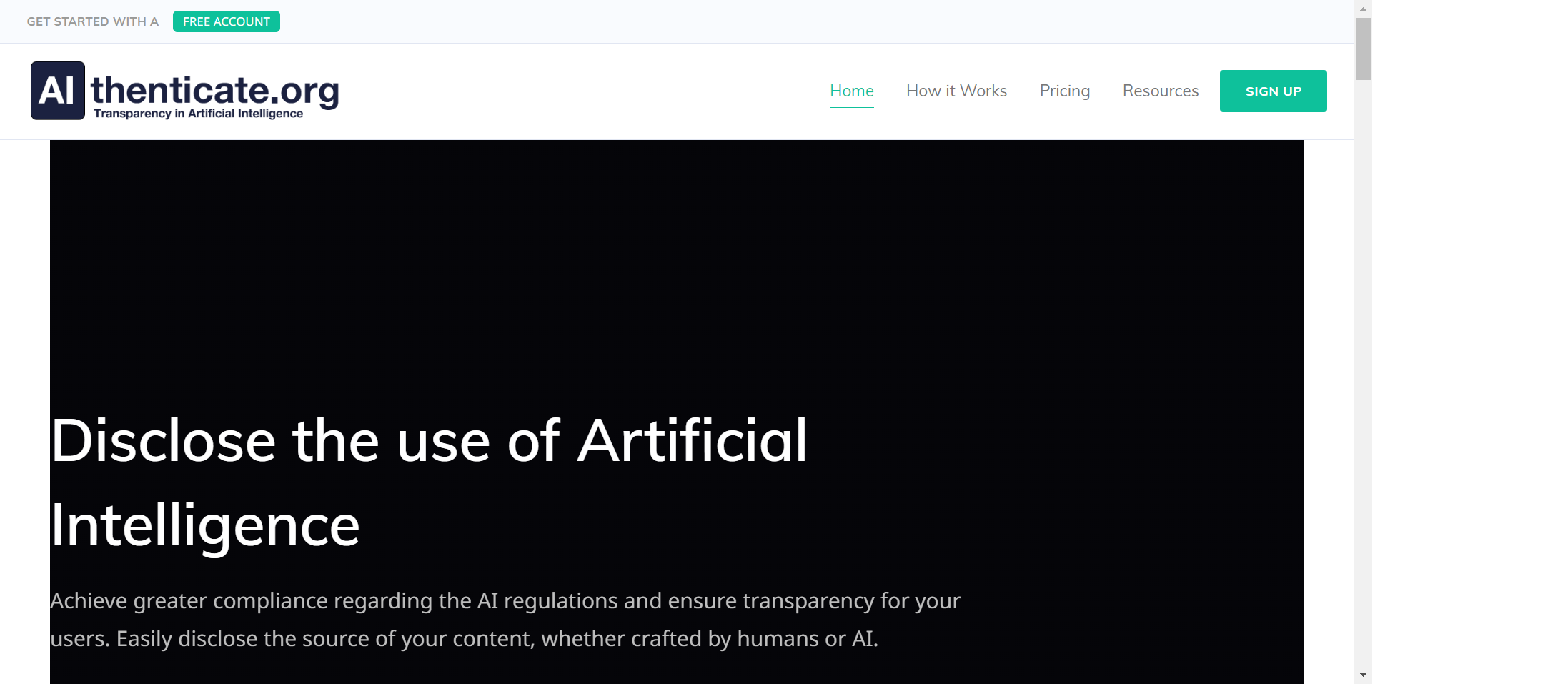
Aithenticate is a transparency platform built around a WordPress plugin that discloses whether site content was created by humans or with AI assistance. Site owners add badges to pages and posts so readers know the origin of what they are reading.
The plugin uses two badge types: a blue icon for AI-assisted content and a green icon for human-written content. Each badge links to a hosted company profile on Aithenticate that lists the AI tools used and includes a disclosure statement.
Beyond badges, Aithenticate generates AI usage disclosures and provides a custom company profile page with business details and transparency information. The setup works through WordPress or via manual code embed on other platforms.
The product targets website publishers navigating growing AI disclosure expectations and regulations. Aithenticate.org notes it is not a law firm and does not provide legal advice.
WordPress plugin that adds human vs. AI disclosure badges to individual posts and pages
Blue badge marks AI-assisted content; green badge marks human-written content
Hosted company profile page listing your AI tools and disclosure statement
Built-in AI disclosure generator for site-wide transparency statements
One-click automatic site-wide badge rollout on unlimited plans
Free tier covers up to 10 badge implementations with no upfront cost.
Works on non-WordPress sites via manual code embed.
Lightweight plugin designed not to impact page load speed.
Premium subscription required beyond 10 pages or posts.
Does not provide legal advice; compliance responsibility stays with the site owner.
Separate account required for each website.
Is Aithenticate free to use?
Yes. The Aithenticate plugin is free with up to 10 badge implementations, a company page, and an AI usage disclosure. Paid plans start at ???5.99/month for sites with more than 10 pages or posts.
Can I use Aithenticate without WordPress?
Yes. Non-WordPress sites can integrate Aithenticate by manually embedding the provided code into their pages. The process typically involves copying and pasting the embed code.
Can I use the Aithenticate plugin on multiple sites?
Yes, but each site requires a separate Aithenticate account to manage implementations and company profiles independently.
Will the Aithenticate plugin slow down my website?
Aithenticate states its plugin is lightweight and designed not to noticeably impact website loading speed.
Does Aithenticate provide legal compliance advice?
No. Aithenticate.org is not a law firm and does not provide legal advice or legal representation. The plugin helps with transparency disclosure, but compliance responsibility remains with the site owner.