
Last updated 08-30-2026
Category:
Reviews:
Join thousands of AI enthusiasts in the World of AI!
Animate Image AI
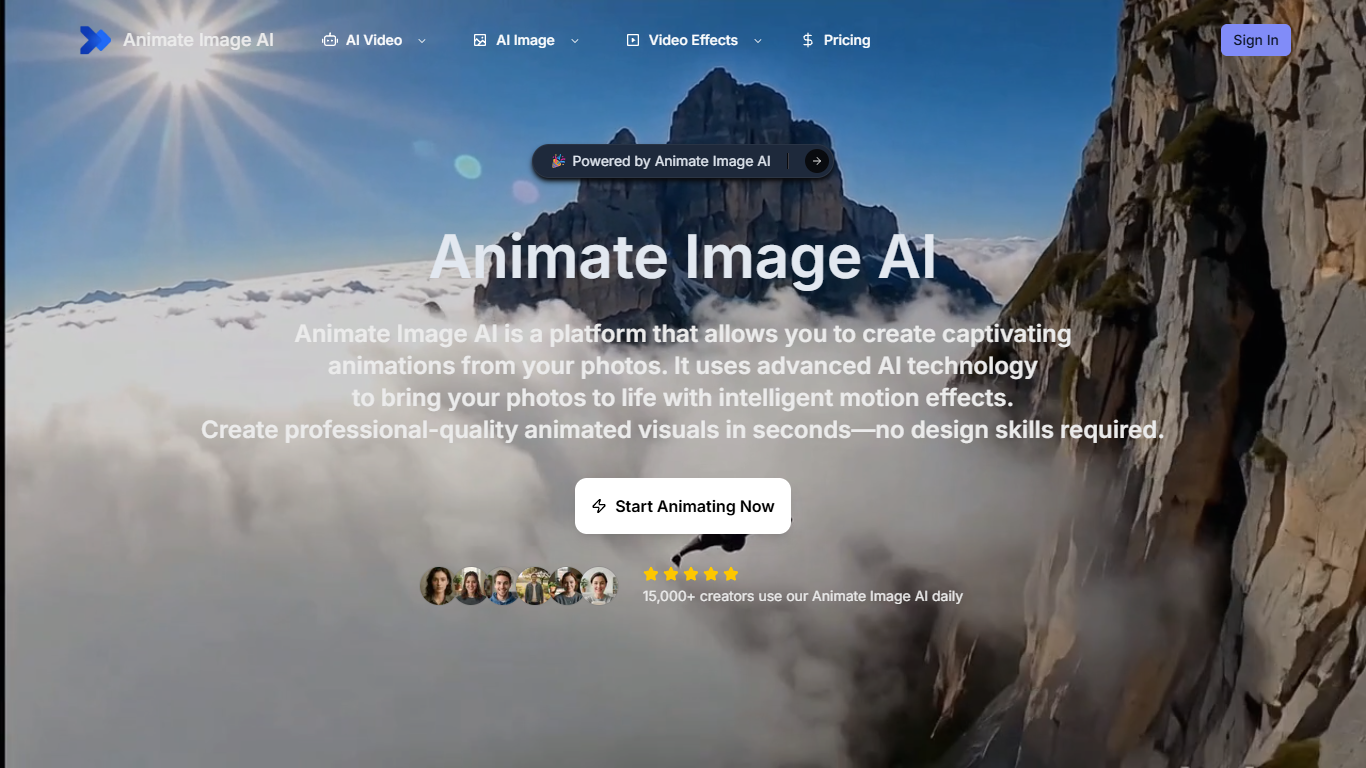
Animate Image AI is a browser-based photo animation and AI video generator. You upload still images or write prompts, pick a model such as Kling, Veo, Runway, Sora, or Seedance 1.5 Pro, and export short MP4, GIF, or WebM clips. Text-to-video, image-to-video, and video-to-video modes share one workspace with built-in AI image generation and editing tools.
Unlike subscribing to a single model provider, Animate Image AI routes generations through multiple third-party video models behind one credit wallet and subscription page. That trade-off favors convenience over direct API control: you choose a model from a dropdown, but paid plan pages cap output at 1080P even while marketing pages cite 4K resolution.
The site targets social media managers, e-commerce sellers, real estate agents, and freelancers who need motion assets from photos without learning a full video editor. Typical workflows include product animations, listing visuals, and short clips for Instagram or TikTok.
Sign-in is required before you can generate. Usage runs on credits tied to monthly tiers starting at 1,200 credits, and the homepage generator lists about 25 to 30 credits for a 4-second Seedance 1.5 Pro clip at 480p.
Generate videos from text, images, or existing video clips in one workspace
Choose from models including Kling, Veo, Runway, Sora, and Seedance 1.5 Pro
Homepage generator charges about 25 to 30 credits for a 4-second clip at 480p
Upload JPG, PNG, or HEIC files up to 50MB, with up to 3 reference images on image-to-video
Export watermark-free MP4, GIF, or WebM files on paid subscription plans
Paid Standard plan includes 1,200 credits per month for $14.90 billed monthly
Multiple third-party video models in one interface, including Kling, Veo, Runway, and Sora.
Watermark-free downloads on paid plans with user ownership of generated animations.
Browser-based workflow with no desktop install required.
Sign-in and credits are required before you can generate videos.
Pricing page caps output at 1080P even though marketing pages mention 4K.
No native mobile app; access is through the web browser only.
Is Animate Image AI free to use?
Animate Image AI lets you sign up without a credit card and start creating. Video generation consumes credits, and paid subscription plans add monthly credit allotments. The pricing page lists Standard at 1,200 credits per month when billed monthly.
Which AI models does Animate Image AI support?
Animate Image AI lists Kling, Veo, Runway, and Sora on its pricing page. The homepage generator defaults to Seedance 1.5 Pro, and the image-to-video page also references Runway Gen-3, Pika, and Stable Video Diffusion.
Can I use Animate Image AI videos commercially?
Animate Image AI states that users retain ownership of uploaded images and generated animations. Paid plans include watermark-free downloads, and the homepage describes exports as suitable for commercial projects and client work.
What image formats does Animate Image AI accept?
Animate Image AI accepts JPG, PNG, and HEIC uploads up to 50MB. The image-to-video page lets you attach up to three reference images per generation.
How long does video generation take?
Animate Image AI says homepage animations finish in seconds. The image-to-video page cites processing in under 20 seconds, and paid plans advertise instant generation without queues.
Does Animate Image AI have a mobile app?
Animate Image AI does not list a native mobile app. The product is a web-based platform you access through a browser on desktop or mobile.