
Last updated 08-11-2026
Category:
Reviews:
Join thousands of AI enthusiasts in the World of AI!
AnyVoice
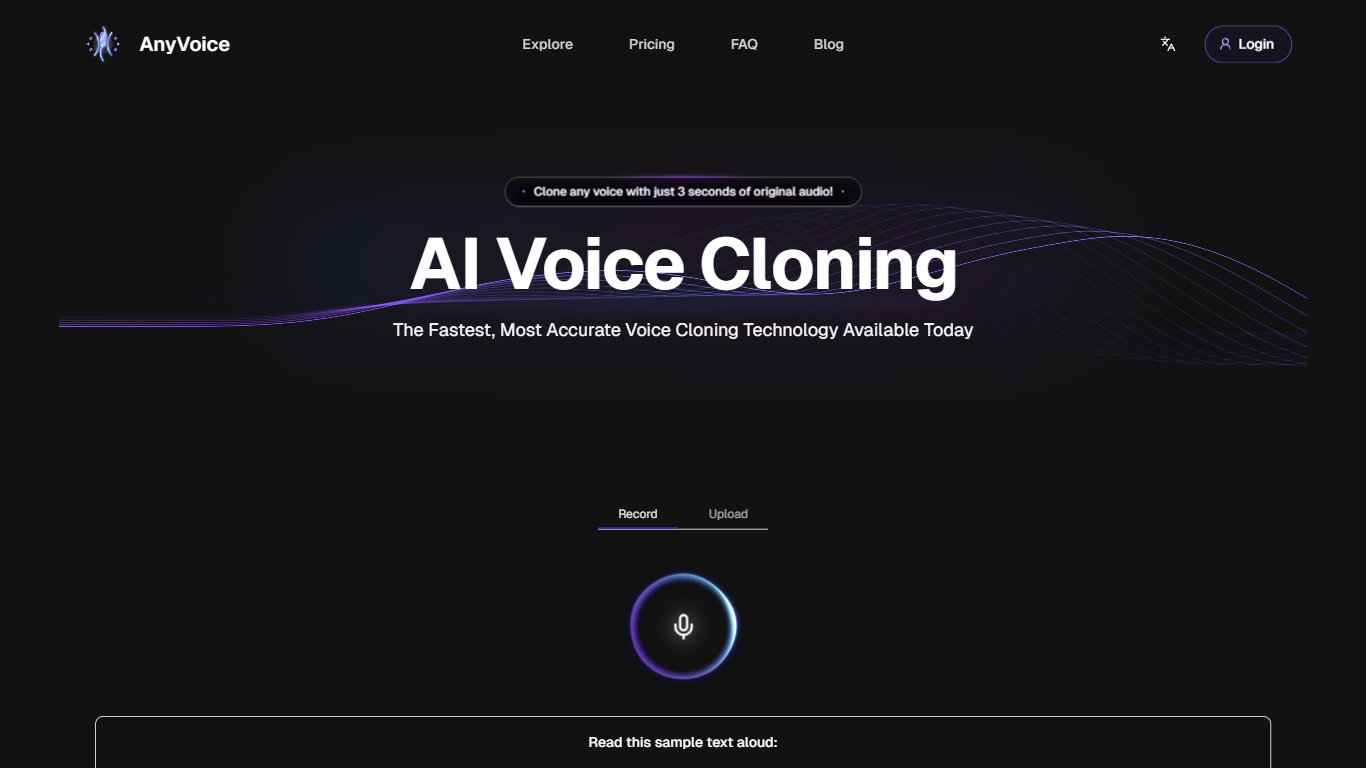
AnyVoice clones a speaker's voice from a 3-second audio sample and turns typed text into speech that sounds like them. Upload a short recording in your browser or pick from a community library of thousands of pre-built voices. Three modes cover text-to-speech, voice cloning, and voice design for building new voices without a reference clip.
The 3-second clone threshold is the standout spec. Most voice cloning tools ask for 30 seconds or more of clean audio. AnyVoice targets creators who need a quick voiceover for a video draft, a podcast intro, or a prototype and do not want to record a full training sample first.
Free users get 900 seconds of generation per month with a 120-character cap per run. The Pro plan at $14.99 per month raises the per-generation limit to 1,000 characters, removes monthly time caps, and unlocks commercial use. Output downloads as MP3 or WAV. Supported clone languages include English, Mandarin Chinese, Japanese, and Korean.
Clone a voice from a 3-second audio sample recorded in the browser
Free tier includes 900 seconds of audio generation per 30-day cycle
Pro plan at $14.99 per month allows commercial use and unlimited generations
Supports English, Mandarin Chinese, Japanese, and Korean voice cloning
Community voice library with thousands of pre-built voice models
Download generated audio as MP3 or WAV files
Needs only 3 seconds of reference audio to create a voice clone.
Generous free tier with 900 seconds of monthly generation time.
Large community voice library for instant use without cloning.
Commercial licensing included on the Pro plan.
Exports finished audio as MP3 or WAV.
Free plan limits each generation to 120 characters.
No public API for developer integrations yet.
Voice style customization is not available on the current release.
How do I start voice cloning on AnyVoice?
Visit anyvoice.net and upload an audio file or record a 3-second sample in your browser. AnyVoice generates your custom voice clone within seconds, then you can type text and produce speech with it.
Can AnyVoice voices be used commercially?
Only AnyVoice Pro subscribers can use generated voices for commercial projects. Free accounts are limited to personal, non-commercial use. You must also obtain consent before cloning another person's voice.
What languages does AnyVoice support?
AnyVoice voice cloning models support English, Mandarin Chinese, Japanese, and Korean. The platform trains each language model for natural pronunciation and intonation.
What are AnyVoice free plan limits?
AnyVoice free users get 900 seconds of text-to-speech per 30-day cycle, up to 120 characters per generation, and can create up to 5 voice clone models. Generation runs at slower speeds than paid tiers.
How much does AnyVoice Pro cost?
AnyVoice Pro costs $14.99 per month. It includes up to 1,000 characters per generation, unlimited audio generation, priority processing, unlimited voice clone models, and commercial use rights.
Does AnyVoice offer an API?
AnyVoice does not offer a public API yet. The site states that programmatic access is planned for a future release.