
Last updated 07-16-2026
Category:
Reviews:
Join thousands of AI enthusiasts in the World of AI!
AudioLetter.ai
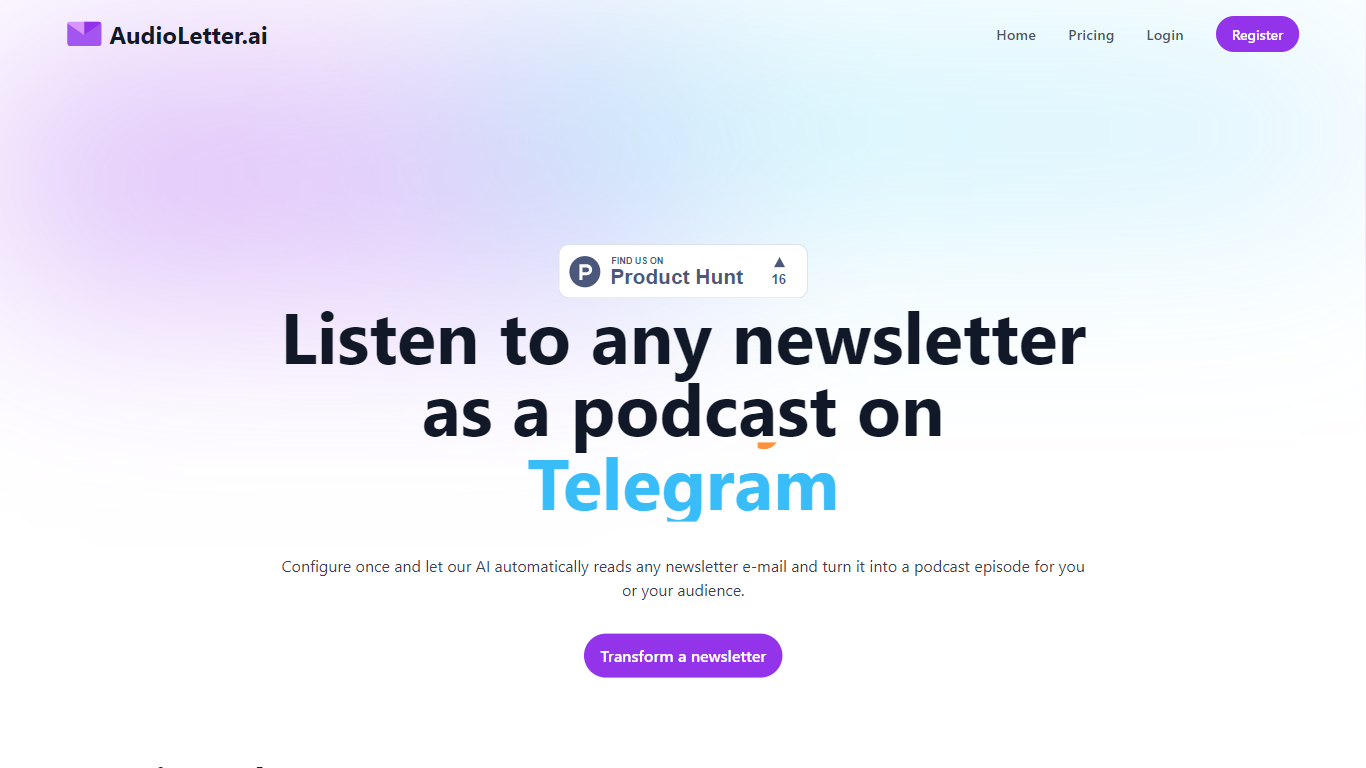
AudioLetter.ai turns newsletter emails into listenable podcast episodes delivered to Spotify, RSS players, Telegram, or Discord. You set up delivery once, subscribe to newsletters using a unique AudioLetter address, and new issues arrive as audio without manual uploads or editing.
The service reads each incoming newsletter, converts the written content into speech, and publishes a fresh episode on the channels you configured during setup. Newsletter subscribers who prefer audio over reading can keep up with their subscriptions during a commute or workout. Newsletter creators can republish written issues as audio on public podcast platforms or inside a private Telegram group or Discord server.
Creator plan subscribers can submit a voice sample so episodes are narrated in their own voice. AudioLetter.ai does not ask for access to your personal inbox; you point newsletter signups at the dedicated address it provides instead.
Each newsletter sent to your AudioLetter address becomes a podcast episode automatically
Deliver episodes to RSS players, Telegram, Discord, Spotify, or Apple Podcasts
Subscribe to newsletters with a dedicated address instead of sharing your personal inbox
Creator plan narrates episodes using a voice sample you upload
Monthly and yearly billing, with yearly priced at two months off
Does not require inbox permissions; newsletters subscribe to a dedicated AudioLetter address.
Delivers episodes to public podcast platforms and private Telegram or Discord channels from one setup.
Google sign-in is available alongside email registration.
No free tier is listed on the pricing page; paid plans start at $12 per month.
Episode limits cap usage at 10 or 25 episodes per month depending on the plan.
Own-voice narration is tied to paid plans and positioned for creators on the $50 Creator tier.
How does AudioLetter.ai work?
AudioLetter.ai gives you a unique email address to use when signing up for newsletters. When a new issue arrives, the service analyzes the email, converts the content into audio, and publishes a podcast episode to the delivery channels you configured during setup.
Where can I listen to AudioLetter.ai episodes?
AudioLetter.ai can deliver episodes to any podcast player that supports RSS feeds, plus Telegram, Discord, Spotify, and Apple Podcasts. You choose the destination channels when you configure your account.
Does AudioLetter.ai need access to my email inbox?
No. AudioLetter.ai does not access your personal email inbox. You sign up for newsletters using the unique AudioLetter address it provides, and only messages sent to that address are processed into audio episodes.
Can I use one AudioLetter.ai account with multiple newsletters?
Yes. You can sign up for different newsletters using the same unique AudioLetter email address. Each incoming newsletter issue is processed into a separate audio episode on your configured delivery channels.
How much does AudioLetter.ai cost?
AudioLetter.ai lists three paid plans on its pricing page: Basic at $12 per month for 10 episodes, Medium at $24 per month for 25 episodes, and Creator at $50 per month for 25 episodes with features aimed at newsletter owners. Yearly billing is available with two months free.
Can newsletter creators use their own voice on AudioLetter.ai?
Yes. The Creator plan lets you submit an audio sample of your voice. AudioLetter.ai uses that sample to produce episodes narrated in your voice, which is aimed at newsletter owners publishing audio for their audience.