
Last updated 07-30-2026
Category:
Reviews:
Join thousands of AI enthusiasts in the World of AI!
AudioNotes.ai
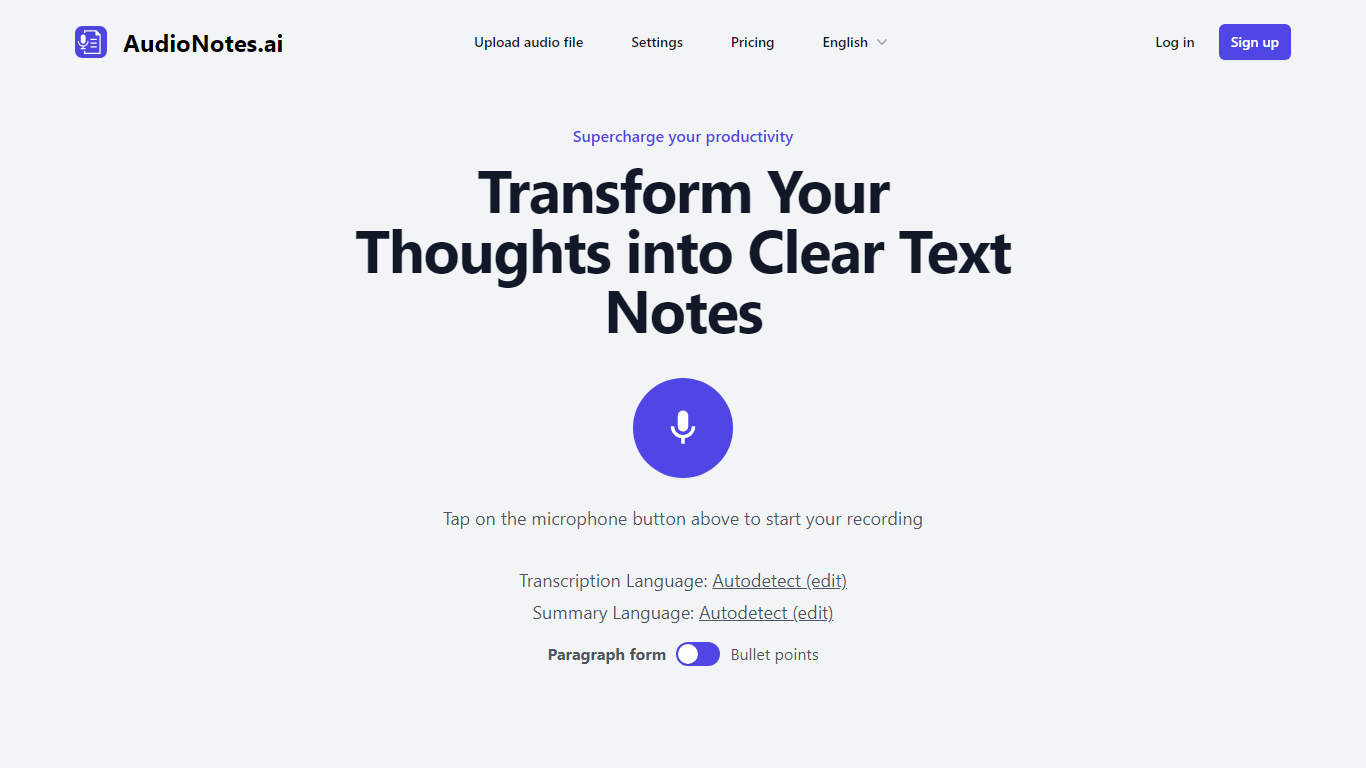
AudioNotes.ai turns spoken audio into clean, organized text. Tap record, upload an audio file, or type a note, and it hands back a transcript plus a structured summary you can actually use. It handles more than 40 languages and can autodetect the one you are speaking. The tool is built for people who think out loud and want the result in writing without transcribing by hand.
What separates it from a plain dictation app is the output. Instead of dumping raw transcription, AudioNotes.ai summarizes and restructures what you said, and it can return that summary in a different language from the recording. So you can ramble in Spanish and get tidy English notes, or the reverse, across a long list of supported languages.
It fits students capturing lectures, professionals turning meeting audio into minutes, and creators drafting by voice. There is an Android app on Google Play for recording on the move, and it otherwise runs in the browser. The promise is simple: talk instead of type and get organized notes back, which is where the productivity gain comes from.
3 ways to start a note: record live audio, upload an audio file, or type text
Turns a long recording into a clean transcript and a structured summary
Generates summaries in more than 40 languages with automatic language detection
Choose the output language, so you can speak one language and read notes in another
Android app on Google Play for capturing notes away from your desk
Free to start, with recording, file upload, and text input all available from the homepage.
Returns a structured summary rather than just a raw transcript.
Handles more than 40 languages and can output notes in a different language than the recording.
Android app on Google Play lets you capture notes without a computer.
No dedicated iOS app is listed, so non-Android users rely on the browser version.
Specific plan prices are not shown on the public pricing page without signing in.
The public site is a lightweight single-page app with little documentation beyond the recorder.
Is AudioNotes.ai free to use?
AudioNotes.ai runs on a freemium model, so you can start turning voice recordings into text notes without paying, while paid plans unlock more usage. Billing is handled through Stripe. The core flow of recording, uploading, or typing a note and getting a summary is available right from the homepage.
What languages does AudioNotes.ai support?
AudioNotes.ai supports more than 40 languages for its summaries, including English, Spanish, French, German, Chinese, Japanese, Arabic, and Hindi. It can autodetect the language you are speaking, and you can set the summary output to a different language than the recording.
Does AudioNotes.ai have a mobile app?
Yes, AudioNotes.ai has an Android app on Google Play under the package ai.audionotes.app. On other devices it runs in the browser, where you can record audio, upload a file, or type a text note directly.
Can AudioNotes.ai transcribe an uploaded audio file?
Yes, AudioNotes.ai lets you upload an existing audio file instead of recording live, then transcribes it and generates a structured summary. That makes AudioNotes.ai useful for turning meeting or lecture recordings into written notes.
Can AudioNotes.ai translate my notes?
Yes, AudioNotes.ai can return a summary in a different language from the one you spoke, so you can dictate in one language and read the notes in another. It covers more than 40 languages and detects the spoken language automatically.
Who makes AudioNotes.ai?
AudioNotes.ai is made by Novikov Studio, LLC, as shown in the site footer. The company also runs an affiliate program, and payments on AudioNotes.ai are processed through Stripe.