
Last updated 05-29-2026
Category:
Reviews:
Join thousands of AI enthusiasts in the World of AI!
Best Image to Video AI
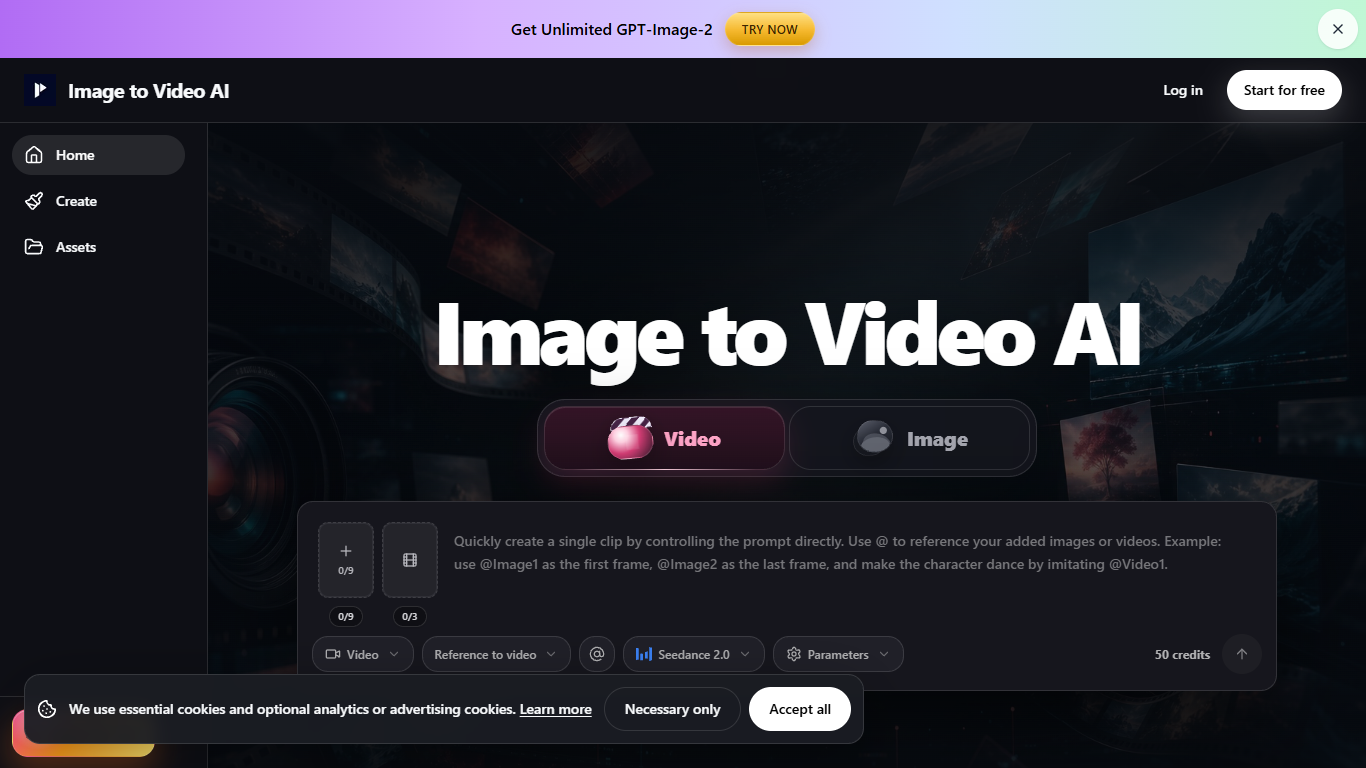
Image to Video AI is a tool designed to convert still images such as product photos, portraits, posters, and AI-generated art into short video clips. It targets marketers, content creators, and social media managers who need quick and effective video content for product pages, advertisements, social media posts like Reels and Shorts, and creative reviews. The platform offers three main workflows: text/image to video for single images, frames to video for sequences with clear start and end frames, and reference to video where uploaded media guides the style and timing. This flexibility allows users to choose the level of control that best fits their project.
The tool emphasizes simplicity and speed, enabling users to upload an image, describe the desired motion in a single sentence, and preview the generated clip before exporting. It supports subtle motions like push-ins, rotations, lighting shifts, and reveals, making it suitable for product demos, portrait animations, and poster motion. The platform advises users to keep source images clean and well-lit, use one motion per clip, and match aspect ratios to improve output stability.
Image to Video AI is built for fast creative testing rather than final production, encouraging users to preview results carefully and consider further editing for client-ready work. It handles credit usage transparently and separates failed jobs from successful ones for easy iteration. Paid plans offer watermark-free exports, privacy controls, and production handoff features, supporting commercial use with proper rights management.
Overall, Image to Video AI stands out by focusing on quick, controlled video generation from images with an easy workflow and practical guidance to maintain visual consistency. It helps users create engaging short clips without complex video editing skills, making it a useful tool for marketing and social media content creation.
🎥 Multiple workflows: Choose text/image, frames, or reference video for tailored control
🖼️ Simple input: Upload photos, portraits, posters, or AI art to start quickly
✍️ Easy motion prompts: Describe one motion and camera move in a sentence
🔍 Preview clips: Check results before download to ensure quality and consistency
⚖️ Aspect ratio matching: Use landscape, vertical, or square images to reduce cropping
Supports various input types including photos, portraits, and AI art
Offers multiple workflows for different video generation needs
Allows quick preview and iteration before final export
Provides guidance for stable and consistent video results
Includes paid plans for watermark-free and commercial use
AI video may struggle with complex motions or multiple actions in one clip
Consistency is not guaranteed for every frame, especially with references
Final client work may require additional editing beyond AI output
What types of images can I use with Image to Video AI?
You can upload product photos, portraits, posters, or AI-generated art to create short video clips.
How do I control the motion in the generated video?
Describe one subject action and one camera move in a single sentence, adding style or lighting keywords if desired.
What workflows are available for video generation?
There are three workflows: text/image to video for single images, frames to video for sequences with clear start and end frames, and reference to video using uploaded media for style guidance.
Can I preview the video before downloading?
Yes, you can preview the generated clip to check motion, subject, and brand details before exporting.
Is Image to Video AI suitable for final client work?
It is best for fast creative testing and draft clips; final client work may require additional editing for polish and consistency.
How does the tool handle failed video generations?
Failed jobs are separated from successful outputs, allowing you to decide whether to regenerate or adjust your input.
Are there options for commercial use without watermarks?
Paid plans offer watermark-free exports, privacy controls, and production handoff features suitable for commercial projects.