
Last updated 07-27-2026
Category:
Reviews:
Join thousands of AI enthusiasts in the World of AI!
BiRead
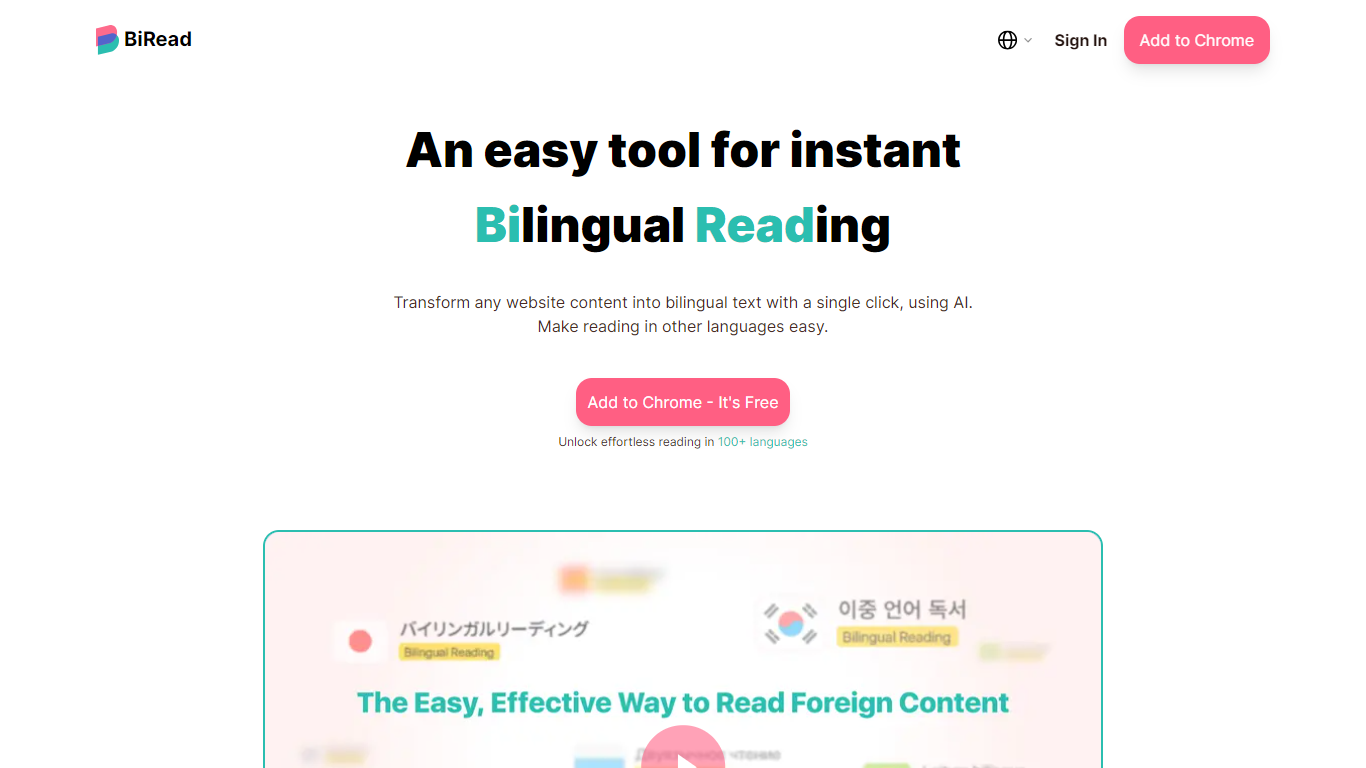
BiRead is a browser extension that instantly translates any website into a bilingual format, displaying both your native language and a target language side by side. It supports over 100 languages, making it a versatile tool for reading foreign content, learning new languages, and engaging in multilingual communication.
What sets BiRead apart is its AI-powered translation in the advanced plan, which provides more natural and context-aware results compared to traditional word-for-word translators. The free version uses Google Translate and supports 32 languages, offering a basic but accessible option.
The bilingual reading format helps users understand nuances and cultural meanings better than standard translators. BiRead is designed for language learners, social media users, and professionals needing quick access to foreign language content. It features an easy installation and use, allowing users to toggle between languages on any webpage with a single click.
Additionally, BiRead includes a learning mode that displays the native language as needed, supporting efficient language acquisition. User feedback highlights its sensible page layout and superior translation quality, making it a valuable aid for those struggling with language comprehension online.
🌐 Instant bilingual webpage translation with one click
🤖 AI-powered translations for natural, context-aware reading
📚 Learning mode shows native language as needed for study
🌍 Supports over 100 languages for broad global access
🔄 Easy toggle between native and target languages on pages
💸 Free version supports 32 languages via Google Translate
🔓 Unlimited AI translations with advanced subscription
Supports over 100 languages with AI-powered translations
Bilingual reading format improves comprehension and learning
Easy one-click translation on any website
Learning mode aids language acquisition
Unlimited AI translation with advanced plan
Free version limited to 32 languages and Google Translate quality
Advanced plan requires subscription for full AI features
What makes BiRead different from other translation tools?
BiRead offers a bilingual reading format that shows both your native and target languages side by side, powered by AI for more natural and context-aware translations.
Is BiRead free to use?
Yes, BiRead has a free version powered by Google Translate supporting 32 languages, with an optional paid plan for AI-powered translations.
How do I use BiRead to translate a webpage?
Simply install the BiRead browser extension and click the BiRead icon to instantly translate any webpage into a bilingual format.
Does the advanced plan offer unlimited AI translations?
Yes, the advanced plan of BiRead provides unlimited AI-powered translations for a smooth bilingual reading experience.
Can BiRead help with language learning?
Yes, BiRead includes a learning mode that displays your native language as needed, making it easier to study and understand new languages.
Which languages does BiRead support?
BiRead supports over 100 languages in its advanced AI-powered plan and 32 languages in the free Google Translate-powered version.
Is there a community or support channel for BiRead users?
Yes, BiRead offers a community on Discord where users can ask questions and share tips.