
Last updated 07-28-2026
Category:
Reviews:
Join thousands of AI enthusiasts in the World of AI!
Buildform
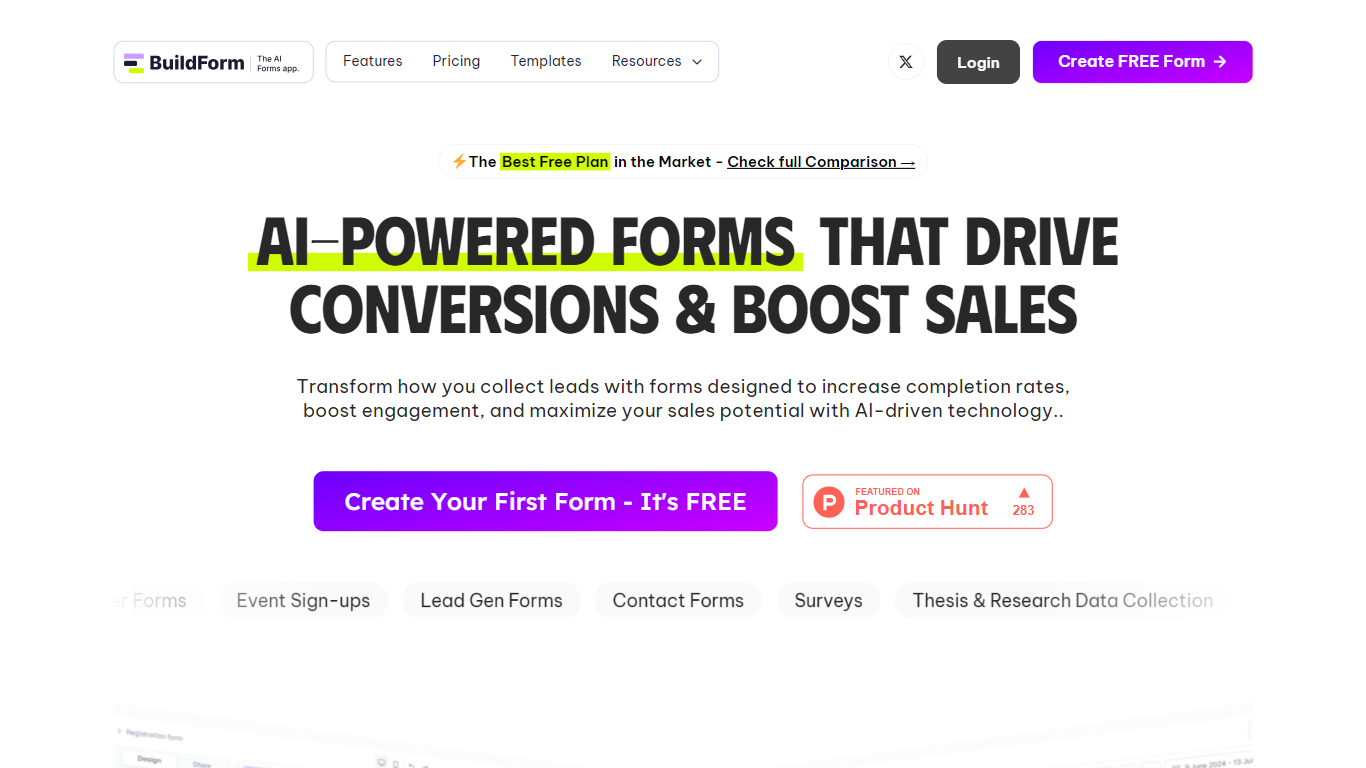
Buildform turns lead gen, surveys, contact requests, and registrations into conversational web forms you embed with one line of code. You edit forms in a visual builder, add conditional logic without writing code, and collect responses with analytics on the free plan. ThinkSpire LLC runs the product, and the editor includes AI-assisted form creation alongside webhook and integration options.
Typeform limits free accounts to 10 responses per month while Jotform caps free users at 100 submissions. Buildform's Forever Free plan offers unlimited forms and unlimited submissions at $0, which is why its homepage comparison table highlights those caps next to rivals. Branding removal, partial submission tracking, and custom domains require the Starter plan at $23 per month when billed yearly. Buildform also runs lifetime license promos on its birthday deal page, which is rare for form SaaS tools that usually stick to recurring plans.
Marketers use it for NPS, lead gen, and event sign-ups. Small business teams pick it when they want partial submission data without jumping straight to an enterprise contract. Developers on the Business plan at $99 per month get API access, advanced analytics, and the same Google Sheets, Zapier, and Calendly hooks available on the free tier.
Forever Free plan includes unlimited forms and unlimited submissions with AI form creation
Starter plan costs $23 per month when billed yearly and adds partial submission tracking
Business plan at $99 per month unlocks API access and advanced analytics
Integrates with Google Sheets, Zapier, and Calendly on every plan tier
Lifetime birthday deals start at $99 one-time for 5,000 monthly submissions
Multi-cloud architecture advertises 99.9% uptime for embedded forms
Forever Free plan includes unlimited forms and unlimited submissions.
Partial submission tracking is available on paid Starter plans and above.
Visual workflow builder handles conditional logic without code.
Lifetime birthday deals start at $99 for a one-time payment.
Integrations with Google Sheets, Zapier, and Calendly ship on the free tier.
Removing Buildform branding requires a paid Starter plan at $29 per month.
SSO and HIPAA compliance sit behind custom Enterprise pricing from $450 per month.
No native mobile apps; forms are built and managed in the browser.
Is Buildform free to use?
Yes. Buildform offers a Forever Free plan at $0 with unlimited forms, unlimited submissions, AI form creation, workflow logic, webhooks, and Google Sheets, Zapier, and Calendly integrations.
How many submissions does Buildform allow for free?
Buildform includes unlimited submissions on its Forever Free tier with unlimited forms, AI form creation, and core integrations. Starter, Business, and Enterprise tiers add branding controls, partial tracking, and API access.
What integrations does Buildform support?
Buildform connects to Google Sheets, Zapier, and Calendly on all plans, plus webhooks for custom workflows. The Business plan adds API access for teams wiring forms into internal tools.
What is partial submission tracking in Buildform?
Buildform partial submission tracking saves in-progress responses before someone clicks submit. Starter plans and above include this feature alongside branding removal and custom domains.
Does Buildform offer API access?
Yes. Buildform includes API access on the Business plan at $99 per month when billed yearly. The Enterprise plan adds an enterprise API tier alongside SSO and HIPAA options.
Who makes Buildform?
Buildform is published by ThinkSpire LLC. The privacy policy lists [email protected] for data and account questions.
Does Buildform sell lifetime licenses?
Yes. Buildform birthday lifetime deals include BIRTHDAY 5K at $99, BIRTHDAY 100K at $249, and BIRTHDAY UNLIMITED at $899 as one-time payments with a 14-day money-back guarantee.