
Last updated 08-22-2026
Category:
Reviews:
Join thousands of AI enthusiasts in the World of AI!
Chabotix
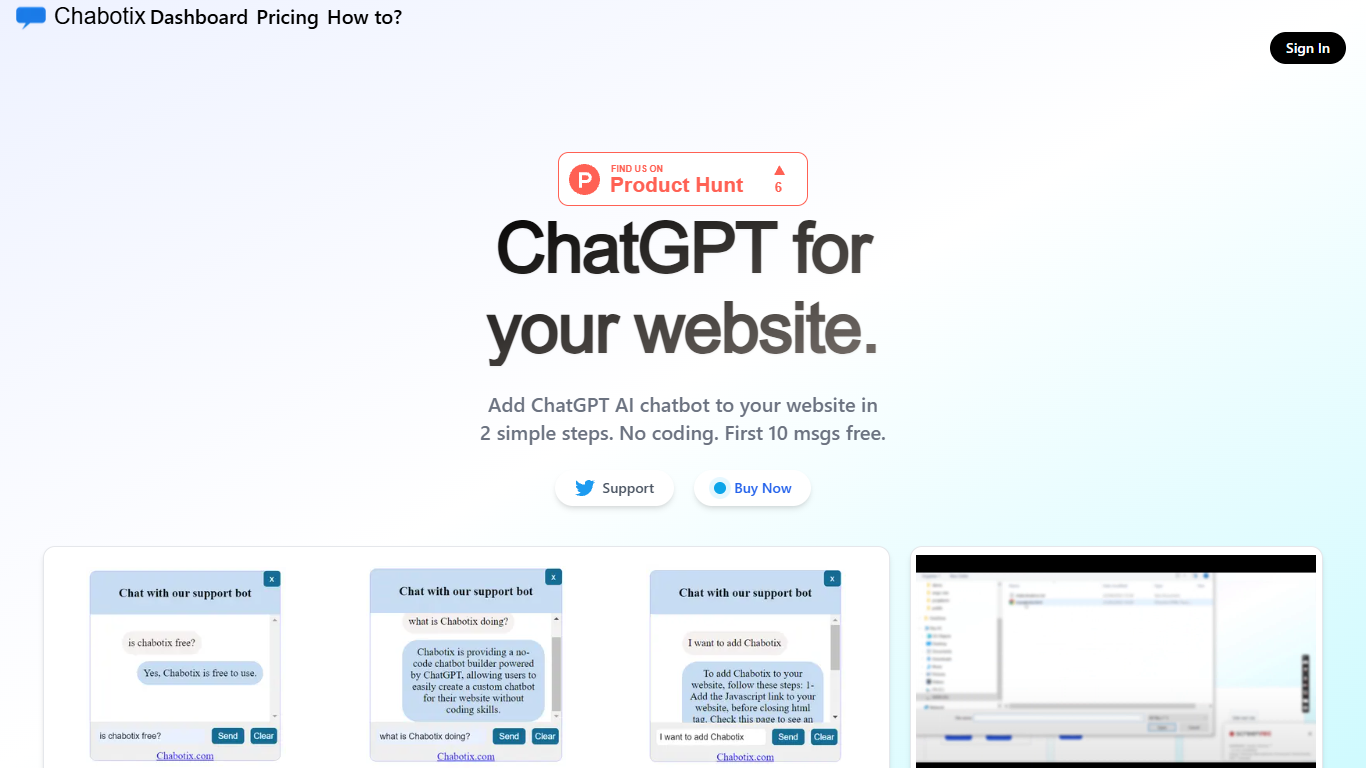
Chabotix lets you add a ChatGPT chatbot to any website in two steps without writing code. Upload a document with your site content or FAQs, and the platform generates JavaScript and CSS embed links you paste into your pages. It's built for site owners, marketers, and small teams who want visitor Q&A without building conversation flows or training a custom model.
The chatbot runs on native JavaScript and CSS served from a CDN and connects directly to ChatGPT APIs. You shape the bot through natural language instead of flowcharts, and Chabotix handles the embed code so it works on any site you control.
Typical uses include answering visitor questions, recommending products from your uploaded content, and reducing repetitive support on brochure sites, landing pages, and product documentation.
Two steps from document upload to live chatbot embed
Natural language setup with no flowcharts or coding
Drop-in JavaScript and CSS links for any website
First 10 chat messages free before paid plans
Lightweight native JS and CSS hosted on a CDN
Answers questions and recommends products from uploaded files
Two-step setup from document upload to embed links with no coding required.
Lightweight native JavaScript and CSS embed instead of a heavy iframe widget.
First 10 messages free so you can test on a live site before buying.
Natural language design means no flowchart builders or conversation trees.
Paid plan details load through a third-party billing widget, so pricing is not visible without signing in.
The bot only knows what you upload, so answer quality depends on your source documents.
Support appears limited to Twitter with no dedicated help center on the site.
How does Chabotix work?
Chabotix works in two steps: upload a document with your site content or FAQs, then paste the generated JavaScript and CSS embed links into your website. The chatbot uses ChatGPT to answer visitor questions based on what you uploaded.
Does Chabotix require coding?
No. Chabotix is a no-code chatbot builder. You upload a file, copy the generated embed links, and add them to your site header and body. No flowcharts or custom conversation design are required.
Is Chabotix free to try?
Yes. Chabotix offers the first 10 chat messages free on its homepage. Paid plans are available through the Chabotix pricing page for continued use beyond the free allowance.
What do I need to embed Chabotix on my website?
Chabotix gives you a CSS link to add before the closing head tag and a JavaScript link before the closing body tag. Both are generated after you upload your document in the Chabotix dashboard.
What technology powers Chabotix chatbots?
Chabotix chatbots are powered by ChatGPT APIs. The embed uses native JavaScript and CSS hosted on a CDN, so the widget loads quickly on any website without heavy iframes.
Where can I get help with Chabotix?
Chabotix support is available on Twitter at @techinvestorai. The Chabotix demo page also walks through adding the CSS and JavaScript embed links with a sample text file you can query in the live demo.