
Last updated 08-30-2026
Category:
Reviews:
Join thousands of AI enthusiasts in the World of AI!
ChatGPT4YouTube
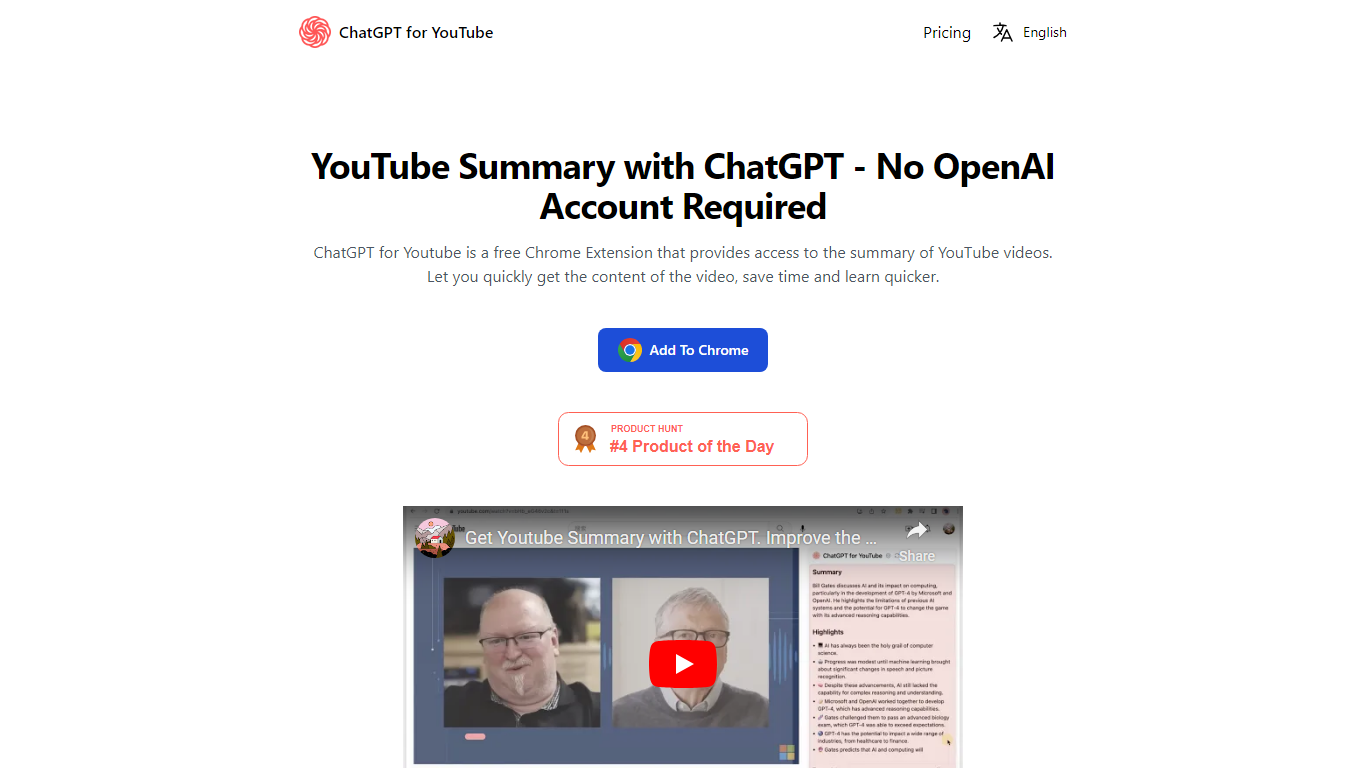
ChatGPT4YouTube is a free Chrome extension that turns YouTube videos into text summaries you can read in place of watching the full runtime. Install it from the Chrome Web Store, open a video on youtube.com, and get a recap on the page. The site markets the product as AI Summary for YouTube, and LELU TECH LTD runs both the extension and the account portal at chatgpt4youtube.com.
Most YouTube summary tools assume you already have ChatGPT open or an API key ready. ChatGPT4YouTube runs the summarization on its own backend, so you never connect a personal AI account. That convenience comes with quota limits: seven free summaries per week, then one-time Pro packs or a $14.90 monthly subscription for unlimited use.
Students skimming lecture recordings, researchers reviewing long talks, and busy viewers who need the gist from a tutorial all fit the use case. Sign in with Google on chatgpt4youtube.com to buy extra quotas or manage a subscription.
Generates text summaries directly on YouTube video pages via a Chrome extension
Free tier includes seven summary quotas each week with limited transcription words
Pro one-time packs start at $9.90 for 300 summary quotas
Monthly subscription at $14.90 unlocks unlimited summary quotas
Works without connecting your own AI account or API key
Google sign-in at chatgpt4youtube.com for quota purchases and subscription management
No personal AI account or API key required to start summarizing videos.
Free weekly quota of seven summaries lets you try the extension before paying.
Installs as a Chrome extension directly on YouTube pages.
Chrome only; the site lists no Firefox, Safari, or other browser support.
Free tier limits transcription words and caps summaries at seven per week.
Paid quota packs and subscriptions require a Google sign-in on chatgpt4youtube.com.
What is ChatGPT4YouTube?
ChatGPT4YouTube is a Chrome extension, marketed as AI Summary for YouTube, that generates a text summary of a YouTube video so you can grasp the main points without watching the full runtime.
Is ChatGPT4YouTube free to use?
Yes. ChatGPT4YouTube includes seven free summary quotas per week on the free plan. You can buy Pro quota packs starting at $9.90 or subscribe to the $14.90 monthly plan for unlimited summaries.
Does ChatGPT4YouTube require an AI account?
No. ChatGPT4YouTube does not ask you to connect your own AI account or provide an API key. The extension handles summarization through its own backend.
Where do I install ChatGPT4YouTube?
Install ChatGPT4YouTube from the Chrome Web Store as a Chrome extension. It runs on youtube.com once added to your browser.
Can I cancel my ChatGPT4YouTube subscription?
Yes. Sign in at chatgpt4youtube.com/profile and click Manage Subscription to cancel your ChatGPT4YouTube subscription.
How much does ChatGPT4YouTube Pro cost?
ChatGPT4YouTube Pro packs start at $9.90 for 300 summary quotas as a one-time purchase. The unlimited subscription is $14.90 per month, with a yearly option that saves 55%.