
Last updated 07-23-2026
Category:
Reviews:
Join thousands of AI enthusiasts in the World of AI!
Chattie
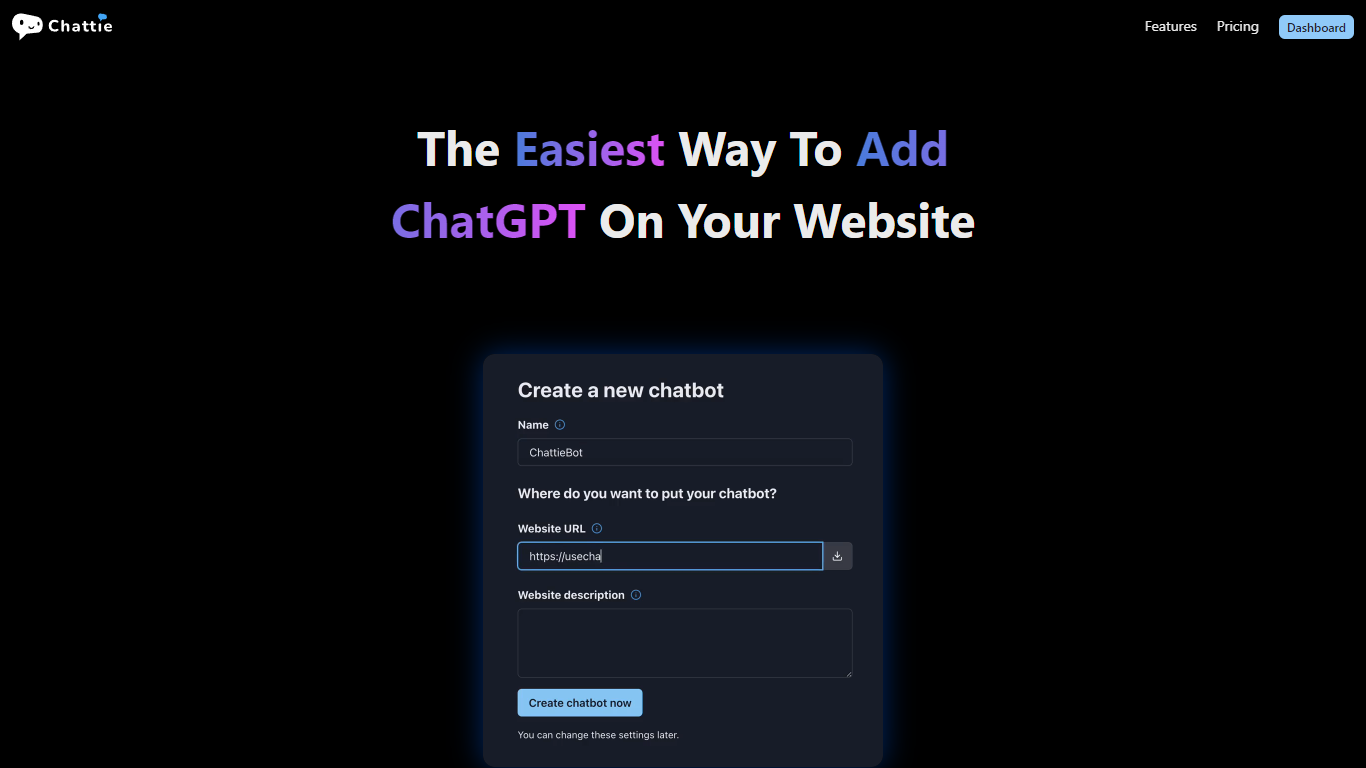
Chattie lets website owners embed a ChatGPT-style chat widget without writing code. You connect your site, train bots on your own content, and visitors get answers grounded in your pages, files, and text.
Built by jimu Labs Inc., Chattie focuses on fast setup. Import web pages, upload files like PDF, DOCX, EPUB, CSV, and Markdown, or paste text directly. The platform generates starter prompts and snippets so you are not starting from a blank configuration.
A theme editor with full CSS support helps the widget match your brand, and the dashboard surfaces chat history, stats, charts, and topics pulled from real conversations. Higher tiers add white labeling for agencies managing client sites.
It fits marketers, support teams, and agencies that want on-site chat without building and hosting their own model infrastructure.
Train bots on web pages, PDFs, DOCX, EPUB, CSV, Markdown, or pasted text
Auto-generated prompts and snippets so you can launch faster
Theme editor with full CSS support to match your site's design
Dashboard with chat history, stats, charts, and conversation topics
White labeling on Pro and Agency plans for client-facing deployments
No code required to add a ChatGPT widget to your site.
Supports multiple document formats for training data.
Full CSS customization and white labeling on higher tiers.
Built-in analytics with topics derived from chat history.
No permanent free tier; paid plans start at $29 per month.
Yearly prices are not fully itemized on the public homepage.
No social media profiles linked from the website.
What is Chattie?
Chattie is a no-code service from jimu Labs that lets you add a ChatGPT-based chatbot to your website. You train it on your own data and customize the widget's appearance to match your site.
Does Chattie require coding skills?
No. Chattie is built as a no-code tool. You create and manage chatbots through its dashboard without writing custom integration code.
What file types can I use to train Chattie?
Chattie supports training on web pages, uploaded files including PDF, DOCX, EPUB, CSV, and Markdown, plus pasted text.
How much does Chattie cost?
Chattie lists Essential at $29 per month, Pro at $99 per month, and Agency at $499 per month. Yearly billing offers two months free, and you can start with a free trial from the homepage.
What are Chattie's plan limits?
Essential includes 5 chatbots and 3,000 messages per month with 20 MB of training text. Pro includes 20 chatbots, 12,000 messages, and 100 MB. Agency includes 100 chatbots, 80,000 messages, and 1 GB.
Can I customize how Chattie looks on my site?
Yes. Chattie includes a theme editor with full CSS support, plus options to customize icons and preview the widget on your website before publishing.