
Last updated 07-16-2026
Category:
Reviews:
Join thousands of AI enthusiasts in the World of AI!
CherryPick
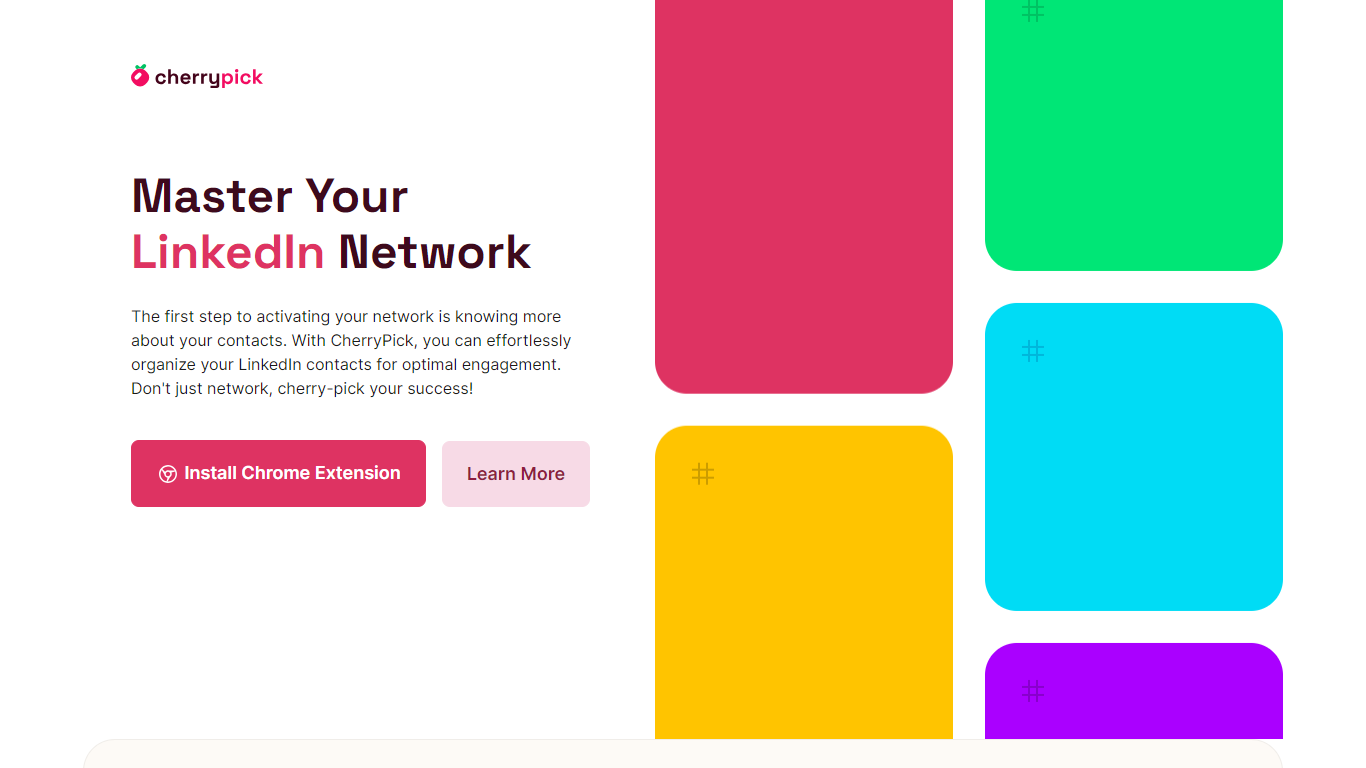
CherryPick is a Chrome extension for tagging, searching, and exporting your LinkedIn contacts without leaving the platform. It adds labeling controls as you browse profiles, then gives you a dashboard to review tags and pull curated lists when you need to follow up.
The workflow stays inside LinkedIn: you create custom tags on the fly, assign them to contacts during normal browsing, and come back later to search or export. That makes it easier to segment leads, map talent, or track investors without copying names into a separate spreadsheet.
Recruiters, sales reps, founders, HR teams, and freelancers use CherryPick to organize professional networks for outreach, pipeline tracking, and CRM handoffs. Exports ship as CSV or JSON so tagged contacts can move into other tools.
Tag contacts directly on LinkedIn pages as you browse profiles
Create custom labels on the fly and assign them without leaving LinkedIn
Search across all tagged contacts from the CherryPick dashboard
Export curated contact lists as CSV or JSON for CRM imports
Runs as a Chrome extension active only while you are on LinkedIn
Tags contacts directly inside LinkedIn instead of copying details elsewhere.
Exports tagged lists as CSV or JSON for CRM imports.
Currently free with no paid tier required to use core features.
Chrome desktop only, with no mobile or non-Chrome browser support.
Premium pricing and Zapier or API integrations are listed as future features, not available yet.
Is CherryPick free to use?
Yes. CherryPick is completely free right now. The site says advanced features will arrive later through an upcoming Premium subscription, but no paid plans are listed yet.
What browsers does CherryPick support?
CherryPick is a Chrome extension for desktop browsers on Mac and Windows. It is not available on mobile or other web browsers.
How do I export contacts from CherryPick?
CherryPick lets you export tagged contacts from its dashboard in CSV or JSON format. Those files are designed for importing into CRMs or other contact systems.
Can I use CherryPick with my CRM?
Yes. CherryPick is built to bridge LinkedIn and external CRMs. You tag contacts in LinkedIn, export them from CherryPick, and import the file into the CRM or system you already use.
How secure is my data on CherryPick?
CherryPick says it follows LinkedIn guidelines, does not sell user data, and operates in an ad-free environment. The extension requests limited permissions for account setup, demographics, and LinkedIn activity needed for tagging features.
Who is CherryPick designed for?
CherryPick targets professionals in HR, recruiting, sales, marketing, consulting, and entrepreneurship who want to organize LinkedIn contacts by role, interest, or opportunity.