
Last updated 08-22-2026
Category:
Reviews:
Join thousands of AI enthusiasts in the World of AI!
ClipDance
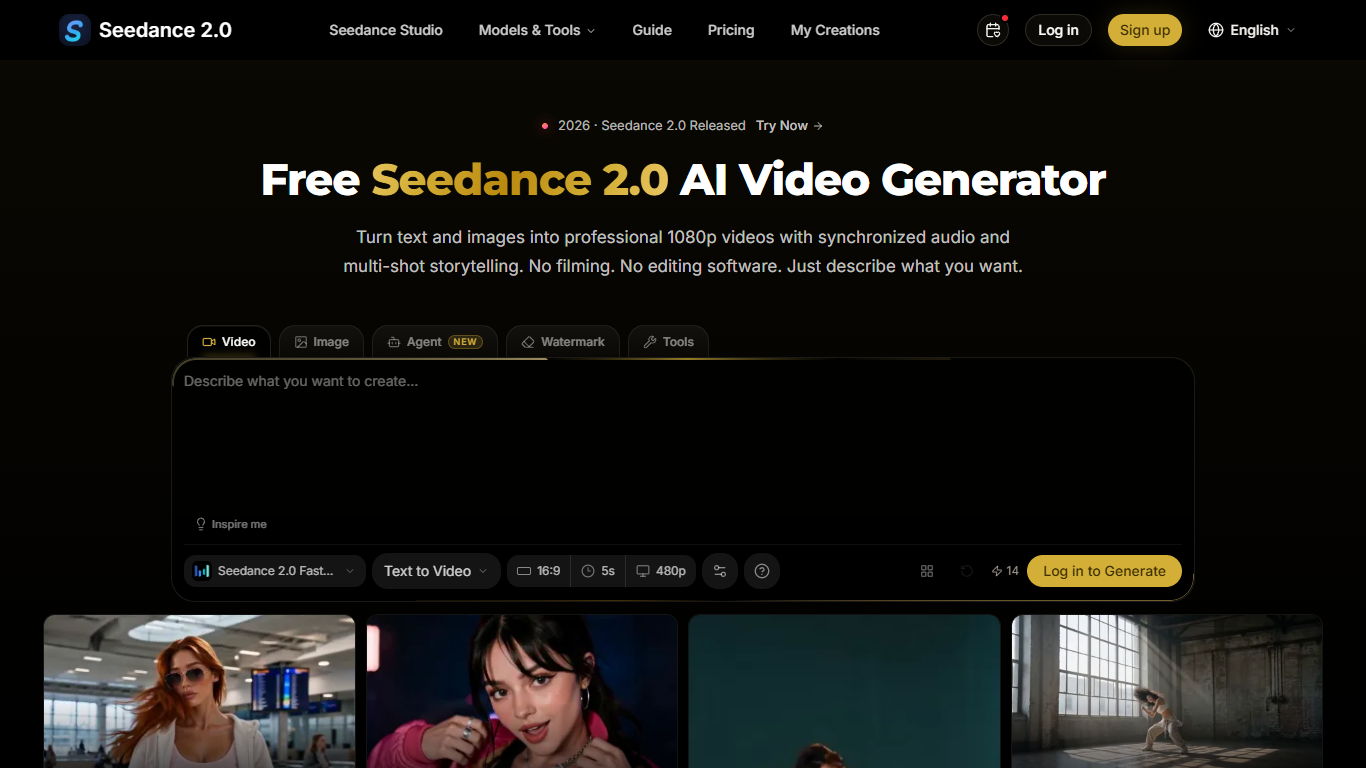
ClipDance is a browser video generator that turns text prompts and reference images into short clips with synchronized audio. You get text-to-video, image-to-video, reference-guided generation, beat-sync editing, and lip sync in one workspace, with exports aimed at YouTube, TikTok, and marketing use.
Most video tools still output silent footage you score yourself. ClipDance generates dialogue, sound effects, and ambient audio in the same pass as the video. It is also a third-party gateway to several engines, including Seedance 2.5, Kling V3, and Vidu Q3, rather than a single-vendor product tied to one model family.
The product recently moved from Seedance2.so to ClipDance.ai with the same account, credits, and history. That migration matters if you bookmarked the old domain or share login links with a team. Pre-built two-step templates still chain a reference image step into a Seedance video step for travel vlogs, GRWM routines, and motion-transfer demos.
Animators, filmmakers, content creators, and marketing teams are the stated audience. New accounts get 3 free credits at 1024px resolution. Pro includes 500 monthly credits and 1080p output without a watermark, while Business scales to 2,500 credits with up to 4K and Enterprise reaches 8,000 credits per month.
Clips ship with dialogue, SFX, and music in one generation pass
Up to 12 images, video clips, or audio files as references per project
Two-step templates turn a reference board into a 15-second clip in about four minutes
Seedance 2.5, Kling V3, Vidu Q3, and more from one browser workspace
Lip sync in 8+ languages including English, Japanese, Korean, and Mandarin
Exports MP4 or WebM at 1080p on paid plans
New accounts start with 3 free credits and no credit card requirement.
Native audio generation means you skip a separate sound-editing step.
One workspace covers Seedance, Kling, Vidu, and several image models.
Pre-built two-step templates speed up common social video formats.
Paid plans include a commercial use license for generated videos.
Subscription credits reset each billing cycle and do not roll over.
Free-tier output is capped at 1024px resolution, not full 1080p.
ClipDance is an independent third-party platform, not an official ByteDance product.
Clips longer than the default short length require Business tier features.
Does ClipDance have a free plan?
Yes. ClipDance gives every new account 3 free credits with no credit card required. The free tier includes all video styles and standard models at 1024px resolution on ClipDance.ai.
How much does ClipDance Pro cost?
ClipDance Pro is $29.99 per month, or $24 per month when billed annually at $288 per year. The plan includes 500 monthly credits, 1080p output without a watermark, and access to Seedance, Kling, and Vidu video models.
What video formats does ClipDance export?
ClipDance exports finished videos as MP4 or WebM. Paid plans support 1080p HD output, and the Business tier adds up to 4K resolution for supported generations on ClipDance.
What AI models does ClipDance support?
ClipDance provides access to Seedance 2.5, Seedance 2.0, Seedance 2.0 Fast, Kling V3, Kling O3, and Vidu Q3 for video, plus image models such as Nano Banana Pro and Seedream 5.0.
Do ClipDance subscription credits roll over?
No. ClipDance subscription credits reset at the end of each billing cycle and do not carry over. One-time credit packs expire 30 days after purchase if you buy them separately from a subscription.
Can I use ClipDance videos commercially?
Yes. ClipDance grants you full commercial rights to videos you create, with no attribution required. Paid plans explicitly include a commercial use license for generated content on ClipDance.
How many reference files can ClipDance accept?
ClipDance accepts up to 12 reference inputs per project, including images, video clips, and audio files. You can use them to guide style, motion, and composition across the output.