
Last updated 07-23-2026
Category:
Reviews:
Join thousands of AI enthusiasts in the World of AI!
CodeCanada
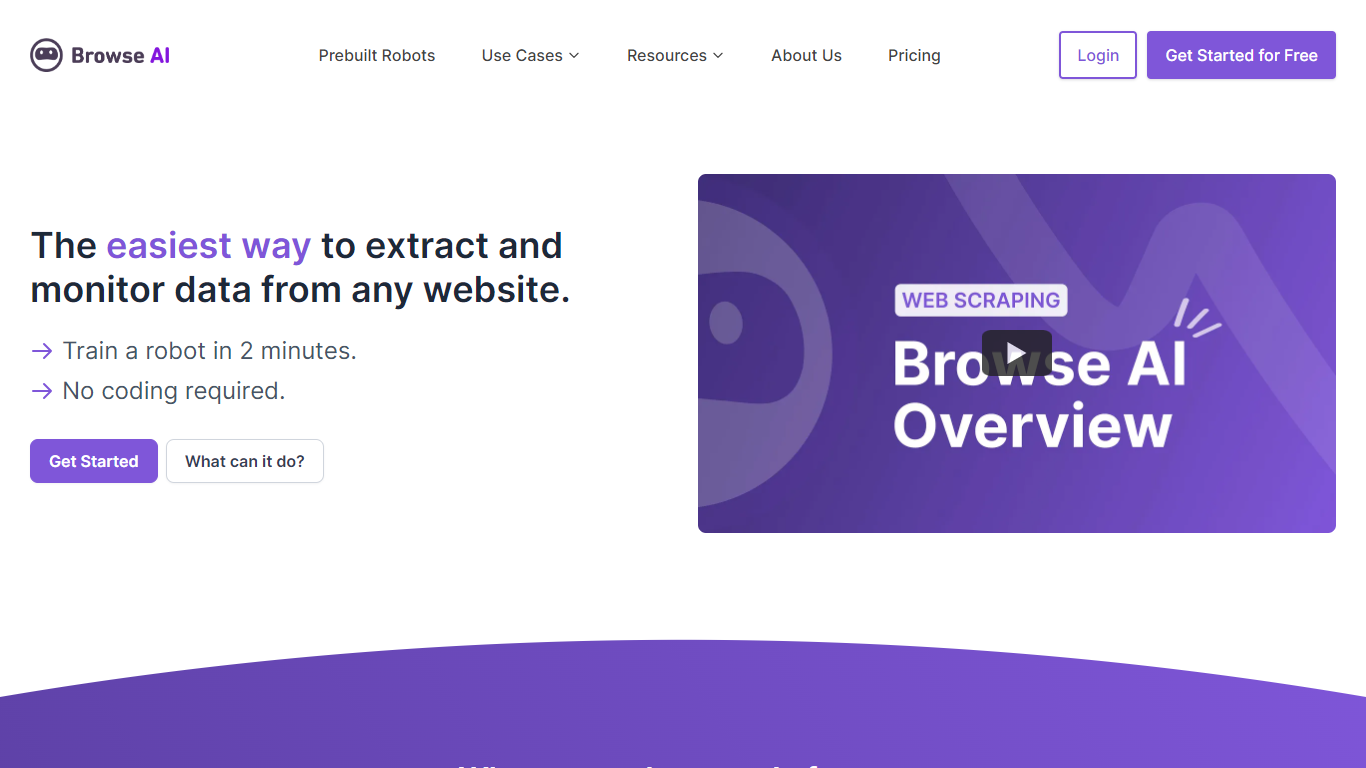
Browse AI is a no-code web scraping and monitoring platform that turns websites into structured datasets. You train robots with point-and-click actions to extract product listings, job posts, real estate data, or any other information from a page, then schedule those robots to run on a recurring basis.
The platform handles the parts that usually break scrapers: layout changes, pagination, login flows, CAPTCHAs, and bot detection. When a site redesigns, the robots adapt instead of failing silently. You can chain robots into workflows, run bulk jobs across thousands of URLs, and sync results to Google Sheets, Airtable, Zapier, or a REST API.
Browse AI also ships 250+ prebuilt robots for popular sites like Amazon, Google Maps, and LinkedIn, plus managed scraping services for teams that need custom pipelines without building them in-house.
Train scraping robots by pointing and clicking on the data you want, with no code required
Monitor pages for changes on hourly, daily, or weekly schedules with configurable alert thresholds
250+ prebuilt robots for sites like Amazon, Redfin, Glassdoor, and Google Maps
Sync extracted data to Google Sheets, Airtable, Zapier, Make, webhooks, or a REST API
Bulk runs process up to 500,000 pages in parallel for large-scale extraction jobs
Point-and-click robot training means non-developers can scrape complex sites without writing code.
Adaptive change detection keeps robots working when target sites redesign their layouts.
250+ maintained prebuilt robots cover popular data sources out of the box.
Credit-based pricing can add up quickly on high-volume monitoring jobs.
Premium proxy sites cost extra credits per run, marked as Premium on the platform.
Do I need coding skills to use Browse AI?
No. Browse AI is built for non-developers. You record actions in a point-and-click interface, and the platform turns them into reusable robots that extract or monitor data automatically.
What counts as a credit on Browse AI?
Each credit covers 10 rows of extracted data or one screenshot capture. Monitoring tasks also consume credits based on how many pages you track and how often checks run.
Can Browse AI scrape sites behind a login?
Yes, for sites where you have legitimate access. Robots can fill forms, click through authentication, and extract data from member-only pages.
Does Browse AI offer a free plan?
Yes. The free tier includes 50 credits per month, unlimited robots, access to 2 websites, and support for up to 3 users with no credit card required.
What integrations does Browse AI support?
Browse AI connects with Google Sheets, Airtable, Zapier, Make.com, Pabbly Connect, webhooks, Amazon S3, and a REST API, covering more than 7,000 apps through its integration partners.