A.V. Mapping vs Descript
In the clash of A.V. Mapping vs Descript, which AI tool emerges victorious? We assess reviews, pricing, alternatives, features, upvotes, and more.
When we put A.V. Mapping and Descript head to head, which one emerges as the victor?
Let's take a closer look at A.V. Mapping and Descript, both of which are AI-driven tools, and see what sets them apart. A.V. Mapping is the clear winner in terms of upvotes. A.V. Mapping has garnered 100 upvotes, and Descript has garnered 8 upvotes.
Feeling rebellious? Cast your vote and shake things up!
A.V. Mapping
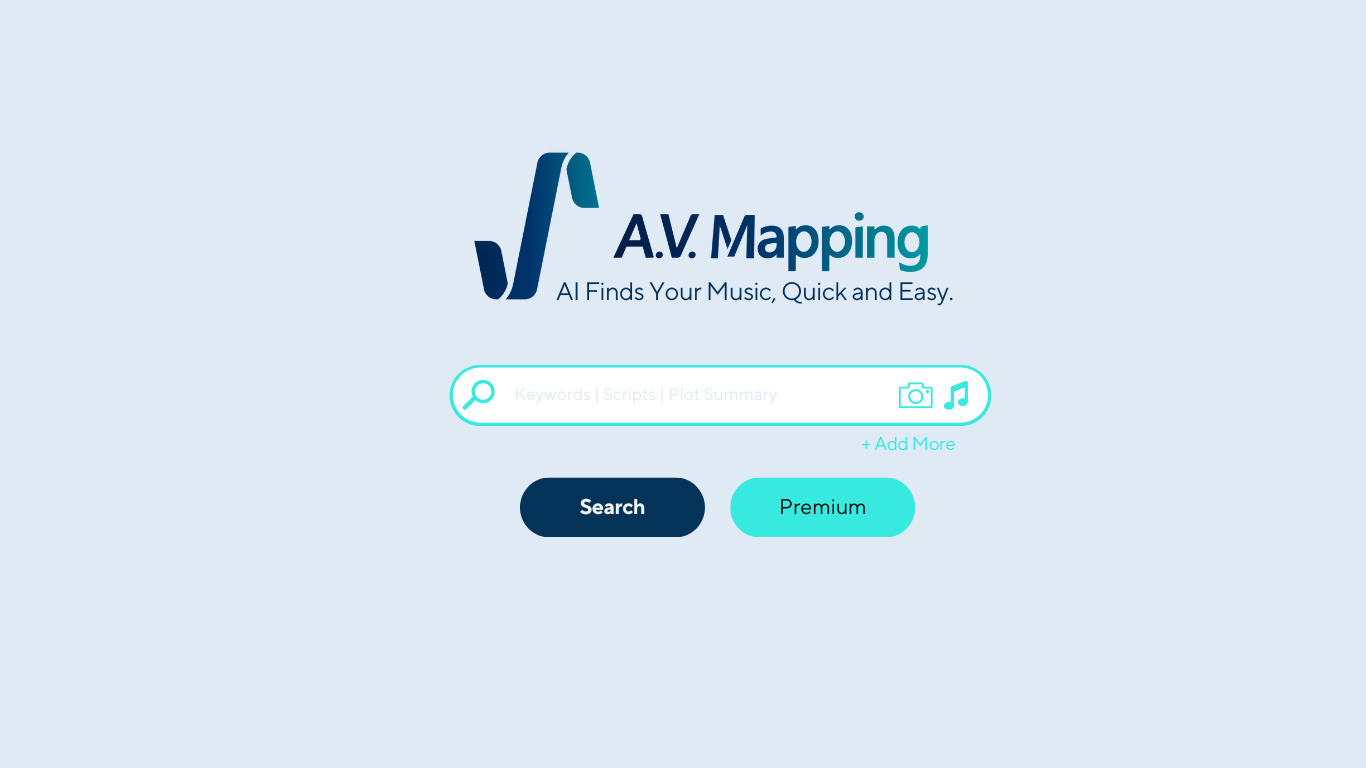

What is A.V. Mapping?
A.V. Mapping is a video music sync and licensing platform that matches licensed tracks and sound effects to your footage. Upload a video, photo, or reference music link, and the platform analyzes visual and audio cues to recommend music from its creator marketplace. You can preview matches, license tracks, and pay musicians in one workflow instead of hunting through stock libraries.
Where generic royalty-free sites make you scroll thousands of unrelated tracks, A.V. Mapping reads emotional metadata from each frame and pairs it with acoustic fingerprints from over 100,000 licensed songs. The site claims it can shrink a six-month licensing cycle to about eight seconds, and it routes payments directly to musicians rather than through multiple agency layers.
The platform suits video creators, filmmakers, and marketing teams who need cleared music fast, plus musicians who want distribution and licensing revenue. Chrome extension, Zapier, and API options extend the same matching engine into existing editing pipelines.
Descript
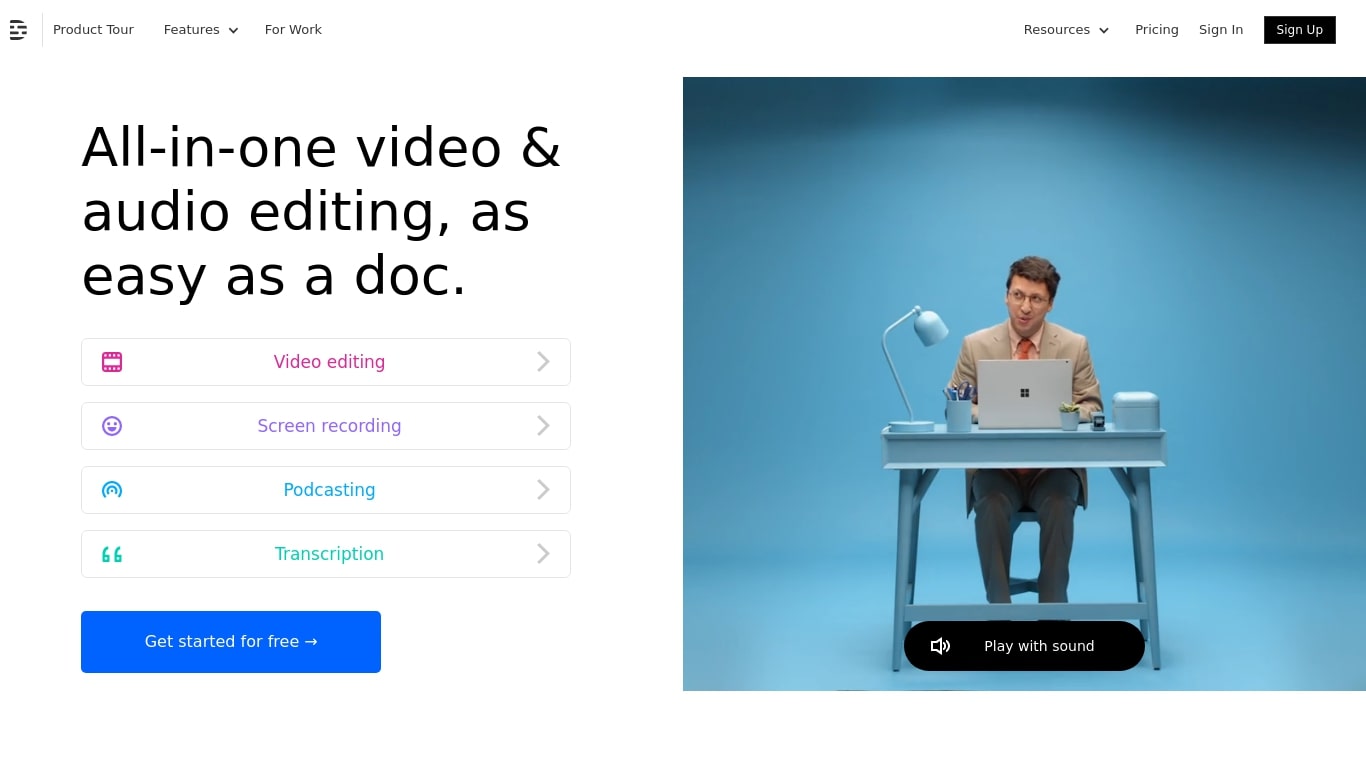
What is Descript?
Descript is a video and podcast editor built around a transcript. You record or import media, get an automatic transcript, and edit the timeline by editing text. Creators, marketers, and teams use it to produce tutorials, demos, podcasts, and social clips without living inside a traditional NLE.
The core idea is text-based editing: delete a sentence from the transcript and the matching video or audio disappears. Underlord, Descript's built-in co-editor, can tighten cuts, suggest changes, apply layouts, generate B-roll, and handle repetitive cleanup when you describe what you want in plain language.
It targets people who need polished video but do not want a steep learning curve. Marketing teams ship product demos and webinar recaps. Podcasters edit multitrack audio like a document. Solo creators use Rooms for remote recording, Studio Sound for noisy rooms, and one-click filler word removal to publish faster.
A.V. Mapping Upvotes
Descript Upvotes
A.V. Mapping Top Features
Upload video up to 50MB per file on the free General plan and re-run analysis until the match fits
Three matching algorithms: Sonnet for emotion and text, Sonata for image analysis, Mosaic for reference-music similarity
VIP plan includes 100,000+ exclusive tracks with WAV 96kHz and multi-track export
Chrome extension and Zapier integration trigger analysis from copied text, uploads, or new YouTube playlist videos
Output options include rendered video, mixed audio, and .xml files for Final Cut Pro, Premiere, DaVinci Resolve, and similar editors
Noise reduction processing handles up to 10,000 minutes of audio in under 15 minutes per the product FAQ
Descript Top Features
Edit video and audio by editing the transcript, like a document
Underlord co-editor handles cuts, layouts, and visuals from plain instructions
Studio Sound removes noise and boosts voice clarity without extra mics
Strip ums, uhs, and filler words across a project in one click
Record remote podcasts and video in Rooms with separate cloud tracks
Regenerate fixes spoken mistakes by typing the corrected word or phrase
A.V. Mapping Category
- Video Generation
Descript Category
- Video Editing
A.V. Mapping Pricing Type
- Freemium
Descript Pricing Type
- Freemium