Aftershoot vs RemoveBG
In the battle of Aftershoot vs RemoveBG, which AI Photo Editing tool comes out on top? We compare reviews, pricing, alternatives, upvotes, features, and more.
Between Aftershoot and RemoveBG, which one is superior?
Upon comparing Aftershoot with RemoveBG, which are both AI-powered photo editing tools, In the race for upvotes, RemoveBG takes the trophy. RemoveBG has attracted 11 upvotes from aitools.fyi users, and Aftershoot has attracted 6 upvotes.
Want to flip the script? Upvote your favorite tool and change the game!
Aftershoot
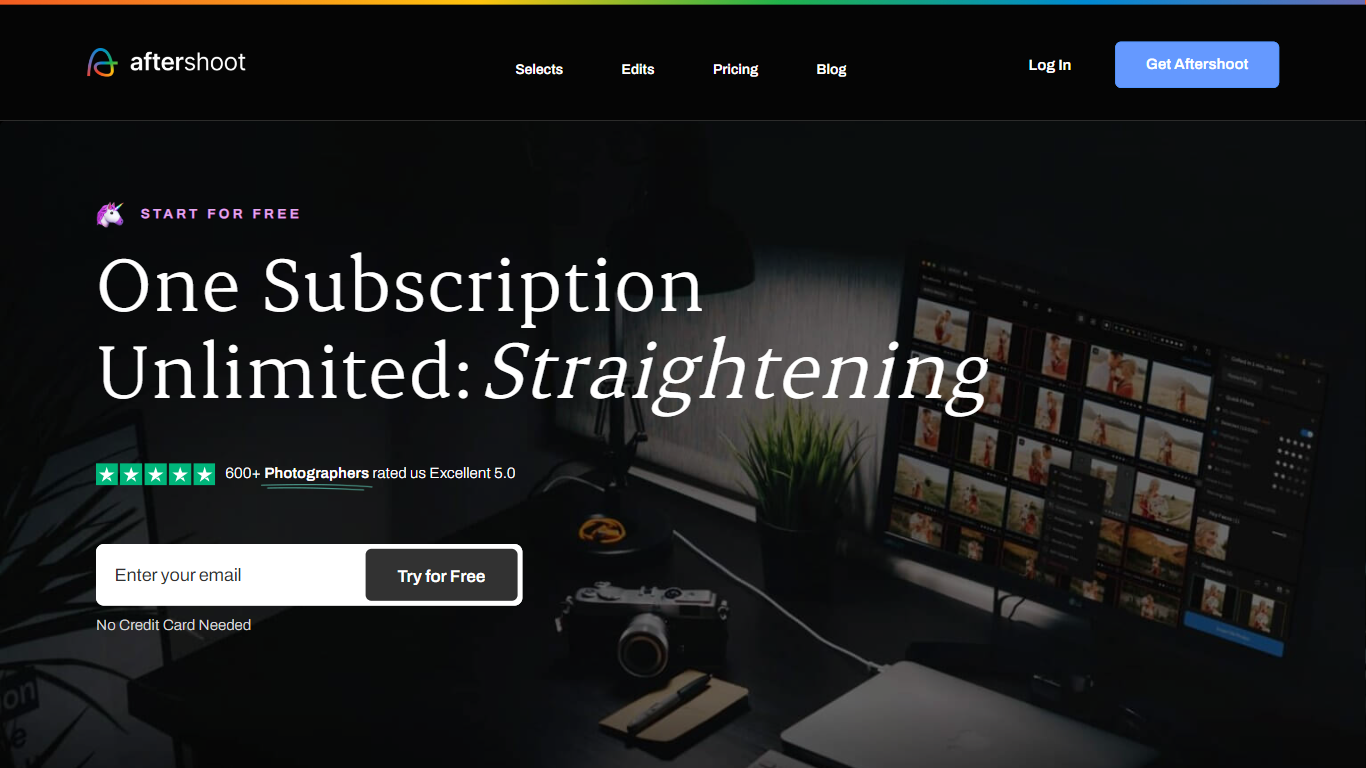

What is Aftershoot?
Aftershoot handles the post-shoot grind for professional photographers: culling thousands of RAW and JPEG files, applying your editing style across an album, retouching skin and backgrounds, and delivering branded client galleries. The desktop app runs locally on Windows and macOS, so images never leave your machine and you can work without an internet connection after install.
Lightroom and Capture One excel at manual editing but leave culling and batch retouching as separate, time-consuming steps. Aftershoot combines all four stages in one flat-fee subscription with no per-image charges. Its AI reads scene context to group true duplicates separately from creative variations, trains on your edited photos to match your look, and syncs retouching adjustments across an entire gallery in one pass.
Wedding, event, school, boudoir, family, and newborn photographers are the core audience. The company reports 100,000+ photographers using the platform, a 4.9 out of 5 rating from 1,700+ reviews, and an average of 39+ hours reclaimed per month per user.
RemoveBG
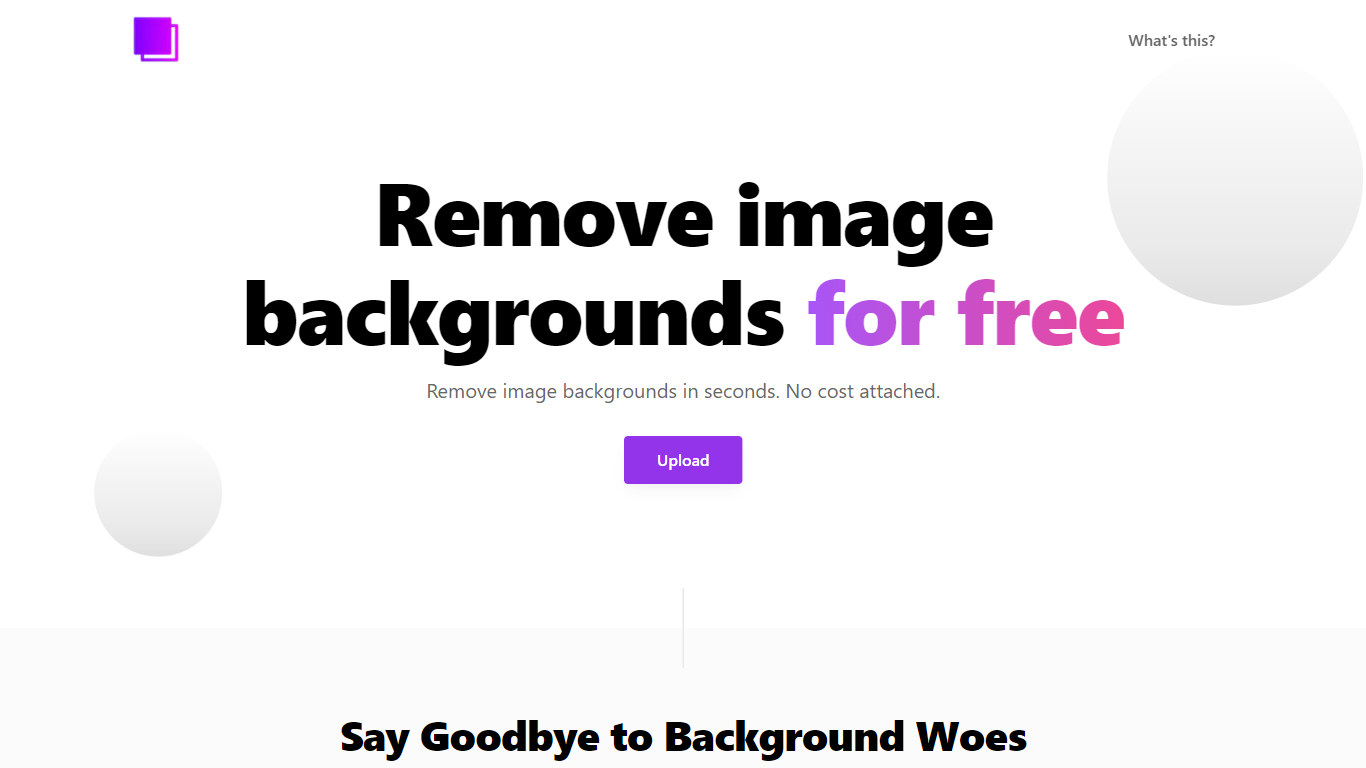
What is RemoveBG?
RemoveBG is a powerful and user-friendly online tool that allows you to remove image backgrounds in seconds, and the best part is, it's completely free! With advanced AI technology, RemoveBG makes background removal a breeze, saving you time and effort. Whether you need to edit images for creative projects, marketing materials, or personal use, RemoveBG has got you covered.
With RemoveBG, the process of removing image backgrounds is as easy as 1-2-3. First, choose the image you want to edit and upload it into the tool. Second, let the advanced AI technology analyze your image and automatically remove the background. Finally, download the new image and use it for any purpose you desire. Say goodbye to background woes and hello to hassle-free image editing with RemoveBG.
Aftershoot Upvotes
RemoveBG Upvotes
Aftershoot Top Features
AI culling processes thousands of images with automated or assisted modes and duplicate grouping by scene context
Professional AI Profiles trained on your edited photos to replicate your style across lighting and venues
30+ pre-built AI editing styles from industry creators plus Instant AI Profiles from Lightroom presets
Batch retouching for skin, hair, glasses glare, backgrounds, and object removal with natural results
Client galleries with face detection, proofing, favorites, and built-in print store (100 GB free)
Complete plan at $45/month billed annually with unlimited culling, editing, and retouching
RemoveBG Top Features
Quick and Easy Background Removal: RemoveBG makes it incredibly simple to remove image backgrounds with just a few clicks. No need for complex editing software or extensive manual work.
Free of Cost: RemoveBG offers its background removal services completely free of charge. Say goodbye to expensive editing tools and hello to cost-effective image editing.
Advanced AI Technology: Powered by advanced AI technology RemoveBG analyzes your images and accurately detects and removes the background ensuring clean and professional results.
Versatile Usage: The images edited with RemoveBG can be used for a wide range of purposes including creative projects marketing materials or personal use. The possibilities are endless.
User-Friendly Interface: RemoveBG's user-friendly interface makes it easy for anyone to use regardless of their level of expertise in image editing. No technical skills required.
Aftershoot Category
- Photo Editing
RemoveBG Category
- Photo Editing
Aftershoot Pricing Type
- Freemium
RemoveBG Pricing Type
- Free