AI Chatbot Support vs Keep It Shot
In the battle of AI Chatbot Support vs Keep It Shot, which AI Assistant tool comes out on top? We compare reviews, pricing, alternatives, upvotes, features, and more.
Between AI Chatbot Support and Keep It Shot, which one is superior?
Upon comparing AI Chatbot Support with Keep It Shot, which are both AI-powered assistant tools, The upvote count favors Keep It Shot, making it the clear winner. Keep It Shot has attracted 7 upvotes from aitools.fyi users, and AI Chatbot Support has attracted 6 upvotes.
Feeling rebellious? Cast your vote and shake things up!
AI Chatbot Support
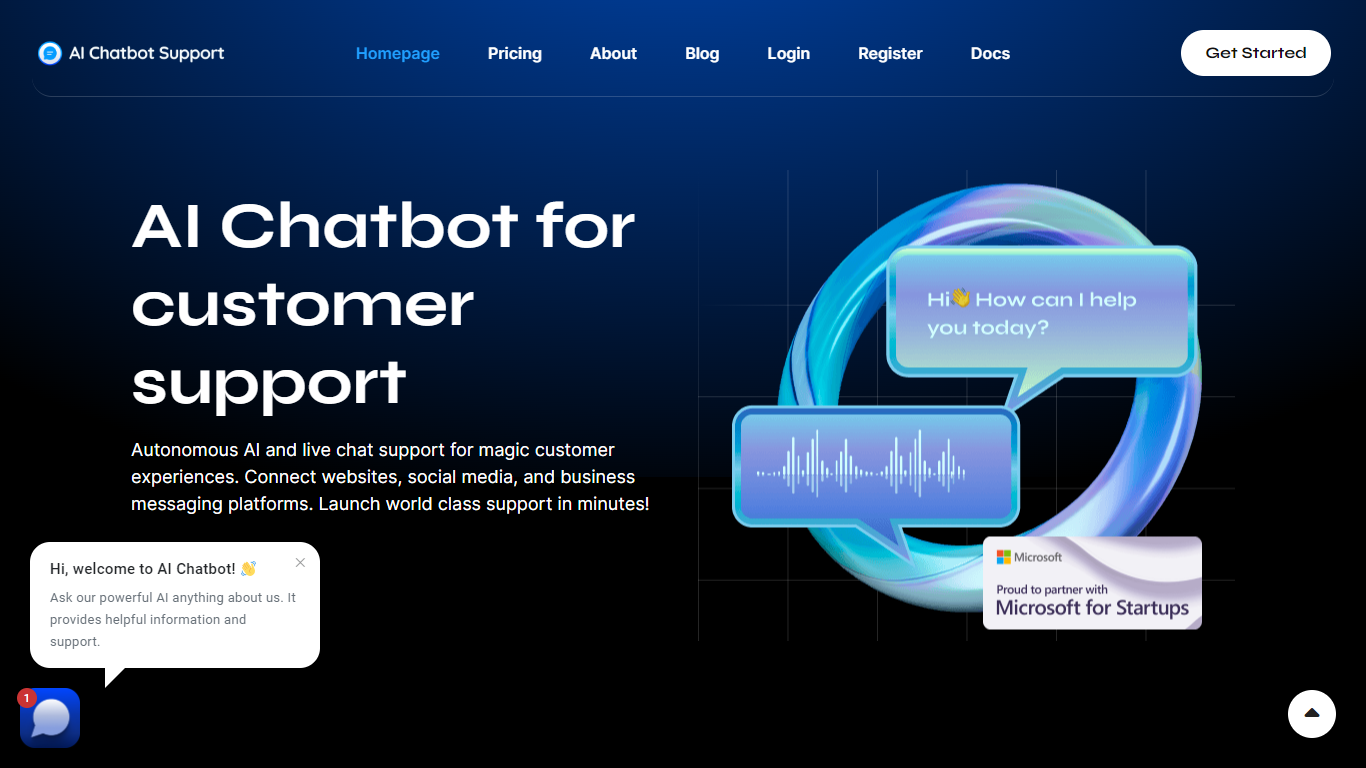

What is AI Chatbot Support?
AI Chatbot Support is a multi-platform customer service platform that combines autonomous AI chatbots with live agent support in one unified dashboard. Businesses connect website chat widgets, social channels, and messaging apps so customers can reach them wherever they already are.
The platform trains AI on your website content, PDFs, text files, and custom prompts so the chatbot can handle routine questions on its own. When a conversation needs a human, agents pick it up from the same dashboard with AI-assisted tools like smart reply suggestions, message regeneration, and automatic spelling correction.
Supported channels include website widgets, Facebook Messenger, Instagram, X, Google Business Messages, WhatsApp, Zendesk, Slack, WeChat, Telegram, LINE, Viber, email, and SMS. The service requires your own OpenAI API key, and you choose which OpenAI model to run. Plans are priced in euros with monthly and yearly billing options.
Keep It Shot
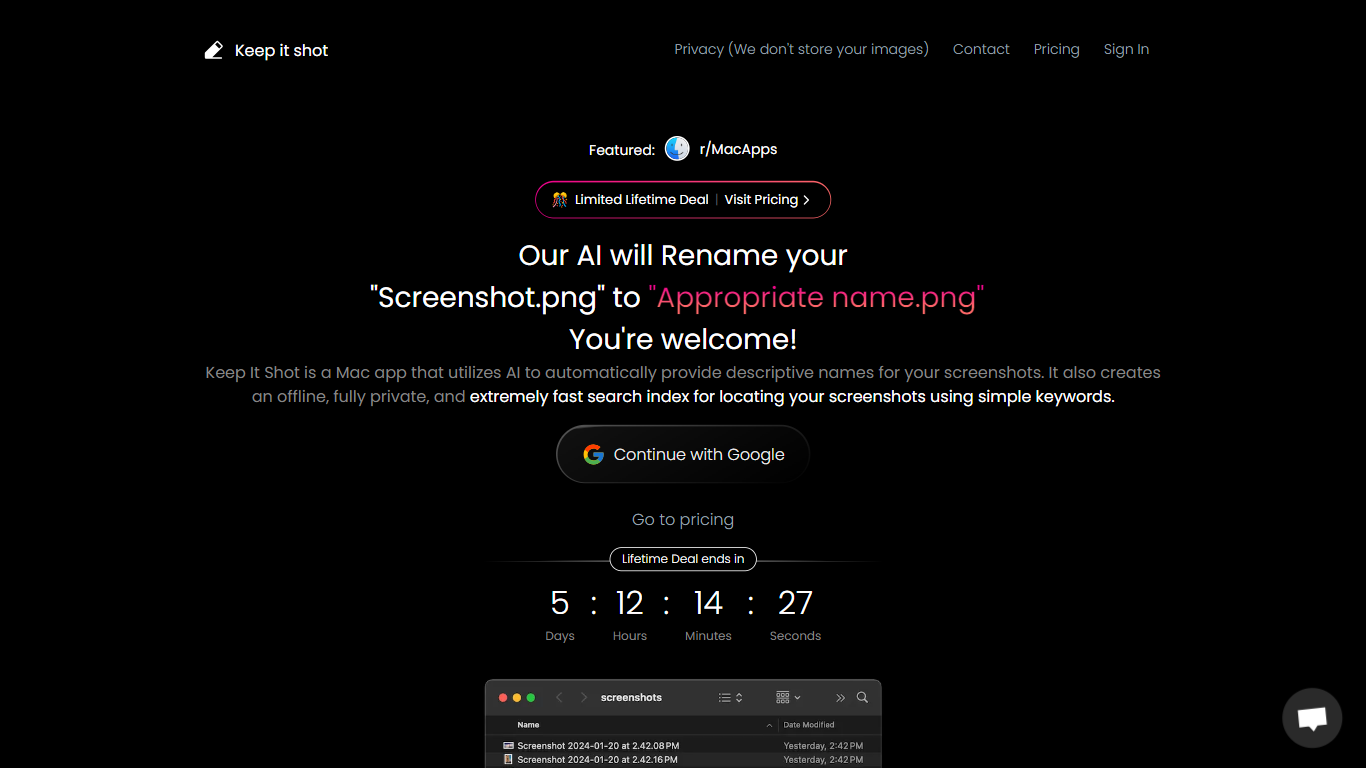
What is Keep It Shot?
Keep It Shot is an innovative Mac application designed to enhance the way users manage their screenshots. It leverages AI technology to auto-generate descriptive names for screenshots, allowing for quick and easy identification. Moreover, it offers a powerful offline search feature, making it swift to locate specific screenshots using simple keywords. The application ensures complete privacy by not uploading any images to the cloud. It's optimized for speed and simplicity, allowing users to efficiently rename large batches of screenshots with minimal effort. Keep It Shot simplifies screenshot management, transforming it from a cluttered collection into a highly organized and accessible library.
AI Chatbot Support Upvotes
Keep It Shot Upvotes
AI Chatbot Support Top Features
Connect website widgets, social media, and messaging apps to one support dashboard
Train autonomous AI on website pages, PDFs, text, and custom prompts
Switch between AI chatbot and live agent support without changing platforms
Get smart reply suggestions, message regeneration, and spelling correction for agents
Customize chatbot branding with your logo, colors, and welcome text
Keep It Shot Top Features
Automated Descriptive Naming: Automatically provides descriptive names for screenshots using AI.
Offline and Private Search Index: Creates a fast local search index for screenshots using keywords, with complete privacy.
Bulk Rename in Two Clicks: Quickly rename large batches of screenshots with a progress bar to track changes.
Tailored Renaming Preferences: Customize naming conventions and automate renaming for new screenshots.
Easy Reversion: Single-click option to revert any changes and go back to the original screenshot names.
AI Chatbot Support Category
- Assistant
Keep It Shot Category
- Assistant
AI Chatbot Support Pricing Type
- Paid
Keep It Shot Pricing Type
- Freemium