AI Clearing vs Liner.ai
In the battle of AI Clearing vs Liner.ai, which AI Data Science tool comes out on top? We compare reviews, pricing, alternatives, upvotes, features, and more.
Between AI Clearing and Liner.ai, which one is superior?
Upon comparing AI Clearing with Liner.ai, which are both AI-powered data science tools, Interestingly, both tools have managed to secure the same number of upvotes. Your vote matters! Help us decide the winner among aitools.fyi users by casting your vote.
Want to flip the script? Upvote your favorite tool and change the game!
AI Clearing

What is AI Clearing?
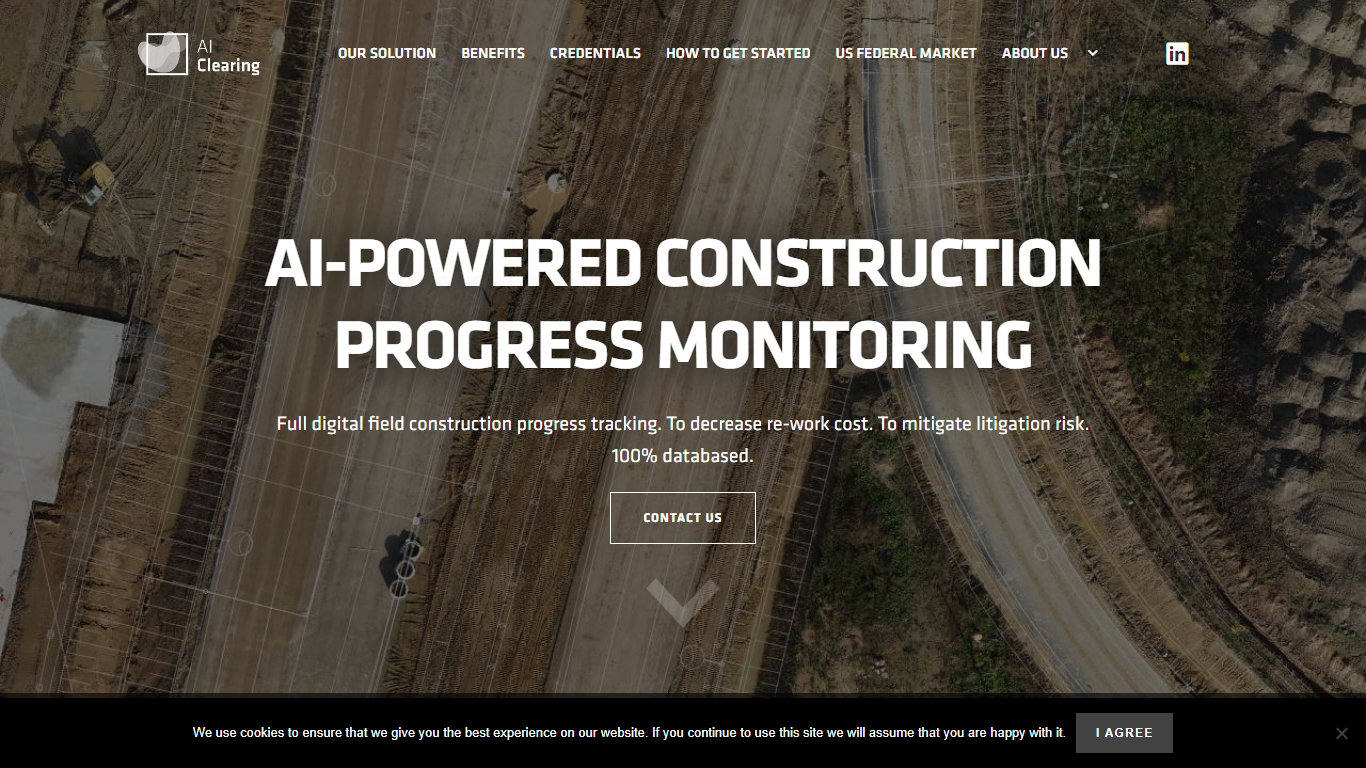
AI Clearing connects design and BIM data, schedules, budgets, drone imagery, mobile inputs, and ground surveys into one construction intelligence system for large-scale infrastructure and renewable energy projects. Contractors and asset owners use its CORE platform to see what is actually happening on site instead of relying on scattered spreadsheets and field notes.
A proprietary computer vision engine trained on millions of construction objects compares as-built conditions against design plans. The platform delivers progress and quality reports within 6 to 24 hours of data capture and includes Clara, a conversational assistant that answers project questions from live field data.
Where most construction software tracks tasks in spreadsheets, AI Clearing is built around visual site evidence. It reconciles drone imagery, schedules, and BIM models automatically, which makes it better suited to utility-scale earthworks and renewables than generic project management tools that lack geospatial progress verification.
General contractors, EPC firms, and asset owners working on renewables, transmission, wind, highways, pipelines, railways, and civil earthworks use AI Clearing for progress tracking, quality control, billing verification, and portfolio oversight. Customers include PCL Solar, baywa-re, and Rosendin Renewables.
Liner.ai
What is Liner.ai?
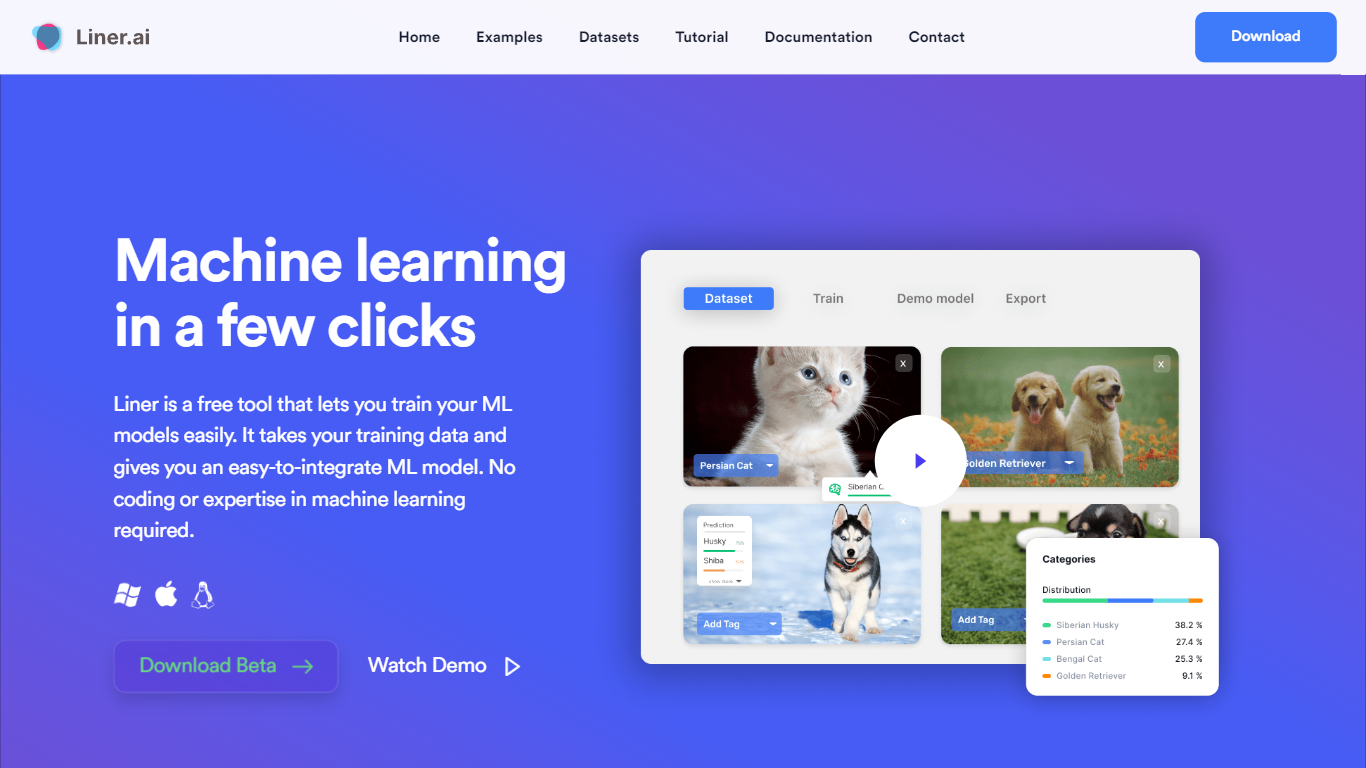
Liner.ai is a free desktop app for training and deploying machine learning models without writing code. You import your data, pick a project type, and Liner automatically selects an appropriate model and trains it on your machine. It is built for anyone who wants image, text, audio, or video classifiers, object detectors, or segmentation models without setting up a full ML stack.
The entire workflow runs locally. Training happens on your computer, so your data never leaves the device. Liner includes ready-made project templates for image classification, text classification, audio classification, video classification, object detection, image segmentation, and pose classification. Most models finish within minutes, and Liner optimizes training for standard CPUs so a GPU is not required.
When training is done, you export models to Keras, TensorFlow, TensorFlow Lite, TensorFlow.js, Core ML, or ONNX for use in web, mobile, or edge applications. Liner also hosts a free library of labeled public datasets covering tasks like dog vs cat classification, road sign detection, and yoga pose recognition. It fits educators, hobbyists, and product teams prototyping vision or classification features before bringing in a dedicated data science workflow.
AI Clearing Upvotes
Liner.ai Upvotes
AI Clearing Top Features
Unifies BIM, schedules, budgets, drone imagery, and mobile field inputs in one dashboard
Delivers automated progress reports within 6 to 24 hours after each data capture
Clara conversational assistant answers project questions from live site data in plain language
Integrates CAD/BIM models and Primavera P6 schedules into one construction intelligence system
3D digital twin supports inspection down to individual piles and structural elements
Training dataset includes 36,382,032 tagged construction objects from real project sites
First technology company globally certified to ISO 42001, alongside ISO 27001 and ISO 9001
Liner.ai Top Features
Seven project templates cover image, text, audio, and video classification plus detection and segmentation
One-click training after import; Liner picks an appropriate model for your data automatically
All training runs locally so your data never leaves your computer
Most models finish within minutes with CPU-optimized training, no GPU required
Export to Keras, TensorFlow Lite, Core ML, ONNX, TensorFlow.js, and standard TensorFlow
Free public datasets for dogs vs cats, road signs, yoga poses, mask detection, and more
AI Clearing Category
- Data Science
Liner.ai Category
- Data Science
AI Clearing Pricing Type
- Paid
Liner.ai Pricing Type
- Free