AI Photo Fixer (formerly AI Color) vs RemoveBG
When comparing AI Photo Fixer (formerly AI Color) vs RemoveBG, which AI Photo Editing tool shines brighter? We look at pricing, alternatives, upvotes, features, reviews, and more.
Between AI Photo Fixer (formerly AI Color) and RemoveBG, which one is superior?
When we put AI Photo Fixer (formerly AI Color) and RemoveBG side by side, both being AI-powered photo editing tools, RemoveBG stands out as the clear frontrunner in terms of upvotes. RemoveBG has garnered 11 upvotes, and AI Photo Fixer (formerly AI Color) has garnered 7 upvotes.
Don't agree with the result? Cast your vote and be a part of the decision-making process!
AI Photo Fixer (formerly AI Color)
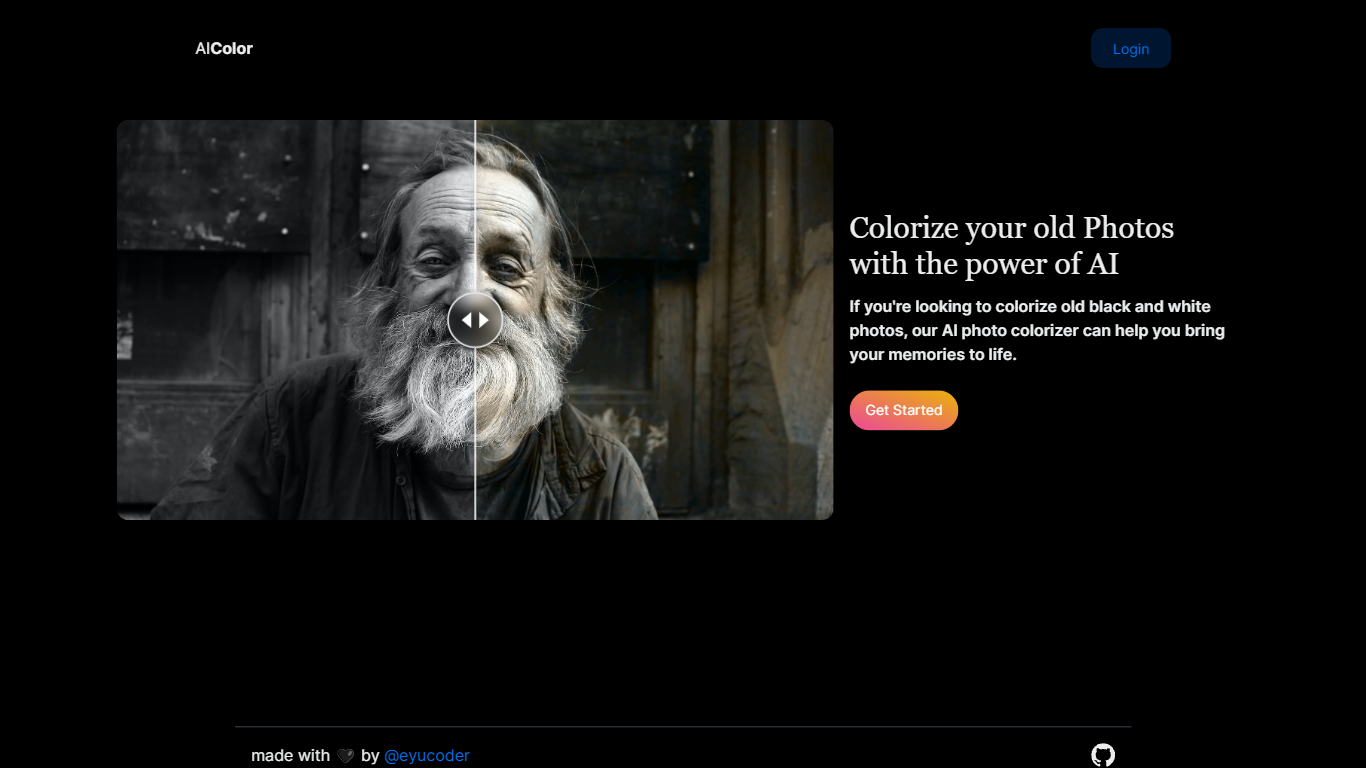

What is AI Photo Fixer (formerly AI Color)?
Upload a photo to aicolor.art, pick one of eight repair modes, and get a processed file back in the browser after you sign in. The site takes JPG, PNG, and WebP files up to 10MB and runs jobs like colorize, upscale, background removal, or short animation from the same screen.
Most photo editors spread restoration tools across separate apps or desktop installs. AI Photo Fixer keeps colorization, face cleanup, low-light correction, upscaling, background swap, and short animation on one page, with credit costs and run times listed beside each mode before you start. That makes it a narrow pick for quick one-off fixes rather than layered manual editing in Photoshop or GIMP.
Genealogy hobbyists colorizing scanned family prints, people cleaning up old phone shots, and anyone who wants a fast pass on a damaged image without learning layer masks will get the most from it. Sign-in is required, and each mode spends 1 to 3 credits depending on the job.
RemoveBG

What is RemoveBG?
RemoveBG is a powerful and user-friendly online tool that allows you to remove image backgrounds in seconds, and the best part is, it's completely free! With advanced AI technology, RemoveBG makes background removal a breeze, saving you time and effort. Whether you need to edit images for creative projects, marketing materials, or personal use, RemoveBG has got you covered.
With RemoveBG, the process of removing image backgrounds is as easy as 1-2-3. First, choose the image you want to edit and upload it into the tool. Second, let the advanced AI technology analyze your image and automatically remove the background. Finally, download the new image and use it for any purpose you desire. Say goodbye to background woes and hello to hassle-free image editing with RemoveBG.
AI Photo Fixer (formerly AI Color) Upvotes
RemoveBG Upvotes
AI Photo Fixer (formerly AI Color) Top Features
Accepts JPG, PNG, and WebP uploads up to 10MB on the main screen
Colorize mode finishes in 5-10 seconds and costs 1 credit per run
Auto Fix takes 15-30 seconds and spends 3 credits for a full pass
Eight modes cover face restore, upscale, low-light fix, background removal, new background, and animation
Animate mode runs 30-60 seconds and costs 3 credits per clip
Each mode shows its credit cost and estimated runtime before you start
RemoveBG Top Features
Quick and Easy Background Removal: RemoveBG makes it incredibly simple to remove image backgrounds with just a few clicks. No need for complex editing software or extensive manual work.
Free of Cost: RemoveBG offers its background removal services completely free of charge. Say goodbye to expensive editing tools and hello to cost-effective image editing.
Advanced AI Technology: Powered by advanced AI technology RemoveBG analyzes your images and accurately detects and removes the background ensuring clean and professional results.
Versatile Usage: The images edited with RemoveBG can be used for a wide range of purposes including creative projects marketing materials or personal use. The possibilities are endless.
User-Friendly Interface: RemoveBG's user-friendly interface makes it easy for anyone to use regardless of their level of expertise in image editing. No technical skills required.
AI Photo Fixer (formerly AI Color) Category
- Photo Editing
RemoveBG Category
- Photo Editing
AI Photo Fixer (formerly AI Color) Pricing Type
- Freemium
RemoveBG Pricing Type
- Free