AI Email Writer | HubSpot vs superReply
Explore the showdown between AI Email Writer | HubSpot vs superReply and find out which AI Email Assistant tool wins. We analyze upvotes, features, reviews, pricing, alternatives, and more.
When comparing AI Email Writer | HubSpot and superReply, which one rises above the other?
When we contrast AI Email Writer | HubSpot with superReply, both of which are exceptional AI-operated email assistant tools, and place them side by side, we can spot several crucial similarities and divergences. Both tools have received the same number of upvotes from aitools.fyi users. Since other aitools.fyi users could decide the winner, the ball is in your court now to cast your vote and help us determine the winner.
Think we got it wrong? Cast your vote and show us who's boss!
AI Email Writer | HubSpot
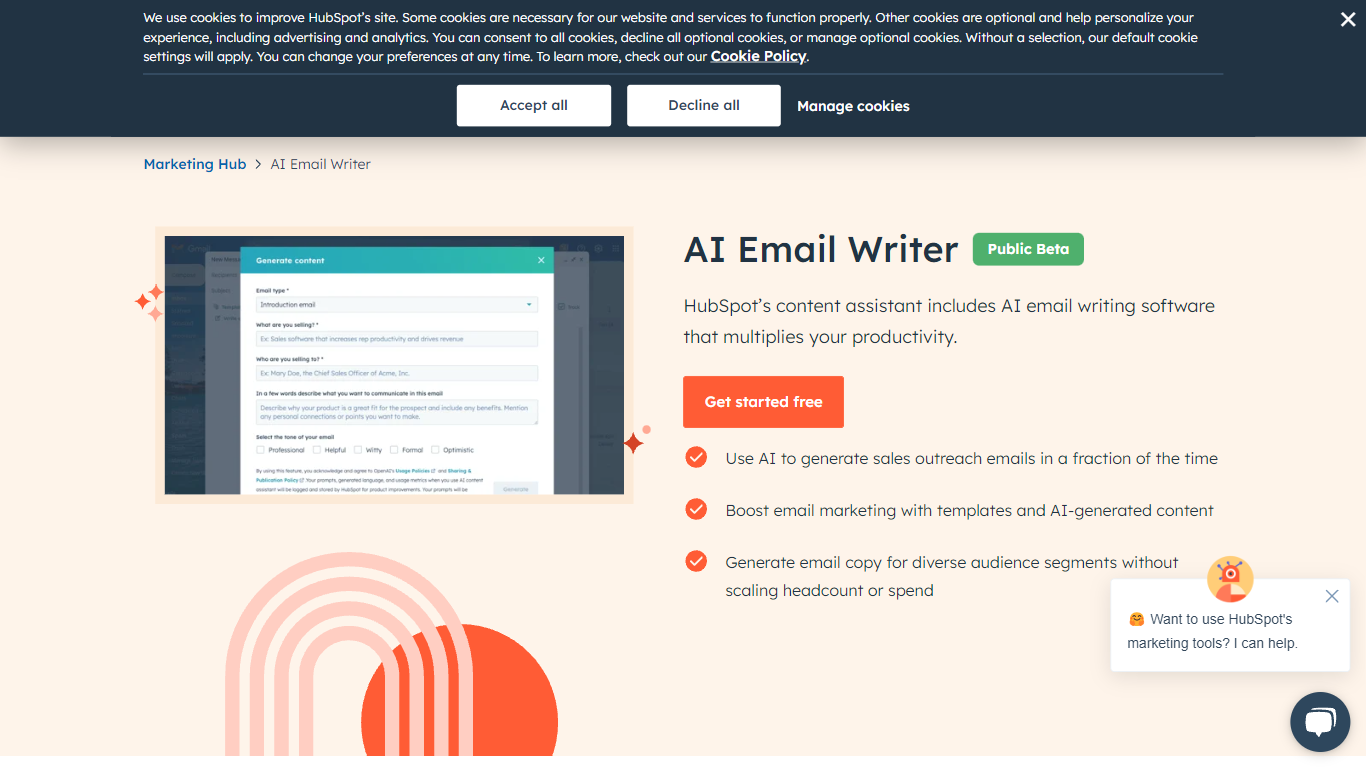

What is AI Email Writer | HubSpot?
HubSpot's AI Email Writer is an email assistant built into Marketing Hub that drafts marketing campaigns and sales outreach from text prompts. You pick an email template, use slash and highlight commands to generate or rewrite copy, then send and track everything from the same HubSpot CRM dashboard.
Standalone AI writing tools stop at the draft. HubSpot ties generation to your contact database, so personalization tokens pull from CRM records and campaign analytics log open rates and lead submissions automatically. That integration is the trade-off: you get less flexibility than a general-purpose writer, but you skip exporting copy into a separate ESP.
Marketing teams use it for blast campaigns and segmented messaging. Sales reps use it to generate cold outreach drafts at scale and customize tone, length, and spelling with inline commands. The free tier covers basic AI writing with no credit card; Starter, Professional, and Enterprise Marketing Hub plans unlock advanced automation and analytics.
superReply
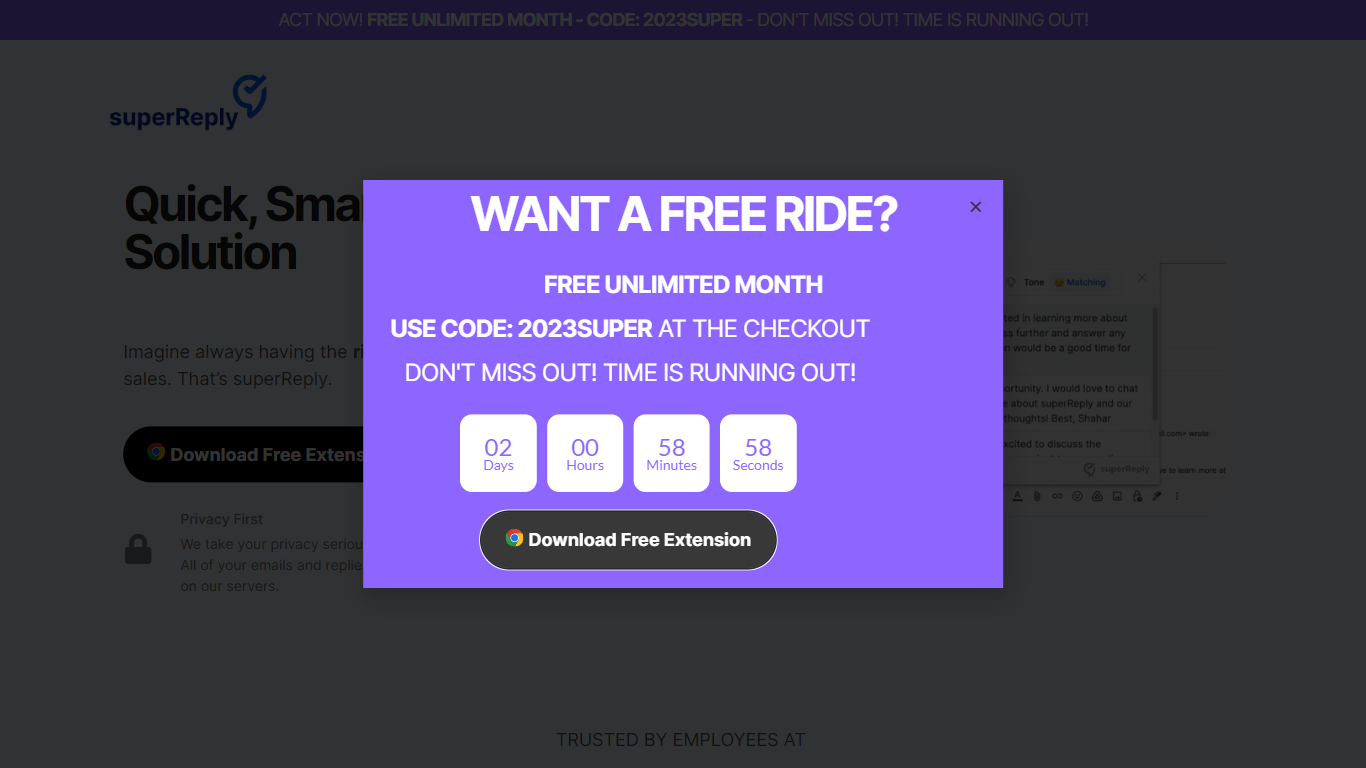
What is superReply?
superReply is a Chrome extension that drafts AI email replies inside Gmail and Outlook web inboxes. One click surfaces multiple tone-matched response options so you can answer customer care or sales threads without writing from scratch. The free tier covers up to 90 AI-powered replies each month.
Compared with standalone copy tools, superReply lives in the inbox and also lists integrations for WhatsApp, Slack, LinkedIn, Upwork, and Fiverr alongside Gmail and Outlook. Paid plans unlock unlimited replies and advanced tone controls, while the extension only reads messages you explicitly run it on and does not store automated responses on superReply servers.
Support reps, agency freelancers, and founders answering high-volume inboxes use it to clear routine threads faster. It fits teams that want personalized reply suggestions per user rather than a shared bot account, because each person installs the extension with their own login.
AI Email Writer | HubSpot Upvotes
superReply Upvotes
AI Email Writer | HubSpot Top Features
Generate and edit email copy with slash and highlight commands inside HubSpot
Free AI email writing with no credit card required
CRM auto-logs campaign data including open rates and lead submissions
Generate hundreds of sales outreach drafts in minutes
Audience segmentation for personalized messaging per contact list
Works in HubSpot desktop and mobile app plus Gmail inbox integration
Drag-and-drop email builder with professionally designed templates
superReply Top Features
Free tier includes up to 90 AI-powered email replies per month
One-click suggestions return multiple tone options for each message
Works inside Gmail and Outlook web via a Chrome Web Store extension
Integrations listed for WhatsApp, Slack, LinkedIn, Upwork, and Fiverr
Extension only accesses emails you choose and does not store replies on superReply servers
AI Email Writer | HubSpot Category
- Email Assistant
superReply Category
- Email Assistant
AI Email Writer | HubSpot Pricing Type
- Freemium
superReply Pricing Type
- Freemium