AI Face Retouch on AI Image Enlarger vs RemoveBG
In the contest of AI Face Retouch on AI Image Enlarger vs RemoveBG, which AI Photo Editing tool is the champion? We evaluate pricing, alternatives, upvotes, features, reviews, and more.
If you had to choose between AI Face Retouch on AI Image Enlarger and RemoveBG, which one would you go for?
When we examine AI Face Retouch on AI Image Enlarger and RemoveBG, both of which are AI-enabled photo editing tools, what unique characteristics do we discover? In the race for upvotes, RemoveBG takes the trophy. RemoveBG has attracted 11 upvotes from aitools.fyi users, and AI Face Retouch on AI Image Enlarger has attracted 6 upvotes.
You don't agree with the result? Cast your vote to help us decide!
AI Face Retouch on AI Image Enlarger
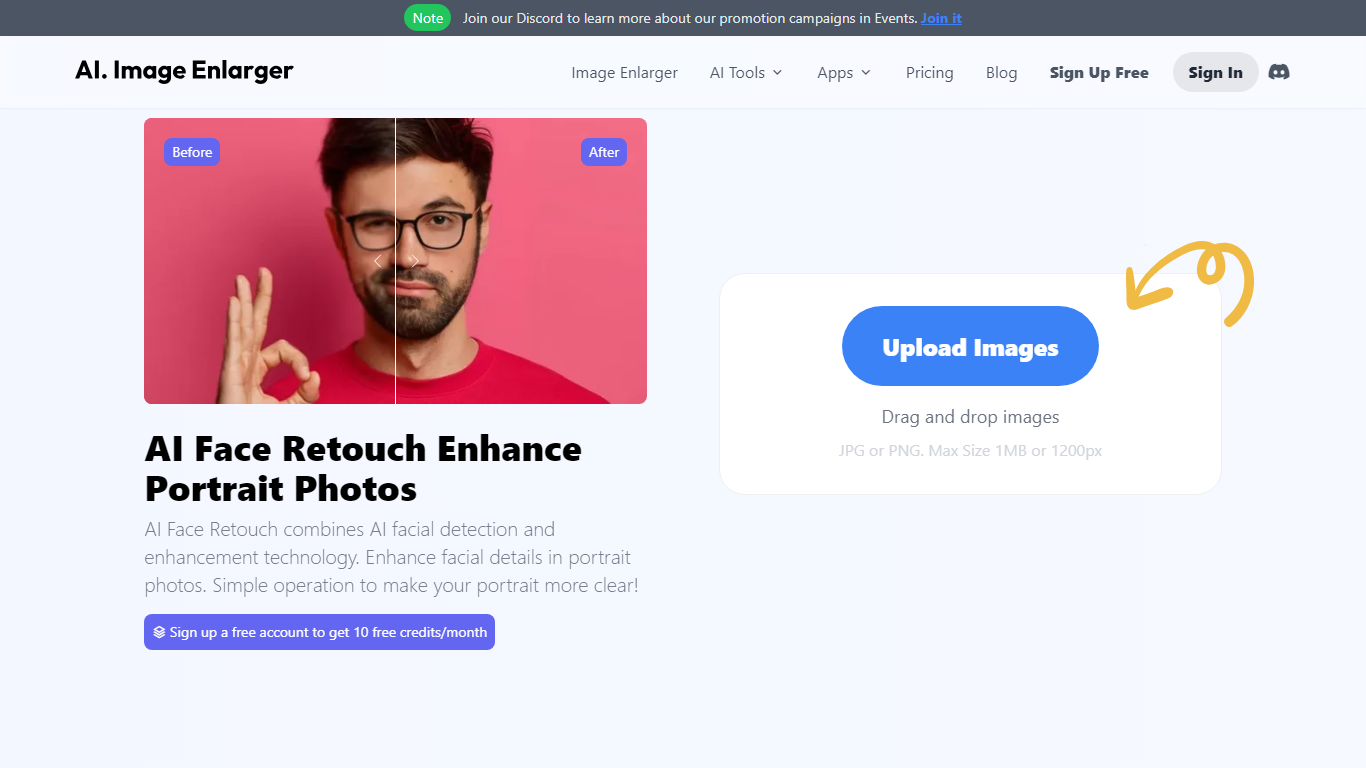

What is AI Face Retouch on AI Image Enlarger?
Imglarger AI Face Retouch cleans up soft, blurry, or low-resolution faces in selfies, headshots, and portrait photos through a browser uploader. Drop a JPG, PNG, or WebP file up to 10 MB, run the automated pass, preview the result, and download when the face looks sharper.
General photo enhancers sharpen the whole frame and often flatten skin texture. This retouch workflow targets facial details such as eyes, hair, and contours while aiming to keep the person recognizable, which is why it fits portrait fixes better than a one-click upscale on the full image.
Creators fixing profile photos, family scans, and social portraits use it when they want clearer faces without learning manual retouching tools. Free credits are available to start, with paid plans for heavier use, and processed files are deleted within six hours.
RemoveBG

What is RemoveBG?
RemoveBG is a powerful and user-friendly online tool that allows you to remove image backgrounds in seconds, and the best part is, it's completely free! With advanced AI technology, RemoveBG makes background removal a breeze, saving you time and effort. Whether you need to edit images for creative projects, marketing materials, or personal use, RemoveBG has got you covered.
With RemoveBG, the process of removing image backgrounds is as easy as 1-2-3. First, choose the image you want to edit and upload it into the tool. Second, let the advanced AI technology analyze your image and automatically remove the background. Finally, download the new image and use it for any purpose you desire. Say goodbye to background woes and hello to hassle-free image editing with RemoveBG.
AI Face Retouch on AI Image Enlarger Upvotes
RemoveBG Upvotes
AI Face Retouch on AI Image Enlarger Top Features
Accepts JPG, PNG, and WebP portraits up to 10 MB per upload
Refines eyes, hair, and facial contours instead of applying heavy beauty filters
Shows a before-and-after preview before you download the retouched file
Runs in desktop and mobile browsers with no software install
Deletes uploaded and processed images automatically within six hours
Free credits let you test the retouch workflow before buying a paid plan
RemoveBG Top Features
Quick and Easy Background Removal: RemoveBG makes it incredibly simple to remove image backgrounds with just a few clicks. No need for complex editing software or extensive manual work.
Free of Cost: RemoveBG offers its background removal services completely free of charge. Say goodbye to expensive editing tools and hello to cost-effective image editing.
Advanced AI Technology: Powered by advanced AI technology RemoveBG analyzes your images and accurately detects and removes the background ensuring clean and professional results.
Versatile Usage: The images edited with RemoveBG can be used for a wide range of purposes including creative projects marketing materials or personal use. The possibilities are endless.
User-Friendly Interface: RemoveBG's user-friendly interface makes it easy for anyone to use regardless of their level of expertise in image editing. No technical skills required.
AI Face Retouch on AI Image Enlarger Category
- Photo Editing
RemoveBG Category
- Photo Editing
AI Face Retouch on AI Image Enlarger Pricing Type
- Freemium
RemoveBG Pricing Type
- Free