AI HomeDesign vs Remove.bg
Compare AI HomeDesign vs Remove.bg and see which AI tool is better when we compare features, reviews, pricing, alternatives, upvotes, etc.
Which one is better? AI HomeDesign or Remove.bg?
When we compare AI HomeDesign with Remove.bg, which are both AI-powered tools, AI HomeDesign is the clear winner in terms of upvotes. The number of upvotes for AI HomeDesign stands at 24, and for Remove.bg it's 9.
Feeling rebellious? Cast your vote and shake things up!
AI HomeDesign
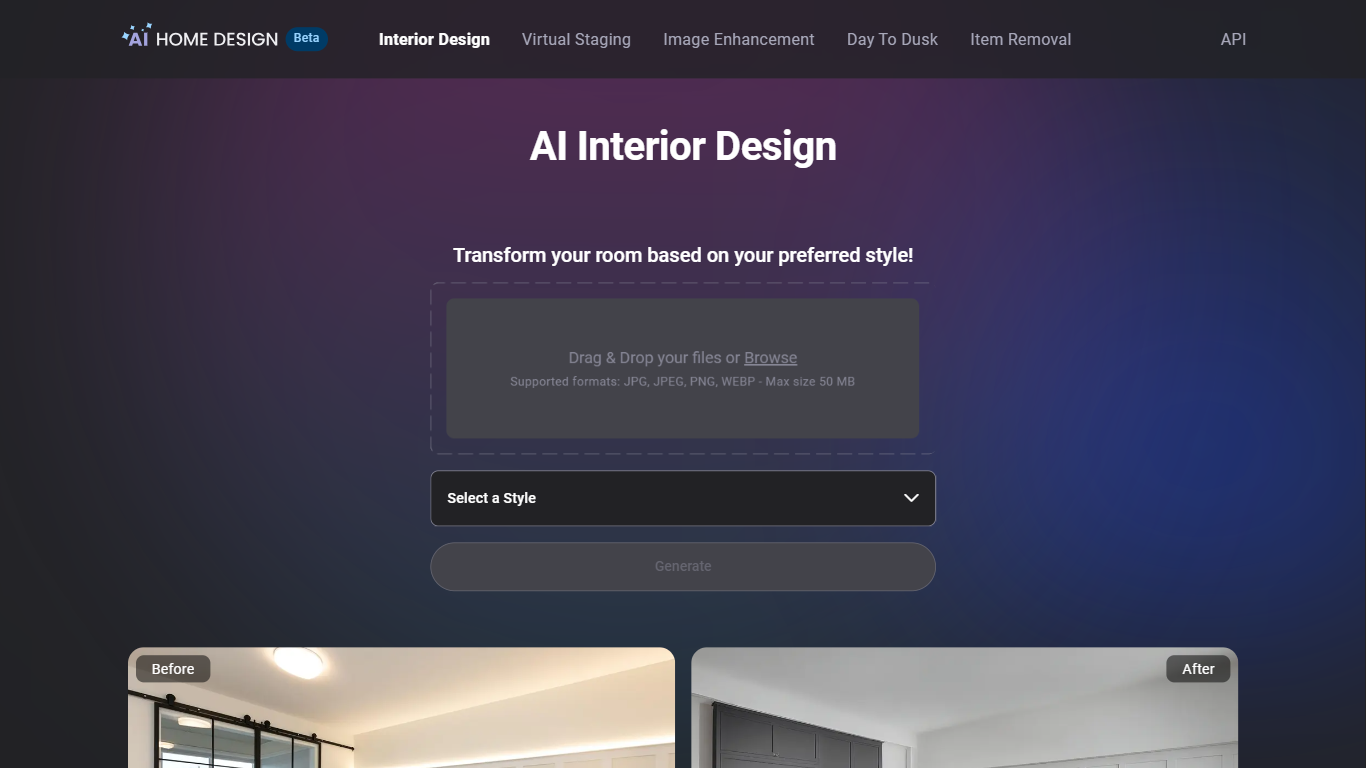

What is AI HomeDesign?
AI HomeDesign is a real estate photo editing toolbox that prepares listing-ready property images for MLS boards and portals like Zillow from one web dashboard. Upload a JPG or PNG, pick a service such as virtual staging, item removal, day-to-dusk conversion, or image enhancement, and download a result in under seven seconds. Signup includes free credits with no credit card, though free exports carry a watermark until you upgrade.
Standalone virtual staging apps usually handle furniture only. AI HomeDesign bundles staging with eight renovation helpers (wall, floor, ceiling, backsplash, and furniture restyle tools) plus batch photo editing, which targets agents juggling vacant listings, occupied homes, and fixer-uppers in the same week. Per-photo pricing from $0.24 on Enterprise also beats traditional furniture rental staging on cost for high-volume brokerages.
Agents at Keller Williams, Coldwell Banker, Compass, and RE/MAX use it to stage empty rooms across 15 room types and 8 design styles, remove packing boxes, or preview renovation finishes before contractors start. Enterprise teams get API access, SSO, and MLS compliance features through the B2B program.
Remove.bg
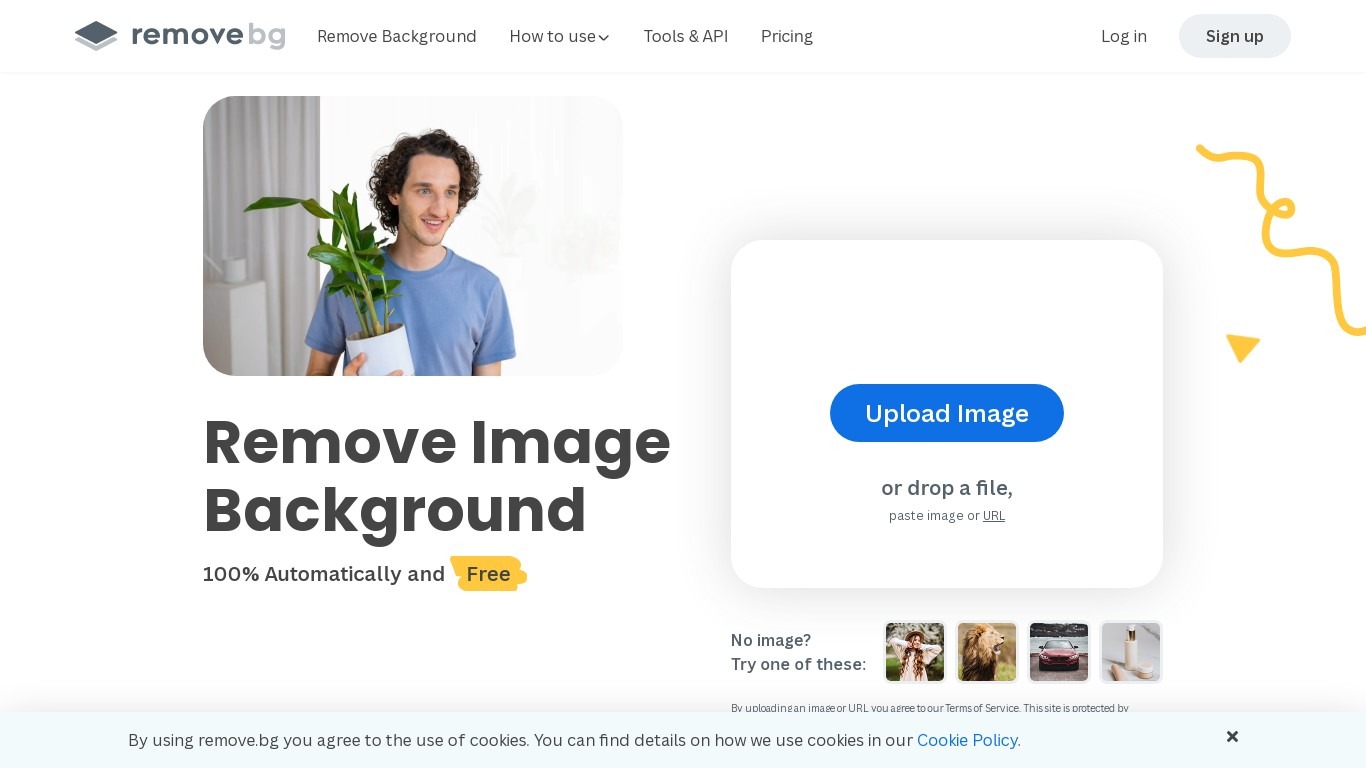
What is Remove.bg?
Remove.bg strips backgrounds from photos in about five seconds after you upload an image, drop a file, or paste a URL. You get a cutout on a transparent PNG, which is the format most ecommerce and design workflows expect for product shots, logos, and headshots.
Unlike a full photo editor where background removal sits behind layers and masks, Remove.bg treats cutouts as the whole job. It also sells credits for max-quality exports, an HTTP API with 50 free calls per month, bulk editing on higher tiers, and plugins for Photoshop and desktop apps.
The free tier covers low-resolution previews so you can test results before buying credits. Photographers, ecommerce teams, marketers, and developers use it when they need clean cutouts without hand-tracing hair or product edges.
AI HomeDesign Upvotes
Remove.bg Upvotes
AI HomeDesign Top Features
Virtual staging across 15 room types and 8 design styles (120 combinations) in under 5 seconds
Pro plan at $19 per month includes 30 listing photos with unused credit rollover
Enterprise plan at $49 per month covers 200 photos at $0.24 each with API access
Eight renovation tools for walls, floors, ceilings, backsplashes, and furniture restyles
Free regenerations and chat-based edits to refine staged rooms without re-uploading
MLS-ready output designed for Zillow, Realtor.com, and brokerage listing workflows
Remove.bg Top Features
Processes backgrounds in about five seconds per upload with no manual masking
API supports direct file uploads or URL references with output up to 50 megapixels
First 50 API calls per month are free on the official API documentation page
Lite plan includes 40 credits per month at $8.10 per month when billed yearly
Exports transparent PNG backgrounds for ecommerce product photos and logos
Bulk editing and Photoshop plugin available on paid Pro and Volume+ plans
Pay-as-you-go option starts at 3 credits for $3 without a subscription
AI HomeDesign Category
- Real Estate
Remove.bg Category
- Photo Editing
AI HomeDesign Pricing Type
- Freemium
Remove.bg Pricing Type
- Freemium