AI Image Generator | Canva vs Diffusion Art
In the contest of AI Image Generator | Canva vs Diffusion Art, which AI Image Generation Model tool is the champion? We evaluate pricing, alternatives, upvotes, features, reviews, and more.
If you had to choose between AI Image Generator | Canva and Diffusion Art, which one would you go for?
When we examine AI Image Generator | Canva and Diffusion Art, both of which are AI-enabled image generation model tools, what unique characteristics do we discover? In the race for upvotes, Diffusion Art takes the trophy. The number of upvotes for Diffusion Art stands at 7, and for AI Image Generator | Canva it's 6.
You don't agree with the result? Cast your vote to help us decide!
AI Image Generator | Canva
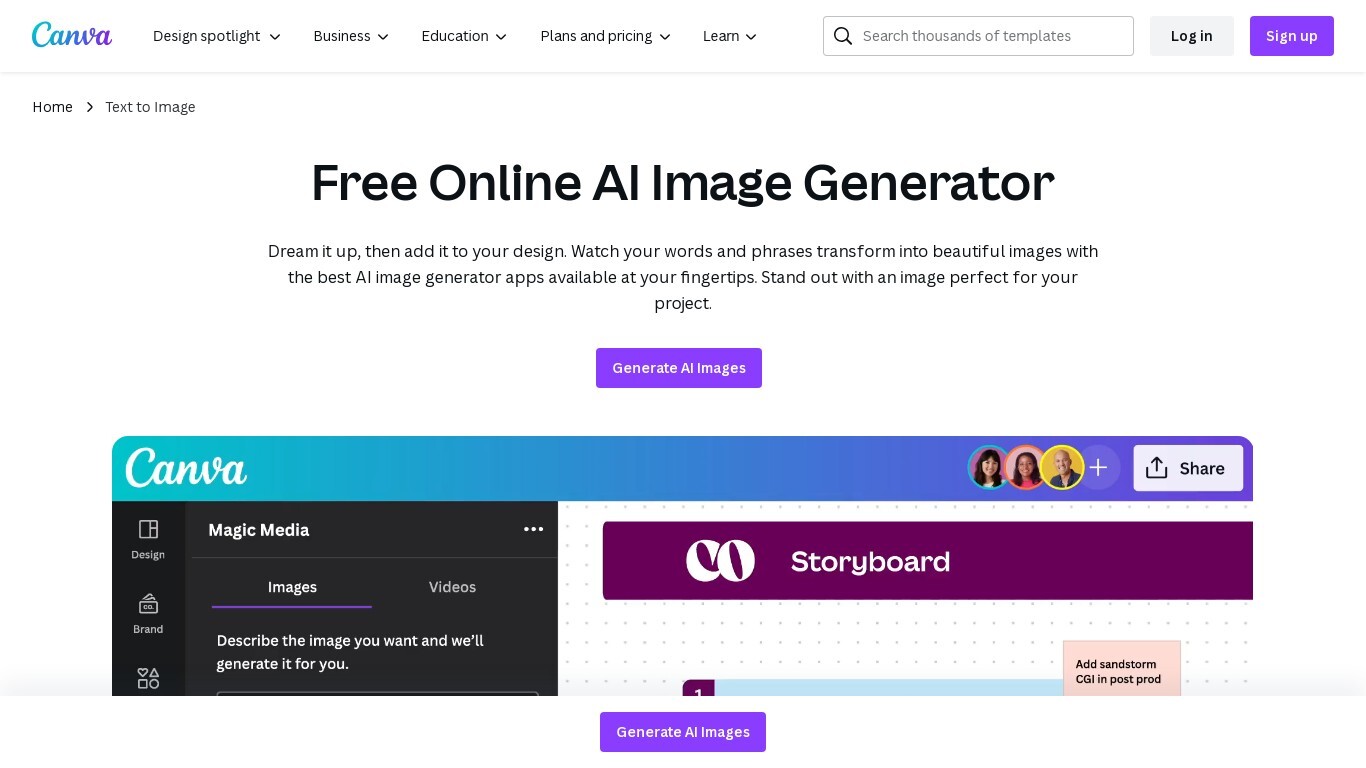

What is AI Image Generator | Canva?
Transform text into stunning visuals with Canva's AI Image Generators, including Magic Media™ and Dream Lab. These tools let you quickly turn words and phrases into unique images in various art styles like Watercolor, Neon, and Retrowave. You can customize images with different aspect ratios and edit them using Canva's photo editing tools.
The platform supports creating graphics, icons, stickers, and illustrations tailored to your style or brand. Safety is a priority, with automated content reviews to prevent inappropriate outputs. Canva’s AI tools are designed for content creators, entrepreneurs, and artists to generate captivating visuals for presentations, social media, branding, and creative projects.
Diffusion Art
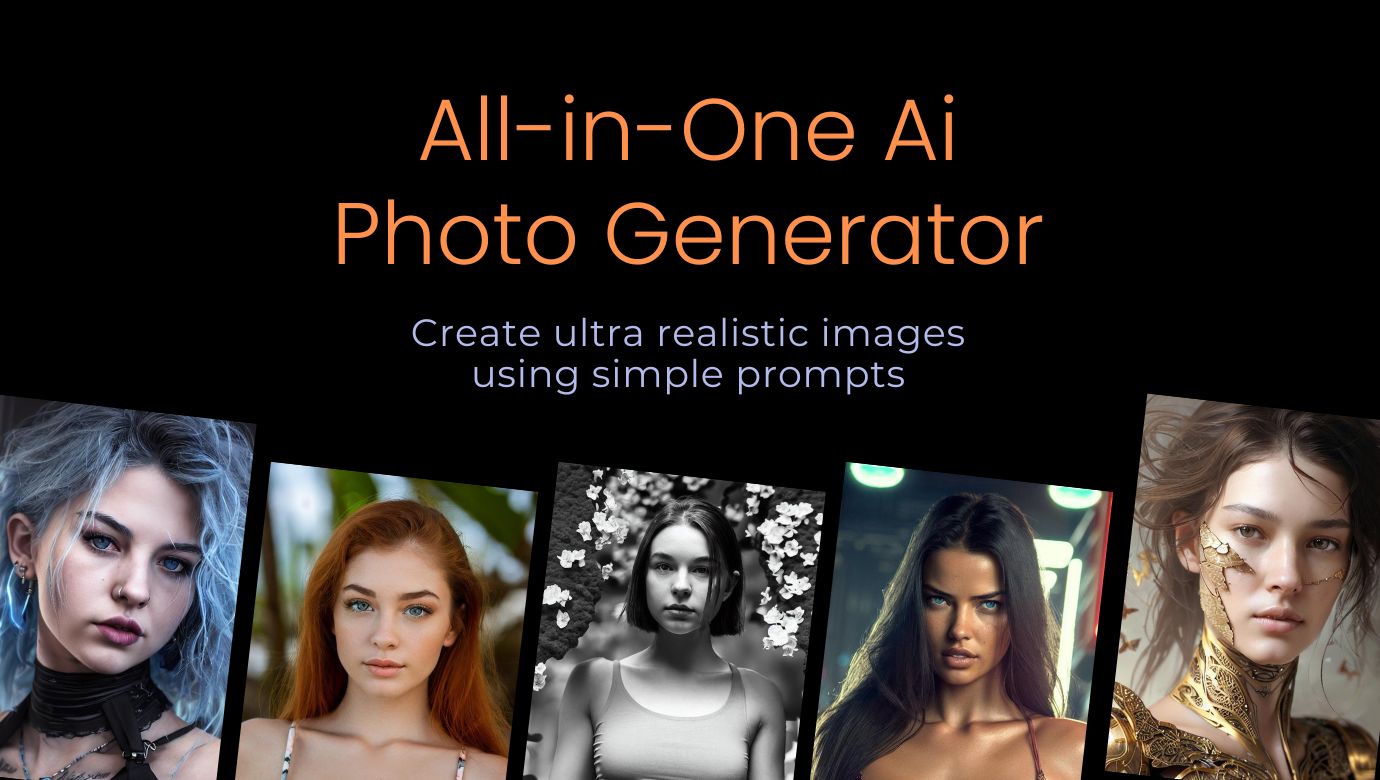
What is Diffusion Art?
DiffusionArt is a web-based tool that allows users to generate art, create image variations, upscale images, and use various conceptualizers to create unique and creative works of art. It also provides a Prompt Generator, Prompt Tuner, and other AI-driven labs that enable users to fine-tune their artwork. The tool is free and anonymous, and does not require a Discord account or sign-up to use.
AI Image Generator | Canva Upvotes
Diffusion Art Upvotes
AI Image Generator | Canva Top Features
🎨 Multiple AI Generators: Use Magic Media™ and Dream Lab to create images from text or reference styles.
🖌️ Wide Style Selection: Choose from Watercolor, Neon, Filmic, Retrowave, and more to fit your vision.
✏️ Magic Edit: Modify image elements like color, texture, or background with simple text prompts.
🧹 Magic Eraser: Remove unwanted parts of images instantly without manual editing.
📊 AI Usage Limits: Free users get 50 Text to Image uses; Pro and educational plans offer up to 500 monthly.
Diffusion Art Top Features
AI Portrait
Text to Image
Image Upscaling
Photo-to-painting
Artistic filters
AI Image Generator | Canva Category
- Image Generation Model
Diffusion Art Category
- Image Generation Model
AI Image Generator | Canva Pricing Type
- Freemium
Diffusion Art Pricing Type
- Free