AI Image Upscaler on AI Image Enlarger vs AI Photo Editor
In the battle of AI Image Upscaler on AI Image Enlarger vs AI Photo Editor, which AI Photo Editing tool comes out on top? We compare reviews, pricing, alternatives, upvotes, features, and more.
Between AI Image Upscaler on AI Image Enlarger and AI Photo Editor, which one is superior?
Upon comparing AI Image Upscaler on AI Image Enlarger with AI Photo Editor, which are both AI-powered photo editing tools, AI Photo Editor stands out as the clear frontrunner in terms of upvotes. The upvote count for AI Photo Editor is 17, and for AI Image Upscaler on AI Image Enlarger it's 6.
You don't agree with the result? Cast your vote to help us decide!
AI Image Upscaler on AI Image Enlarger


What is AI Image Upscaler on AI Image Enlarger?
This Imglarger photo editing tool enlarges JPG, PNG, or WebP images to 2x or 4x resolution in your browser. You upload a file up to 10 MB and 1024 px wide, pick a scale factor, and the model sharpens edges and textures for 4K screens, product catalogs, or social posts. It handles portraits, AI art, anime frames, and product shots without installing desktop software.
Standard resize tools stretch pixels and leave blurry blocks. Imglarger's upscaler rebuilds detail with a focused workflow: upload, choose 200% or 400%, preview side by side, then download. You give up local batch power on the free tier and must trust cloud processing, though files auto-delete within six hours.
E-commerce teams batch-prepare catalog assets on paid plans. Digital artists upscale Midjourney or Stable Diffusion outputs, and photographers rescue compressed client files before print runs.
AI Photo Editor
What is AI Photo Editor?
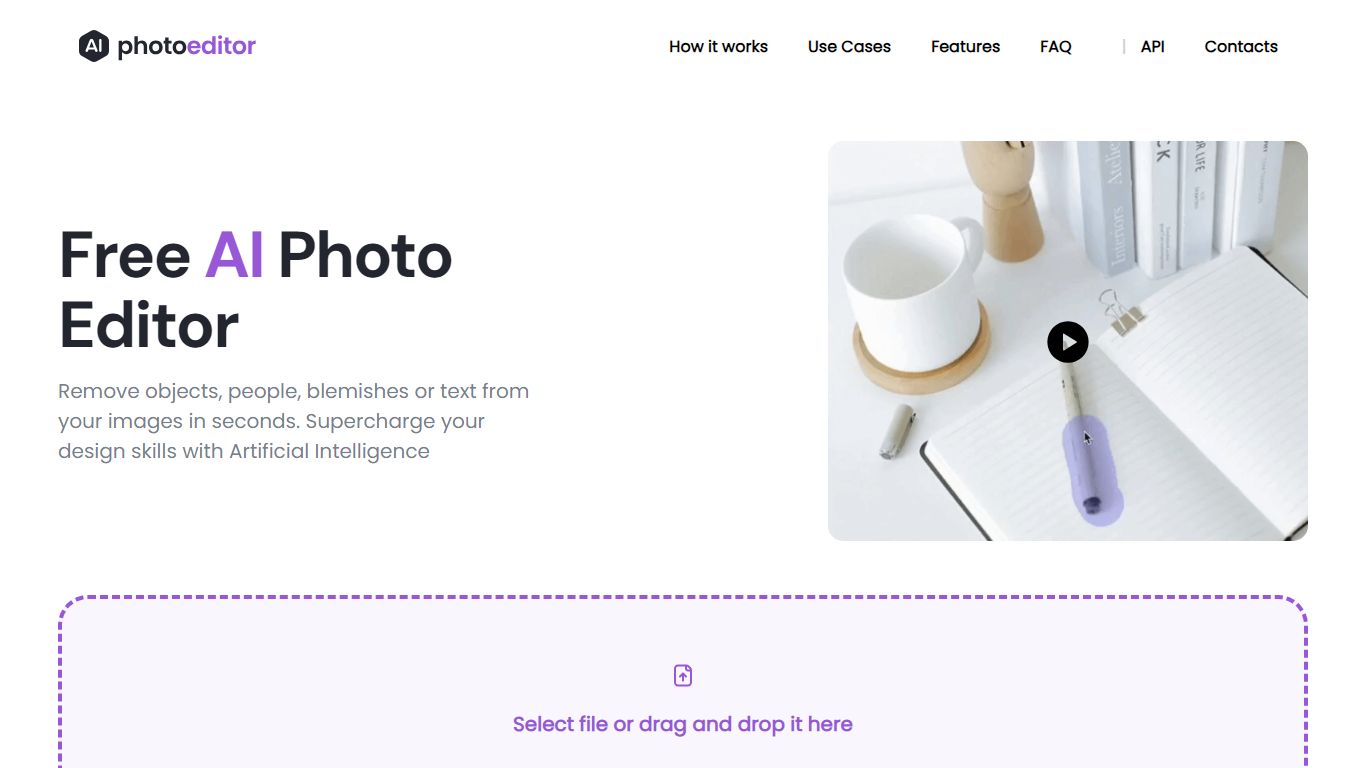
PhotoEditor.ai bundles 30+ browser-based photo editing tools for cleanup, background removal, upscaling, inpainting, and image generation. You upload a JPG, PNG, HEIC, AVIF, or WEBP file up to 15MB, pick the task-specific tool, and download the result without installing desktop software.
Instead of one general editor with every feature buried in menus, each job gets its own page and default model benchmarked for that task. That is the main difference from template-first design apps like Canva or chat-based image edits inside Gemini and ChatGPT, which lack per-tool controls and batch-friendly workflows.
The free tier covers Cleanup, Remove Background, and Enhance with 720px exports and no signup. Marketers, ecommerce sellers, photographers, and casual users who need quick retouching on desktop or mobile browsers are the core audience.
AI Image Upscaler on AI Image Enlarger Upvotes
AI Photo Editor Upvotes
AI Image Upscaler on AI Image Enlarger Top Features
Upscale images to 200% or 400% with a single upload step
Accepts JPG, PNG, and WebP files up to 10 MB and 1024 px input width
Preview upscaled output beside the original before downloading
Batch upscale multiple images on paid plans starting at $4.99 per month
Processed files are automatically deleted within six hours
Dedicated anime upscaler and enlarger tools live on the same Imglarger site
AI Photo Editor Top Features
30+ purpose-built tools across edit, generate, enhance, remove, and background workflows
Free Cleanup, Remove Background, and Enhance tools with no signup required
Model picker includes Nano Banana, GPT Image 2, Seedream 5.0, and PhotoEditor.ai balanced model
Most cleanup and background edits finish in under 10 seconds
Pro plan includes 600 credits per month and commercial use license
Uploads support JPG, PNG, HEIC, AVIF, and WEBP files up to 15MB
AI Image Upscaler on AI Image Enlarger Category
- Photo Editing
AI Photo Editor Category
- Photo Editing
AI Image Upscaler on AI Image Enlarger Pricing Type
- Freemium
AI Photo Editor Pricing Type
- Freemium