AI Image Upscaler on AI Image Enlarger vs Photo to Cartoon and Caricature By pixstacks
In the clash of AI Image Upscaler on AI Image Enlarger vs Photo to Cartoon and Caricature By pixstacks, which AI Photo Editing tool emerges victorious? We assess reviews, pricing, alternatives, features, upvotes, and more.
When we put AI Image Upscaler on AI Image Enlarger and Photo to Cartoon and Caricature By pixstacks head to head, which one emerges as the victor?
Let's take a closer look at AI Image Upscaler on AI Image Enlarger and Photo to Cartoon and Caricature By pixstacks, both of which are AI-driven photo editing tools, and see what sets them apart. There's no clear winner in terms of upvotes, as both tools have received the same number. Your vote matters! Help us decide the winner among aitools.fyi users by casting your vote.
Think we got it wrong? Cast your vote and show us who's boss!
AI Image Upscaler on AI Image Enlarger


What is AI Image Upscaler on AI Image Enlarger?
This Imglarger photo editing tool enlarges JPG, PNG, or WebP images to 2x or 4x resolution in your browser. You upload a file up to 10 MB and 1024 px wide, pick a scale factor, and the model sharpens edges and textures for 4K screens, product catalogs, or social posts. It handles portraits, AI art, anime frames, and product shots without installing desktop software.
Standard resize tools stretch pixels and leave blurry blocks. Imglarger's upscaler rebuilds detail with a focused workflow: upload, choose 200% or 400%, preview side by side, then download. You give up local batch power on the free tier and must trust cloud processing, though files auto-delete within six hours.
E-commerce teams batch-prepare catalog assets on paid plans. Digital artists upscale Midjourney or Stable Diffusion outputs, and photographers rescue compressed client files before print runs.
Photo to Cartoon and Caricature By pixstacks
What is Photo to Cartoon and Caricature By pixstacks?
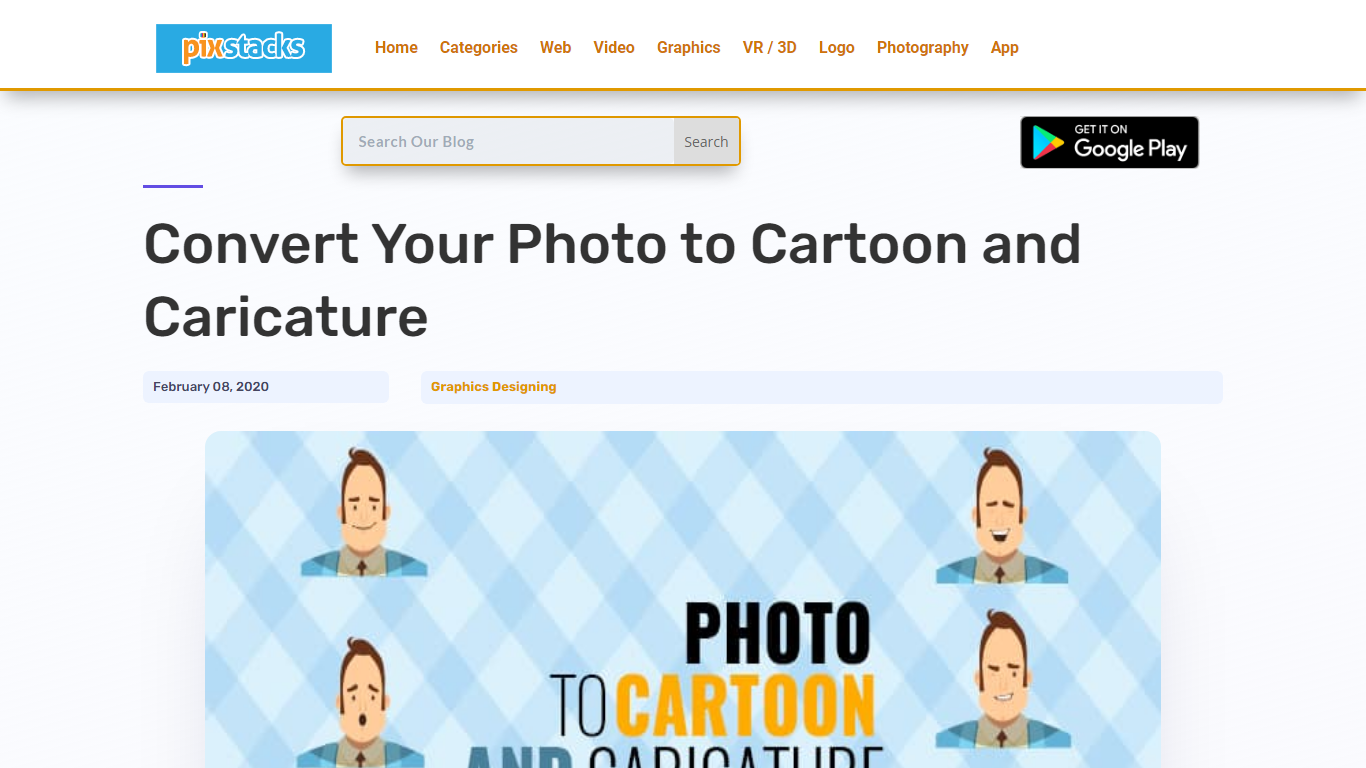
Transform your standard photos into stunning cartoons and caricatures with our easy-to-use online service. Simply upload your portrait, and within seconds, witness an array of incredible face alterations: morph your features, tweak your expressions, or animate your face completely for a dynamic effect. Your lips, cheeks, eyebrows, and eyelids will come to life, ensuring every animation like a smile or wink feels incredibly real. Engage with our free and intuitive tools like Photocartoon, AnyMaking, or the Toon Artist Photoshop Action to elevate your images to shareable and frameable art pieces.
AI Image Upscaler on AI Image Enlarger Upvotes
Photo to Cartoon and Caricature By pixstacks Upvotes
AI Image Upscaler on AI Image Enlarger Top Features
Upscale images to 200% or 400% with a single upload step
Accepts JPG, PNG, and WebP files up to 10 MB and 1024 px input width
Preview upscaled output beside the original before downloading
Batch upscale multiple images on paid plans starting at $4.99 per month
Processed files are automatically deleted within six hours
Dedicated anime upscaler and enlarger tools live on the same Imglarger site
Photo to Cartoon and Caricature By pixstacks Top Features
Photo to Cartoon Conversion: Turn your portrait photos into cartoons effortlessly.
Animated Facial Expressions: Add live movement to your caricatures with animated features.
Caricature Styles Variety: Explore a range of caricature effects from Troll to Tough Guy personas.
Free Online Tools: Utilize free services like Photocartoon and AnyMaking for instant transformations.
Photoshop Action: Access Toon Artist Photoshop Action for professional-grade cartoon illustrations.
AI Image Upscaler on AI Image Enlarger Category
- Photo Editing
Photo to Cartoon and Caricature By pixstacks Category
- Photo Editing
AI Image Upscaler on AI Image Enlarger Pricing Type
- Freemium
Photo to Cartoon and Caricature By pixstacks Pricing Type
- Freemium