AI Photo Editor vs Imagen
Dive into the comparison of AI Photo Editor vs Imagen and discover which AI Photo Editing tool stands out. We examine alternatives, upvotes, features, reviews, pricing, and beyond.
When comparing AI Photo Editor and Imagen, which one rises above the other?
When we compare AI Photo Editor and Imagen, two exceptional photo editing tools powered by artificial intelligence, and place them side by side, several key similarities and differences come to light. The upvote count shows a clear preference for AI Photo Editor. AI Photo Editor has garnered 17 upvotes, and Imagen has garnered 9 upvotes.
Want to flip the script? Upvote your favorite tool and change the game!
AI Photo Editor
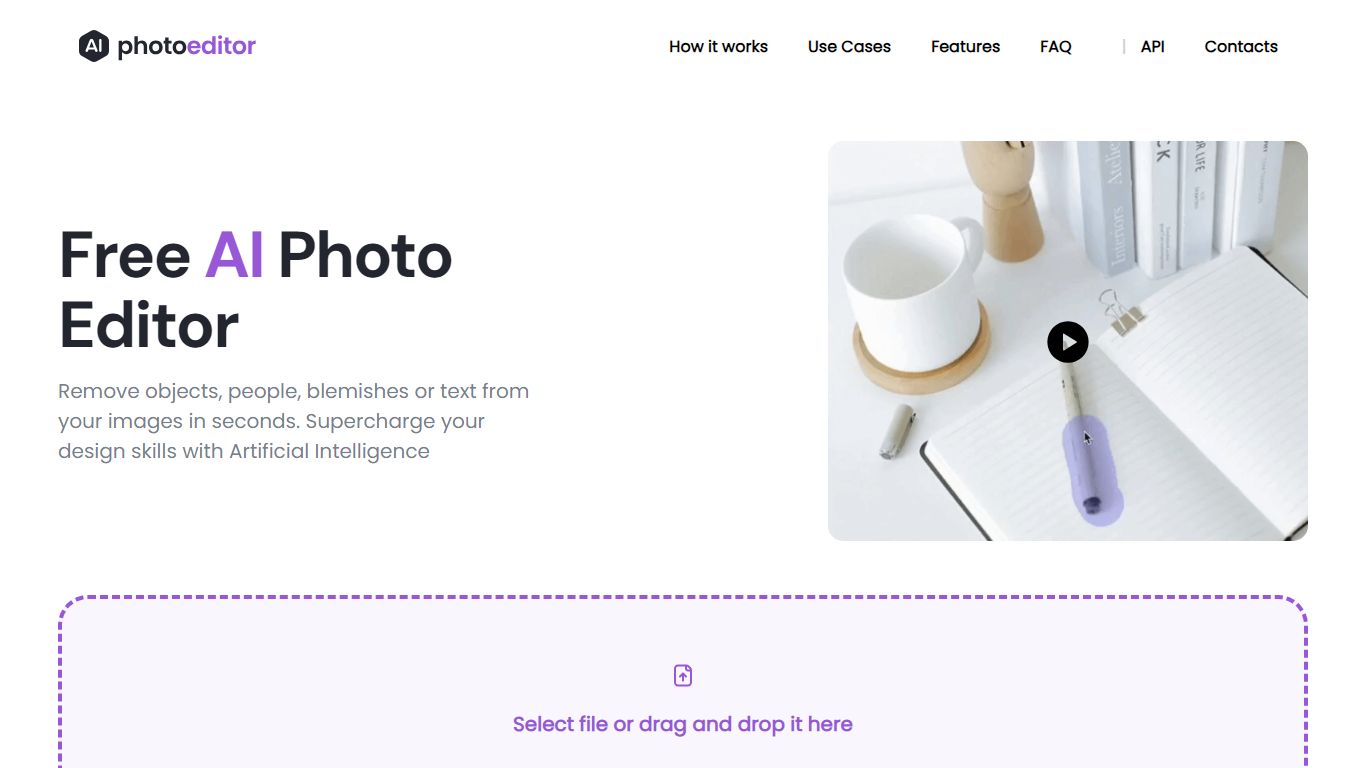

What is AI Photo Editor?
PhotoEditor.ai bundles 30+ browser-based photo editing tools for cleanup, background removal, upscaling, inpainting, and image generation. You upload a JPG, PNG, HEIC, AVIF, or WEBP file up to 15MB, pick the task-specific tool, and download the result without installing desktop software.
Instead of one general editor with every feature buried in menus, each job gets its own page and default model benchmarked for that task. That is the main difference from template-first design apps like Canva or chat-based image edits inside Gemini and ChatGPT, which lack per-tool controls and batch-friendly workflows.
The free tier covers Cleanup, Remove Background, and Enhance with 720px exports and no signup. Marketers, ecommerce sellers, photographers, and casual users who need quick retouching on desktop or mobile browsers are the core audience.
Imagen
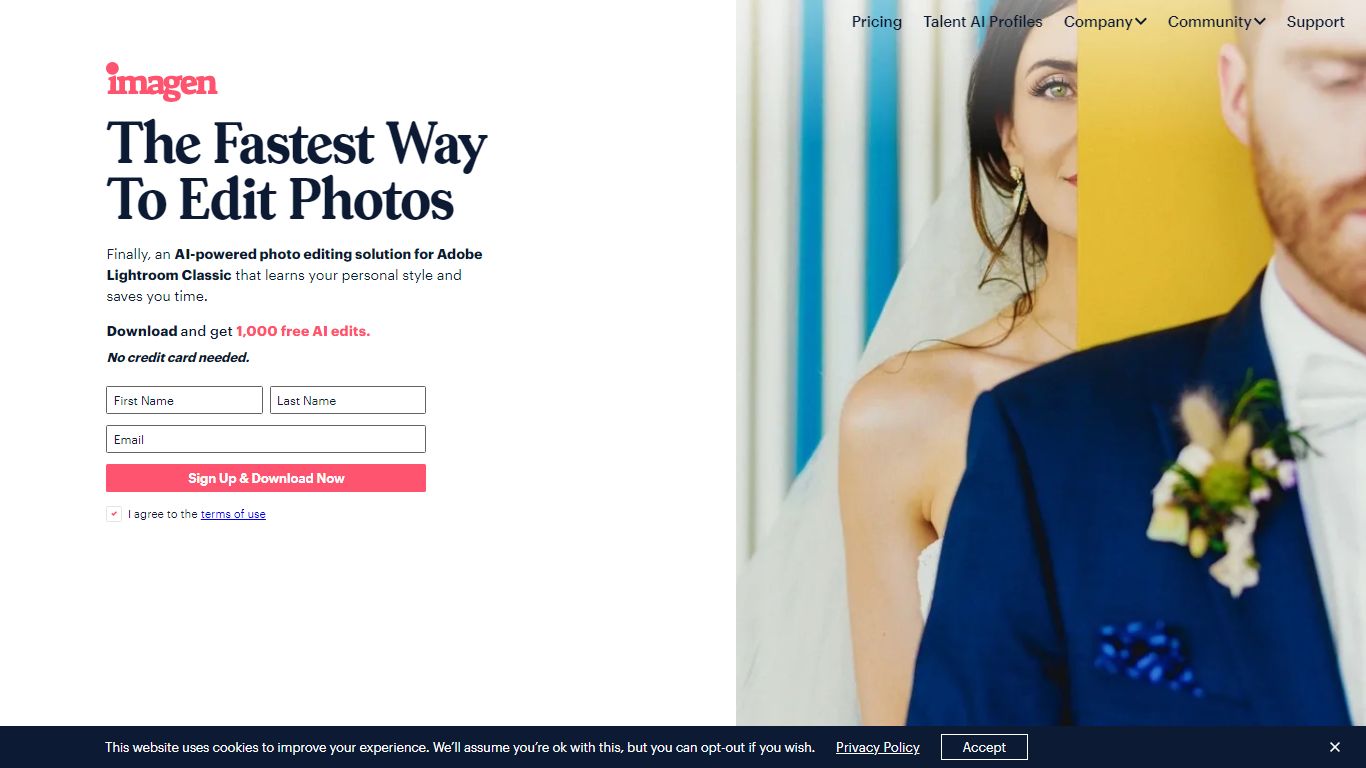
What is Imagen?
Imagen learns your Lightroom editing style and applies it across entire catalogs in Adobe Lightroom Classic. You build a Personal AI Profile from past edits or start with Talent AI Profiles from photographers like Taylor Jackson and Jose Villa, then batch-edit weddings, portraits, sports, and real estate shoots in minutes instead of hours.
Preset packs and manual batch syncing still eat time when every image needs different exposure tweaks. Imagen adjusts white balance, exposure, and color per photo while matching your profile, and claims 96% faster workflows with edits under half a second each. The trade-off is Lightroom Classic lock-in: this is not a standalone editor or a Capture One replacement.
Wedding, portrait, event, and real estate photographers use Imagen to cull, color-correct, mask, crop, and retouch before delivery. Pay-as-you-go starts at $0.50 per photo with a $7 monthly minimum, while the Limitless plan runs $179 per month on annual billing for unlimited solo editing and culling.
AI Photo Editor Upvotes
Imagen Upvotes
AI Photo Editor Top Features
30+ purpose-built tools across edit, generate, enhance, remove, and background workflows
Free Cleanup, Remove Background, and Enhance tools with no signup required
Model picker includes Nano Banana, GPT Image 2, Seedream 5.0, and PhotoEditor.ai balanced model
Most cleanup and background edits finish in under 10 seconds
Pro plan includes 600 credits per month and commercial use license
Uploads support JPG, PNG, HEIC, AVIF, and WEBP files up to 15MB
Imagen Top Features
Personal AI Profile learns your style from 2,000 previously edited photos in Lightroom Classic
Lite Personal AI Profile builds from a preset and a short questionnaire in minutes
Over 20 Talent AI Profiles from photographers including Taylor Jackson, Jose Villa, and Susan Stripling
Edits complete in under half a second per photo with claimed 96% workflow time savings
Pay-as-you-go from $0.50 per photo with a $7 monthly minimum that rolls over as credit
Limitless plan at $179 per month (annual billing) includes unlimited editing and AI culling
1,000 free AI edits on signup with no credit card required
AI Photo Editor Category
- Photo Editing
Imagen Category
- Photo Editing
AI Photo Editor Pricing Type
- Freemium
Imagen Pricing Type
- Freemium